Screenshots
Uniswap Screenshots
Every screen from Uniswap, organized by user flow.The largest decentralized exchange protocol — browse Uniswap's full swap interface, limit orders, fiat on/off ramps, pool management, explore pages, and wallet onboarding across Ethereum, Polygon, Arbitrum, Optimism, and Base.
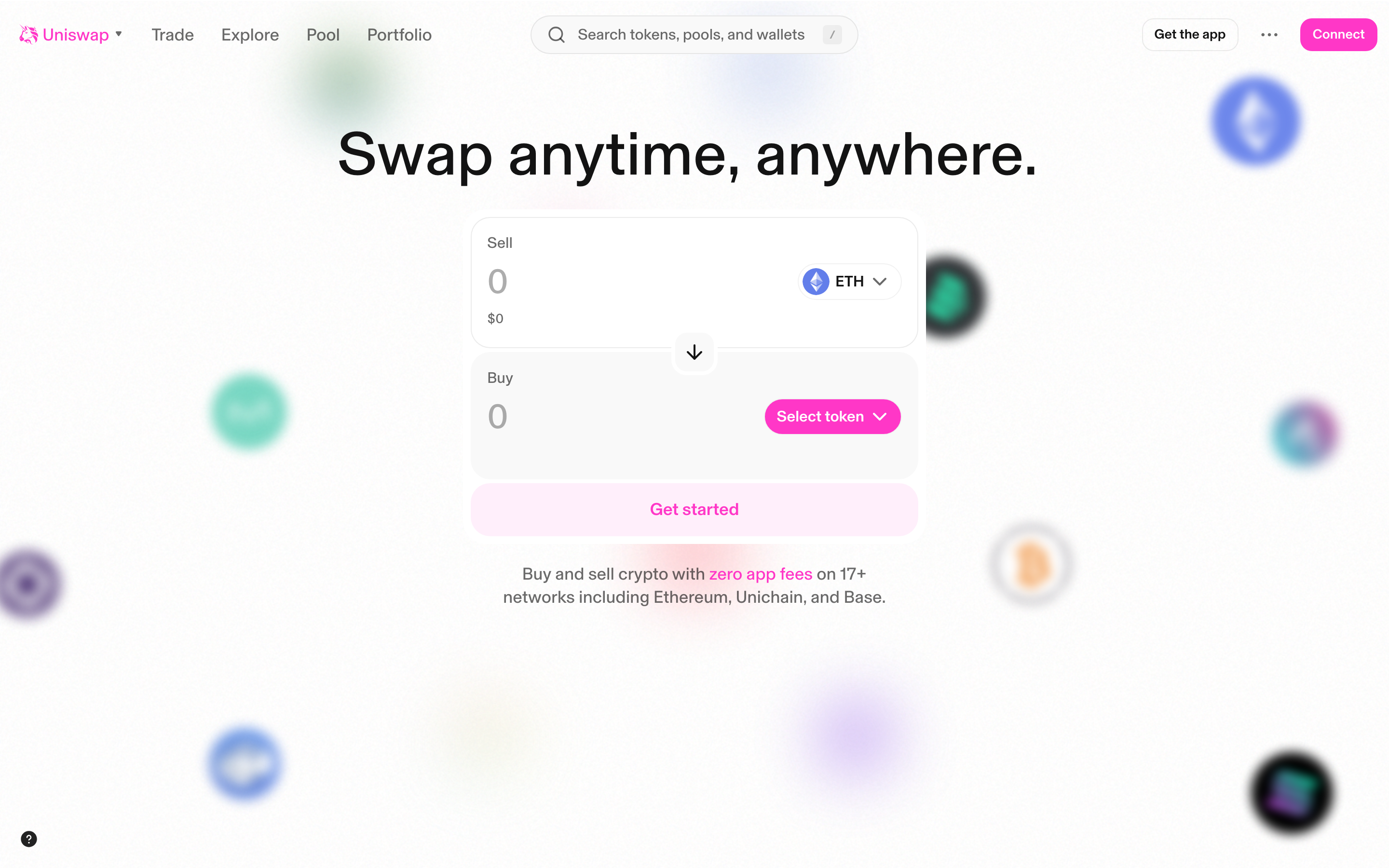
Main landing page - Swap interface with "Swap anytime, anywhere" hero
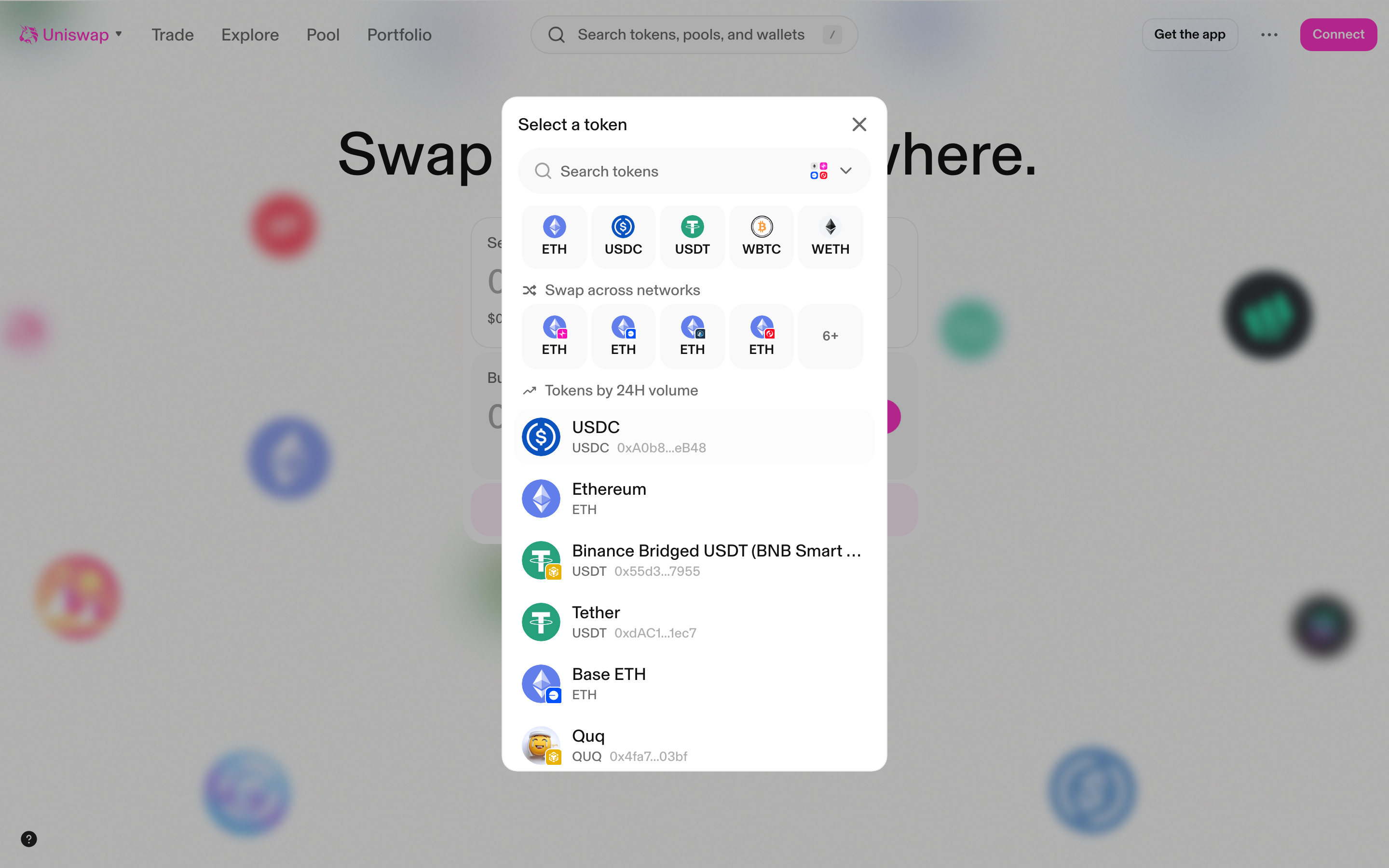
Token selector modal - showing popular tokens and swap across networks
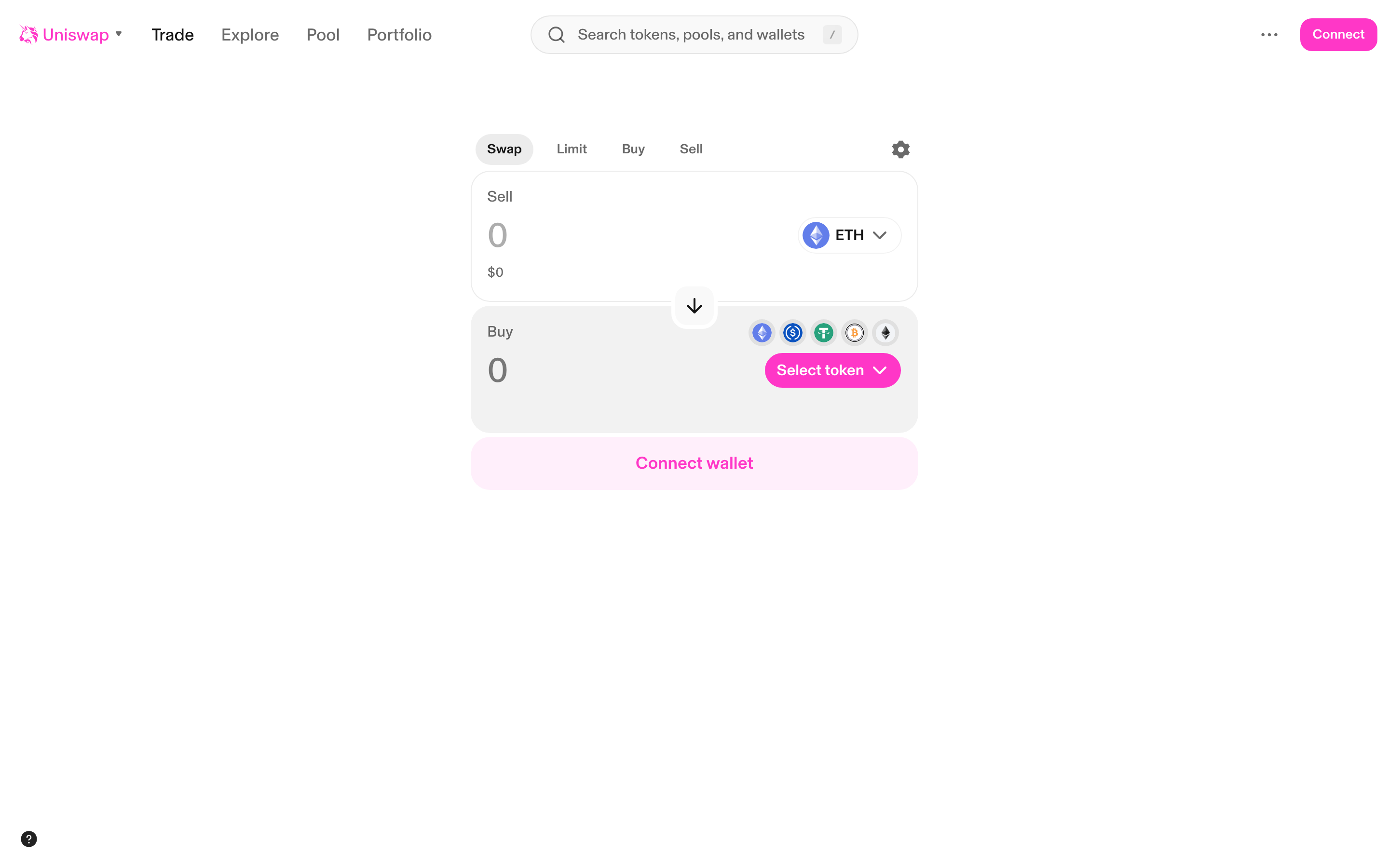
Swap page - showing Swap/Limit/Buy/Sell tabs with swap form
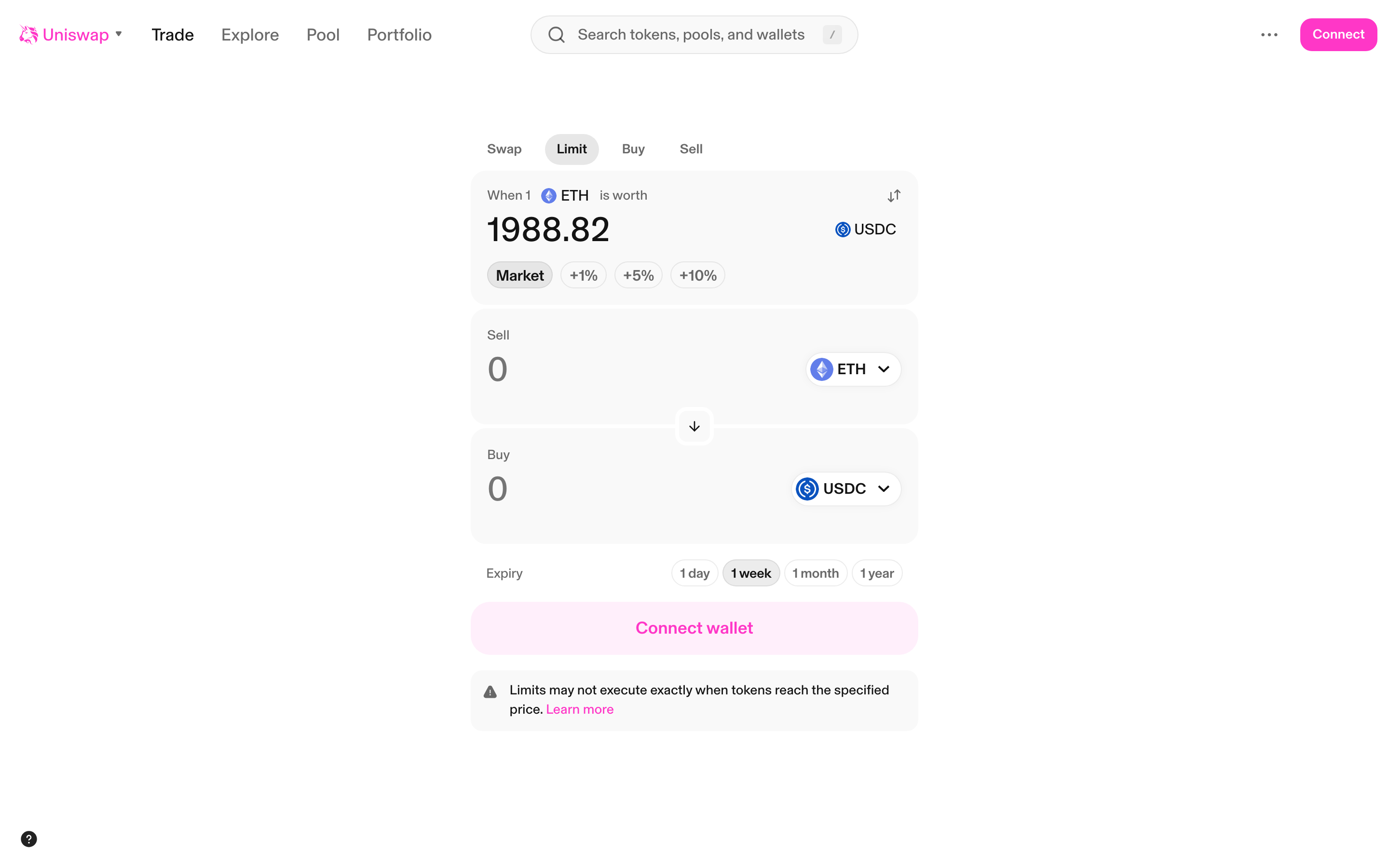
Limit order page - with limit price and market/percentage buttons
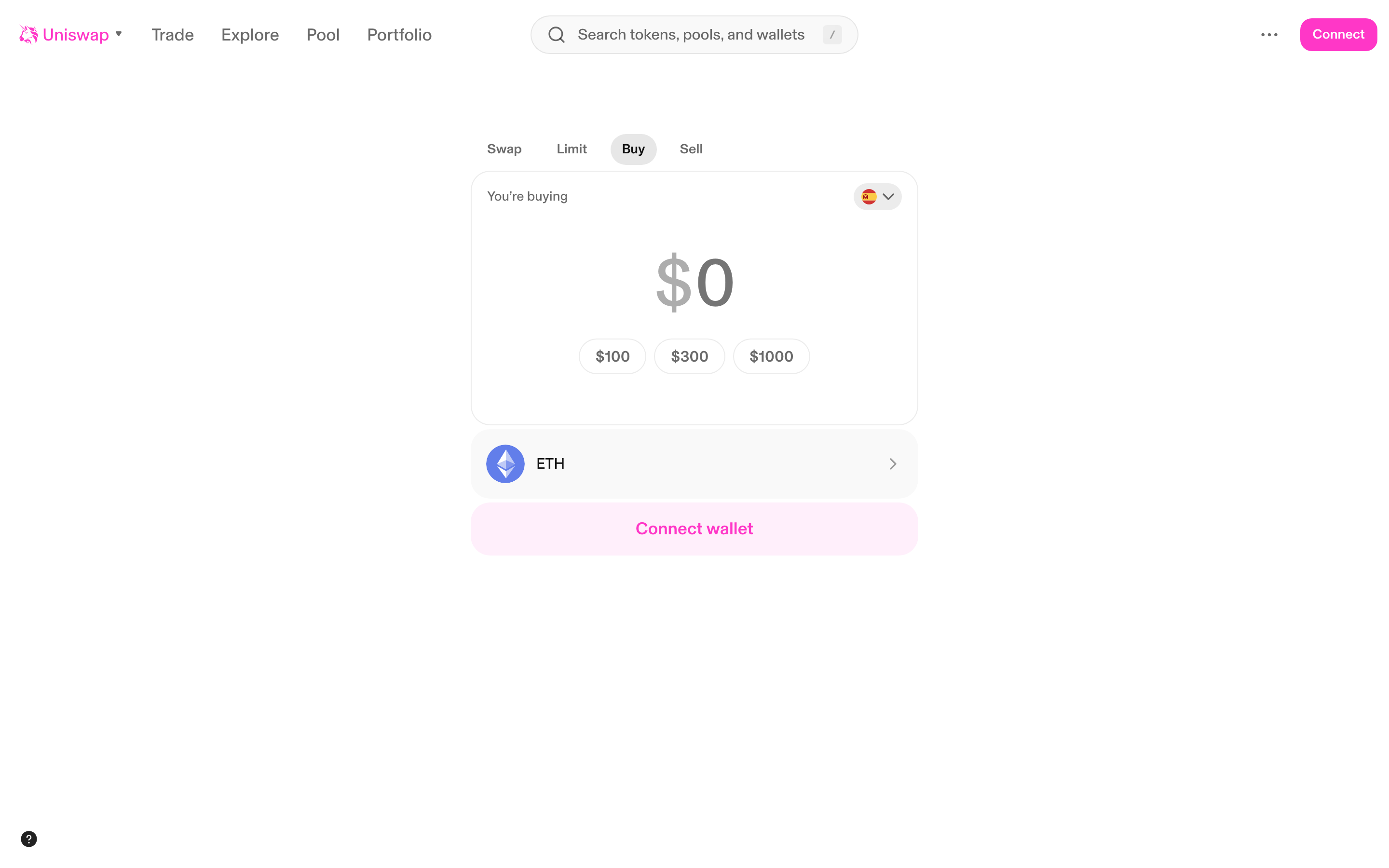
Buy crypto page - fiat onramp with amount presets
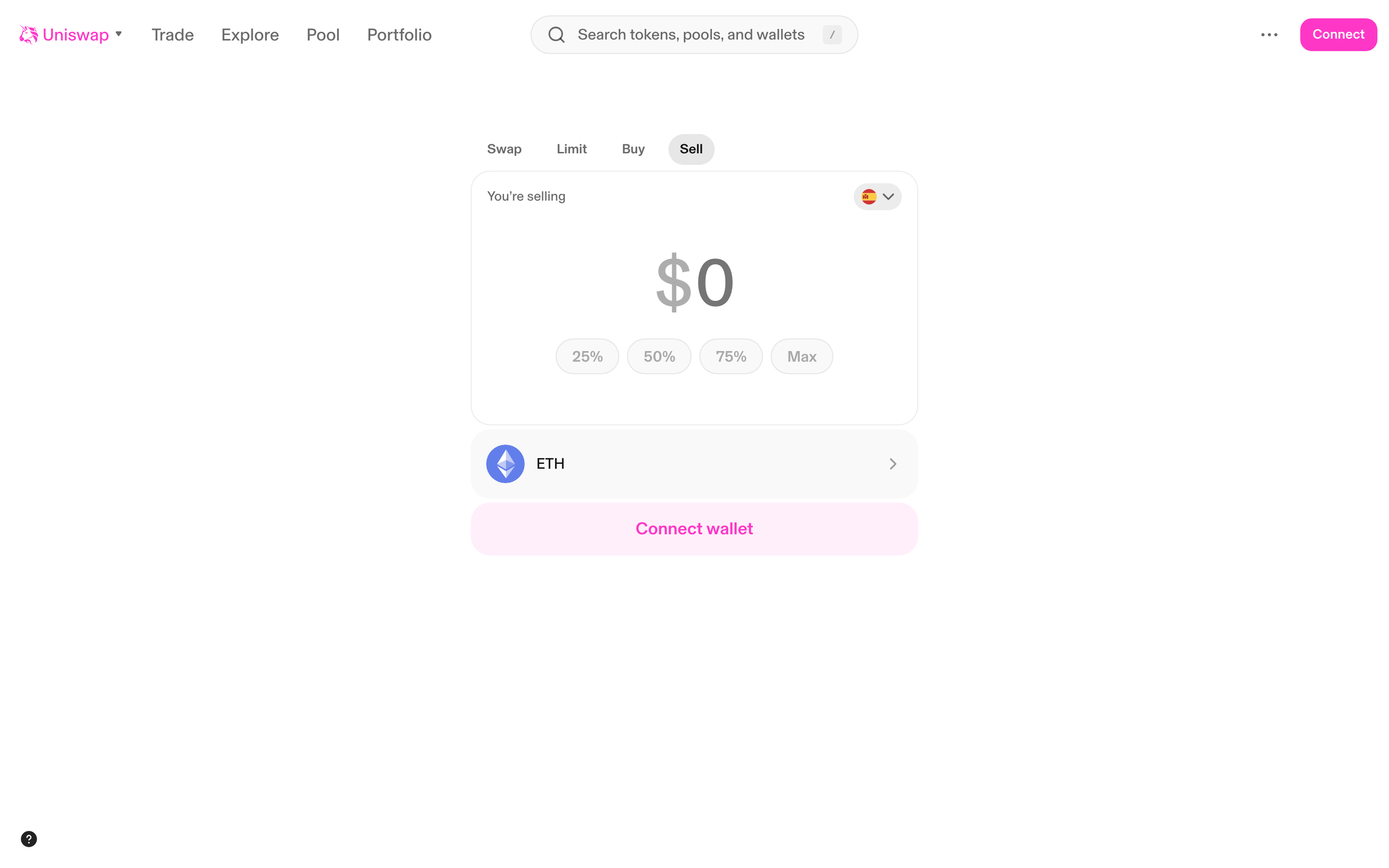
Sell crypto page - fiat offramp with percentage presets
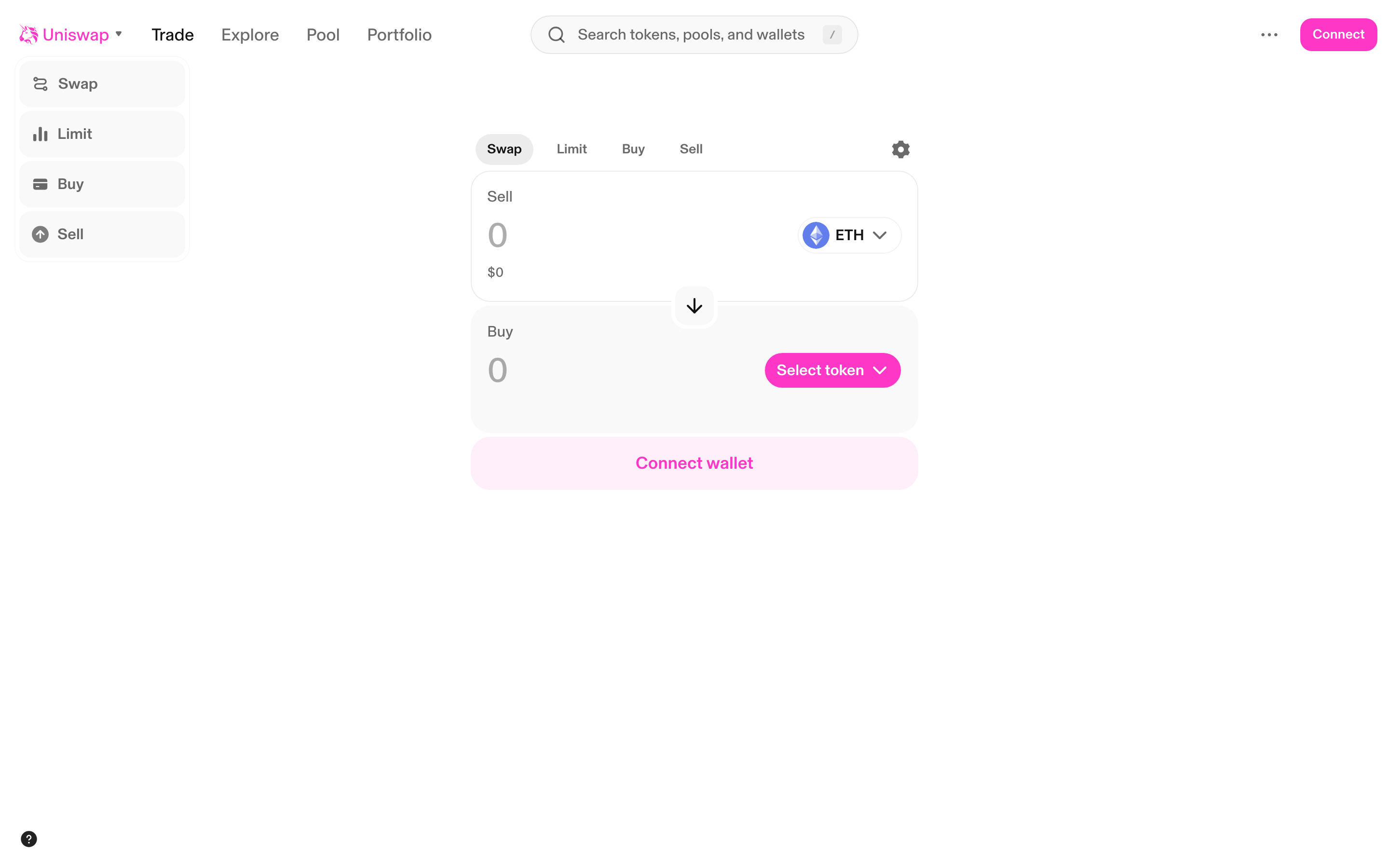
Swap page with Trade menu expanded - showing Swap/Limit/Buy/Sell options
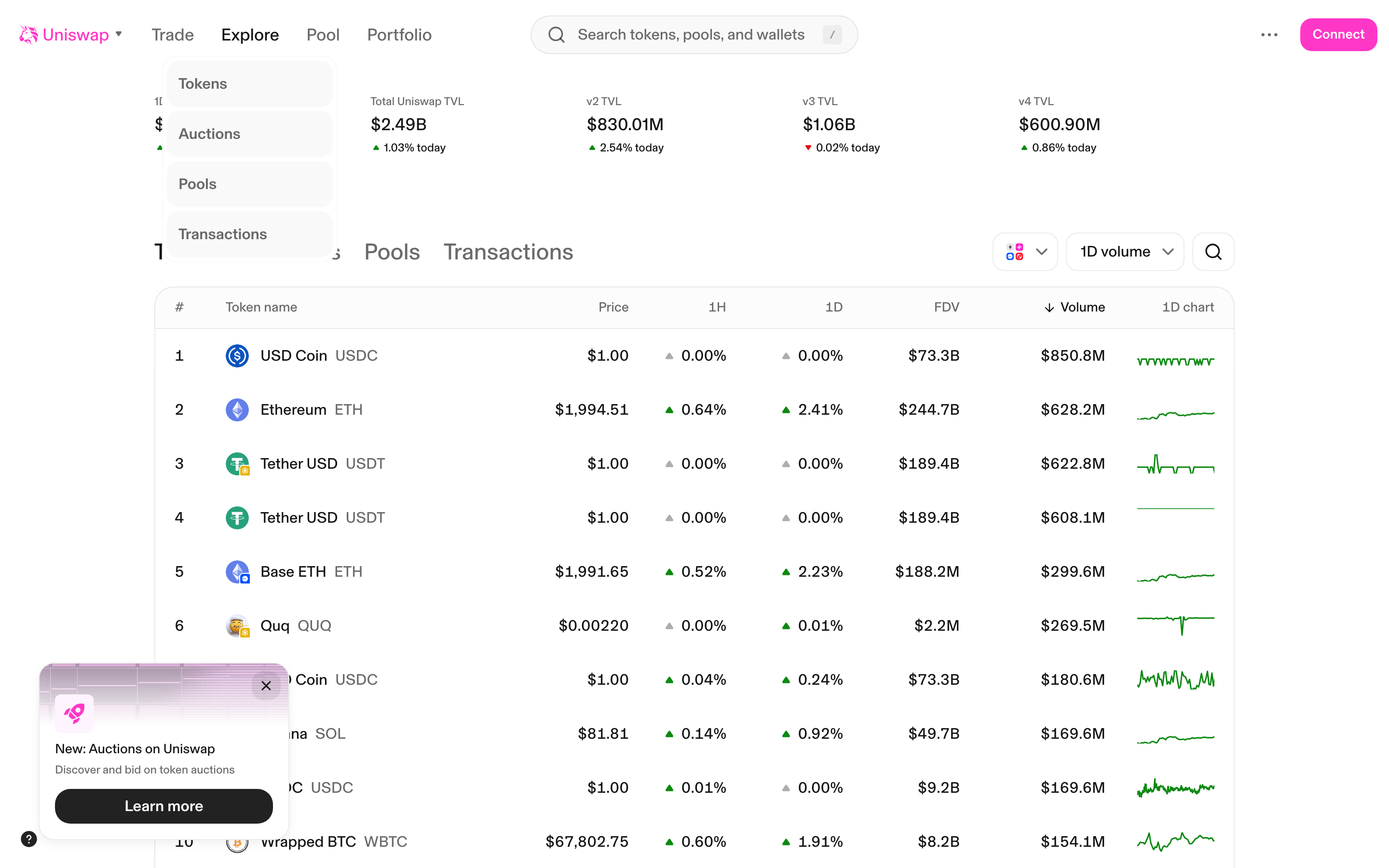
Explore page - Tokens tab with auction modal overlay
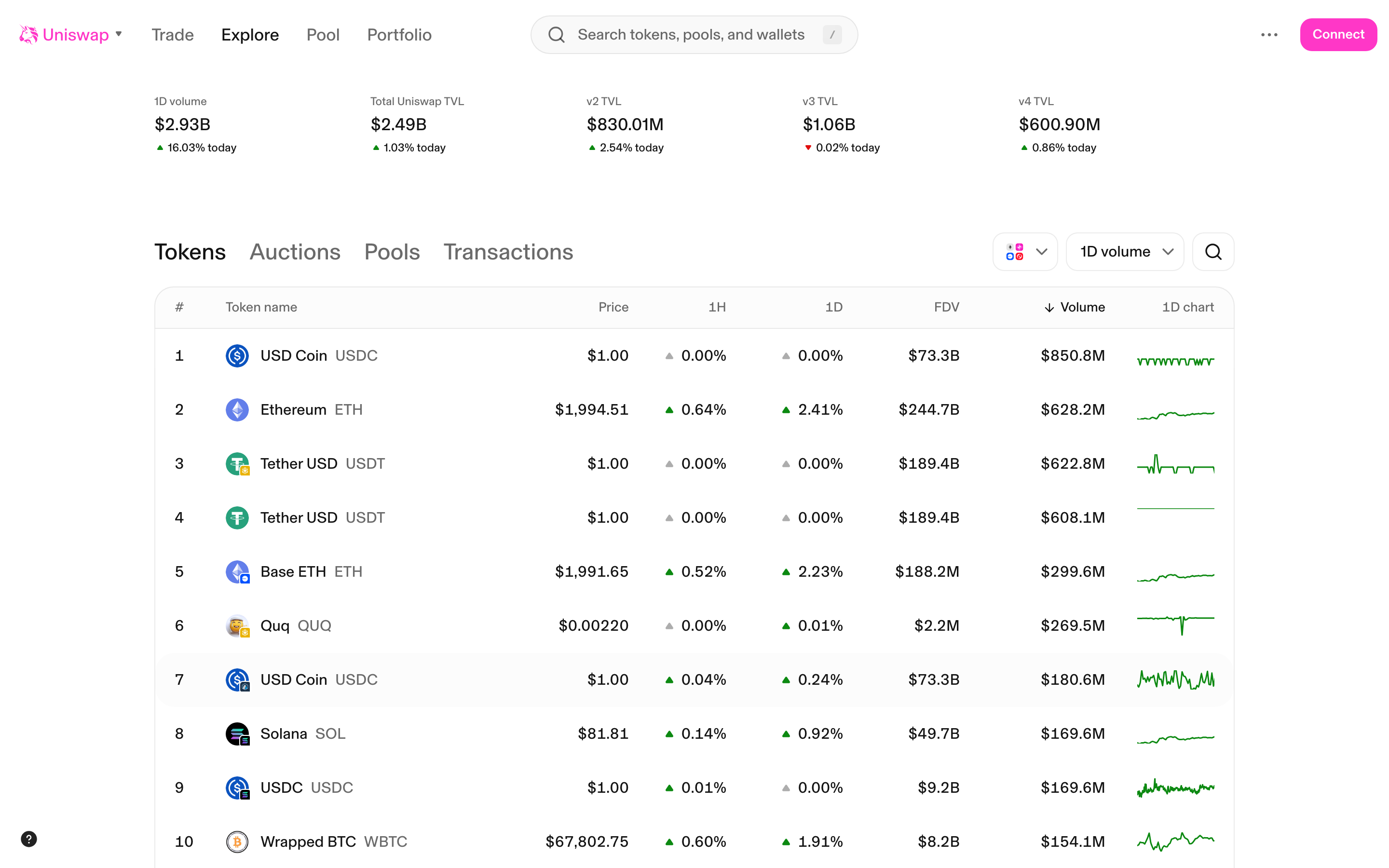
Explore page - Tokens tab with modal dismissed, showing token list
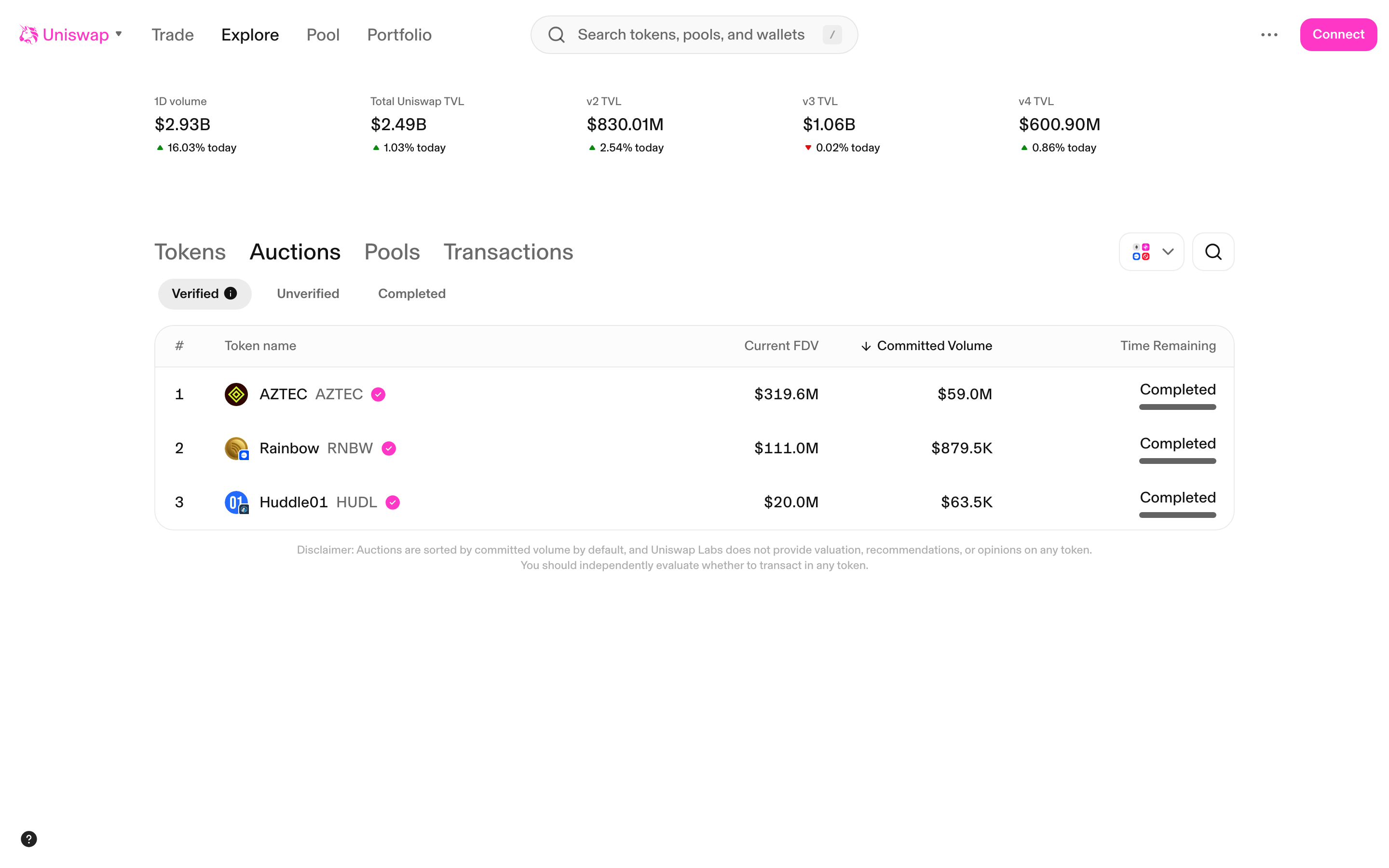
Explore Auctions page - Verified auctions tab
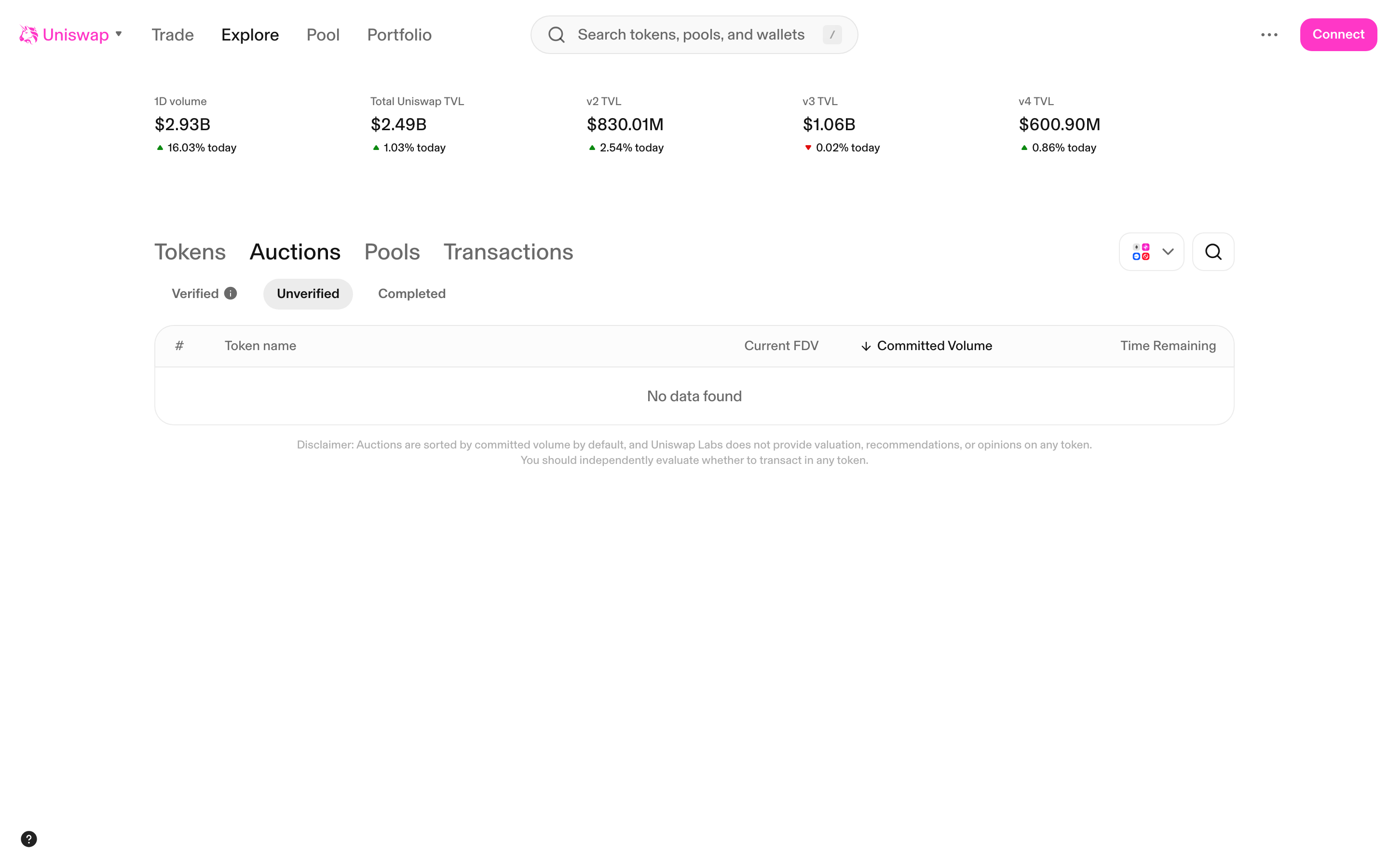
Explore Auctions - Unverified tab (no data)
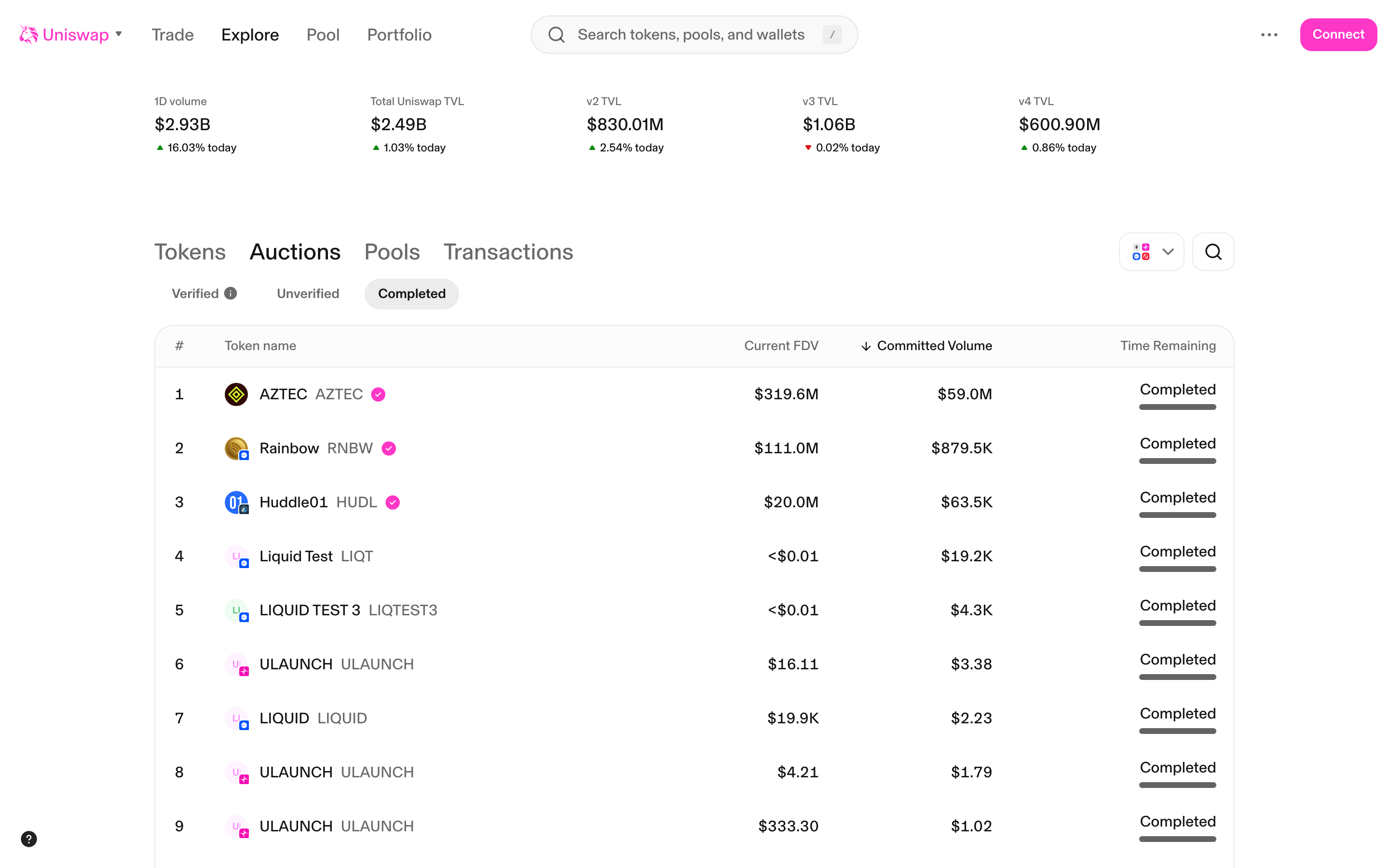
Explore Auctions - Completed tab (loading skeletons)
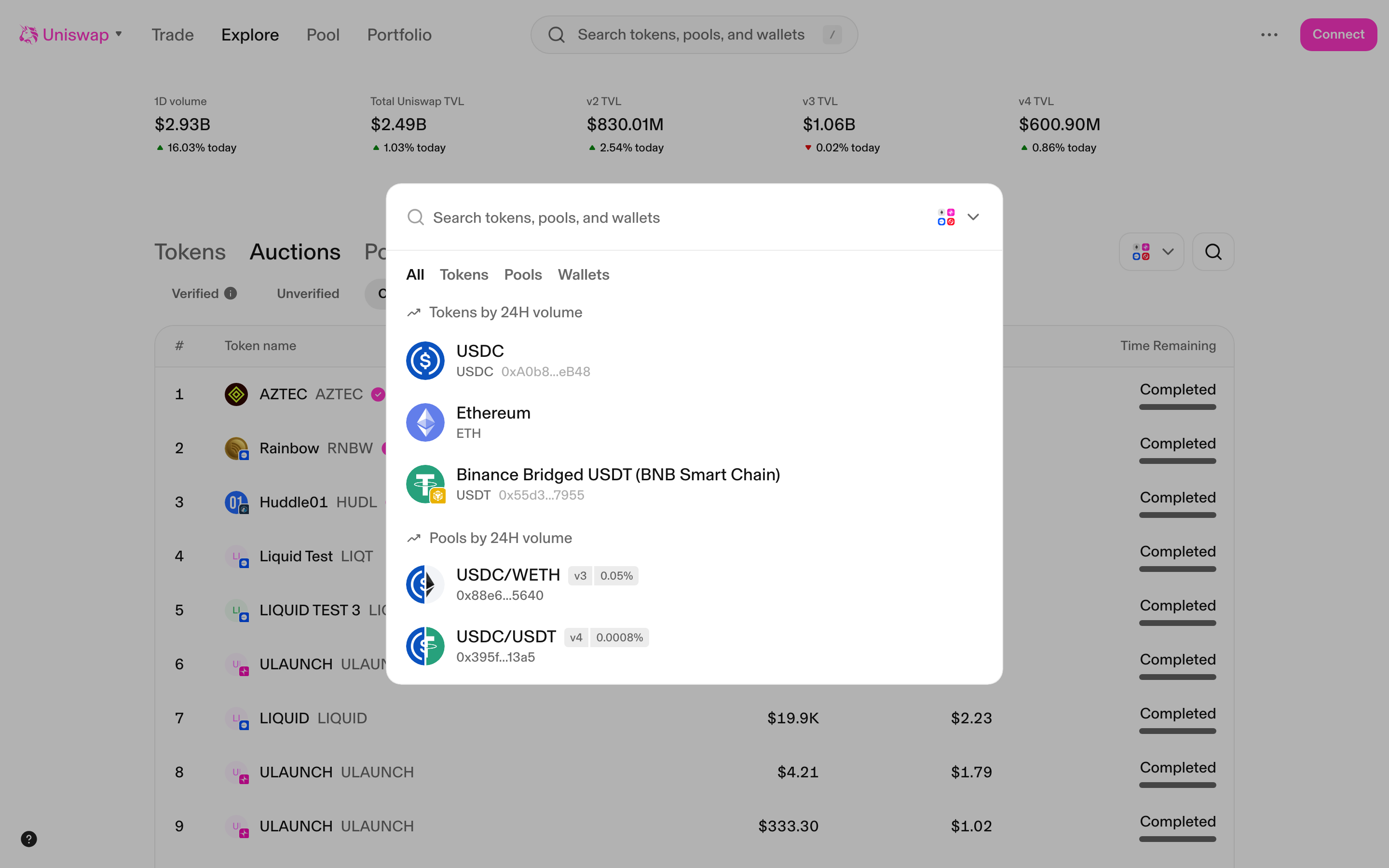
Global search modal - showing tokens, pools, and wallets results
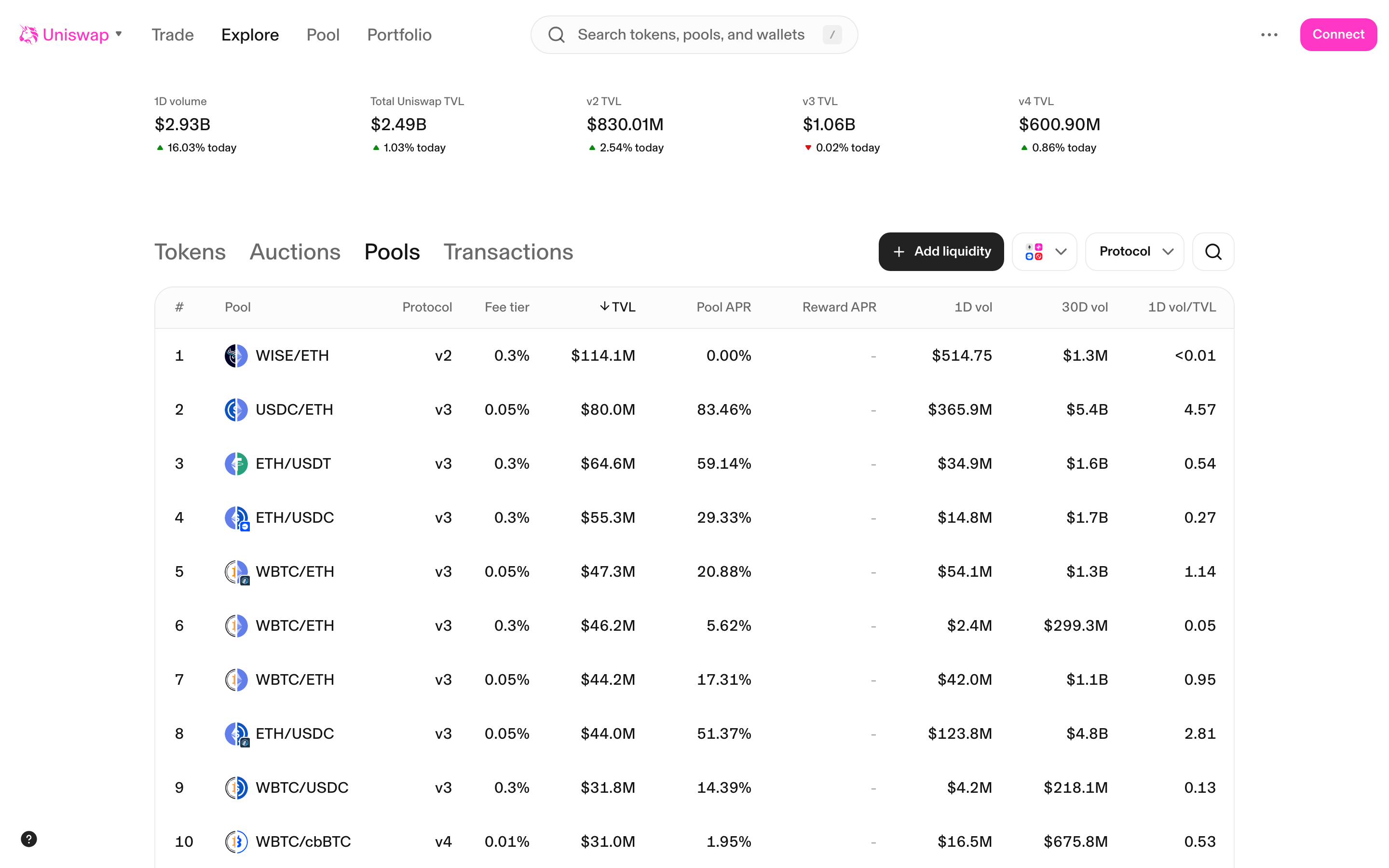
Explore Pools page - loading skeleton state
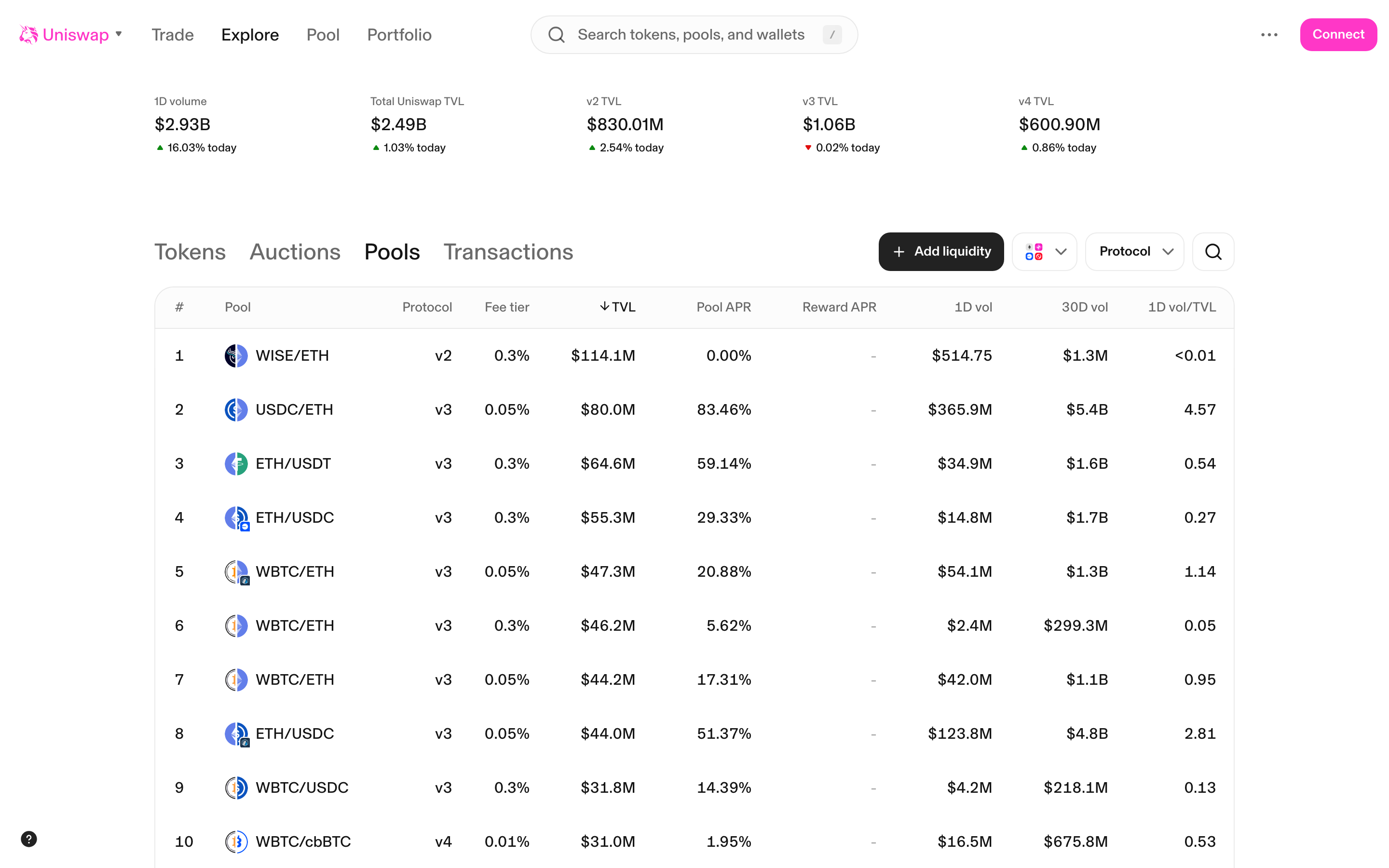
Explore Pools page - loaded pools list with data
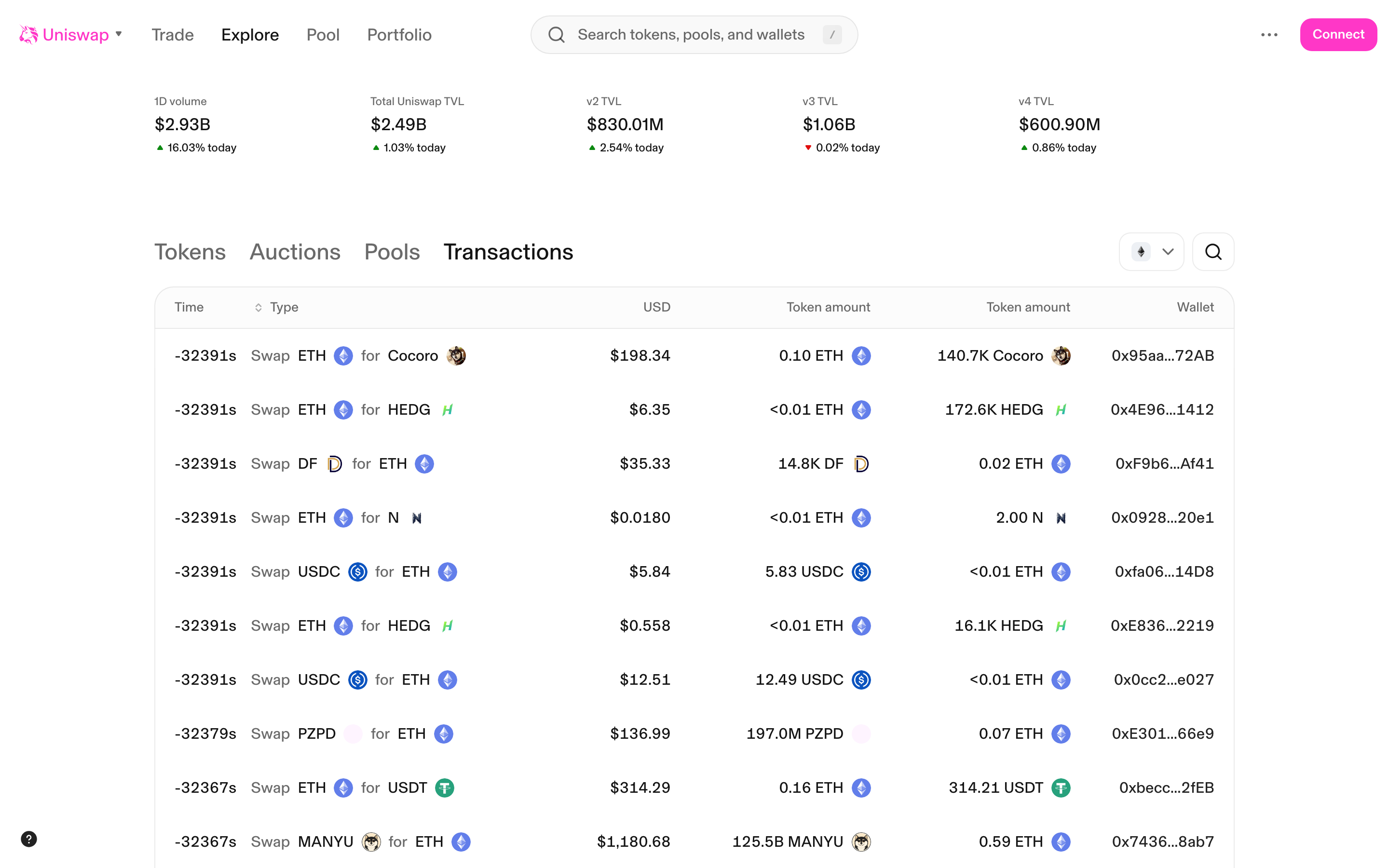
Explore Transactions page - recent transactions list
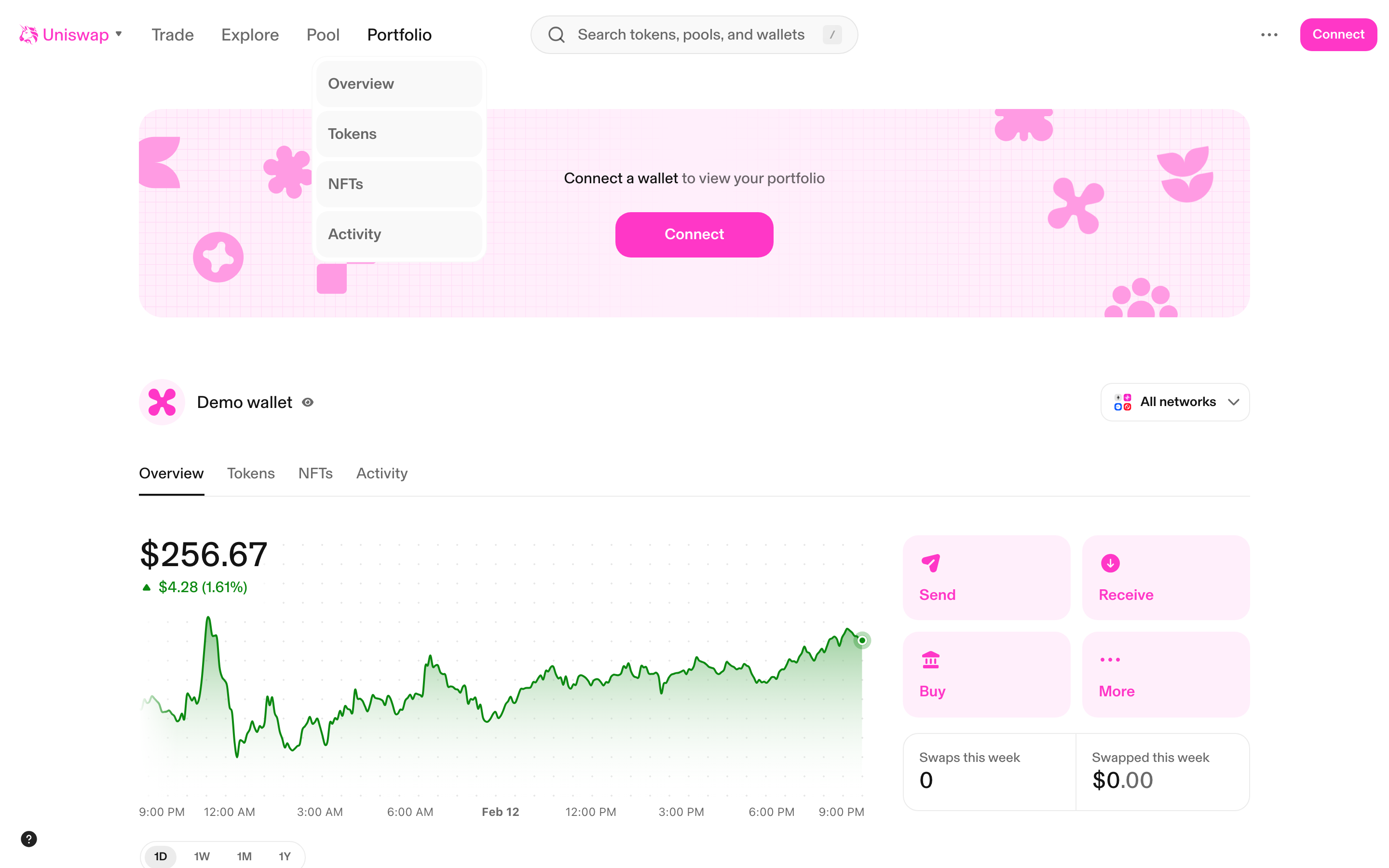
Portfolio page - Demo wallet overview with connect prompt
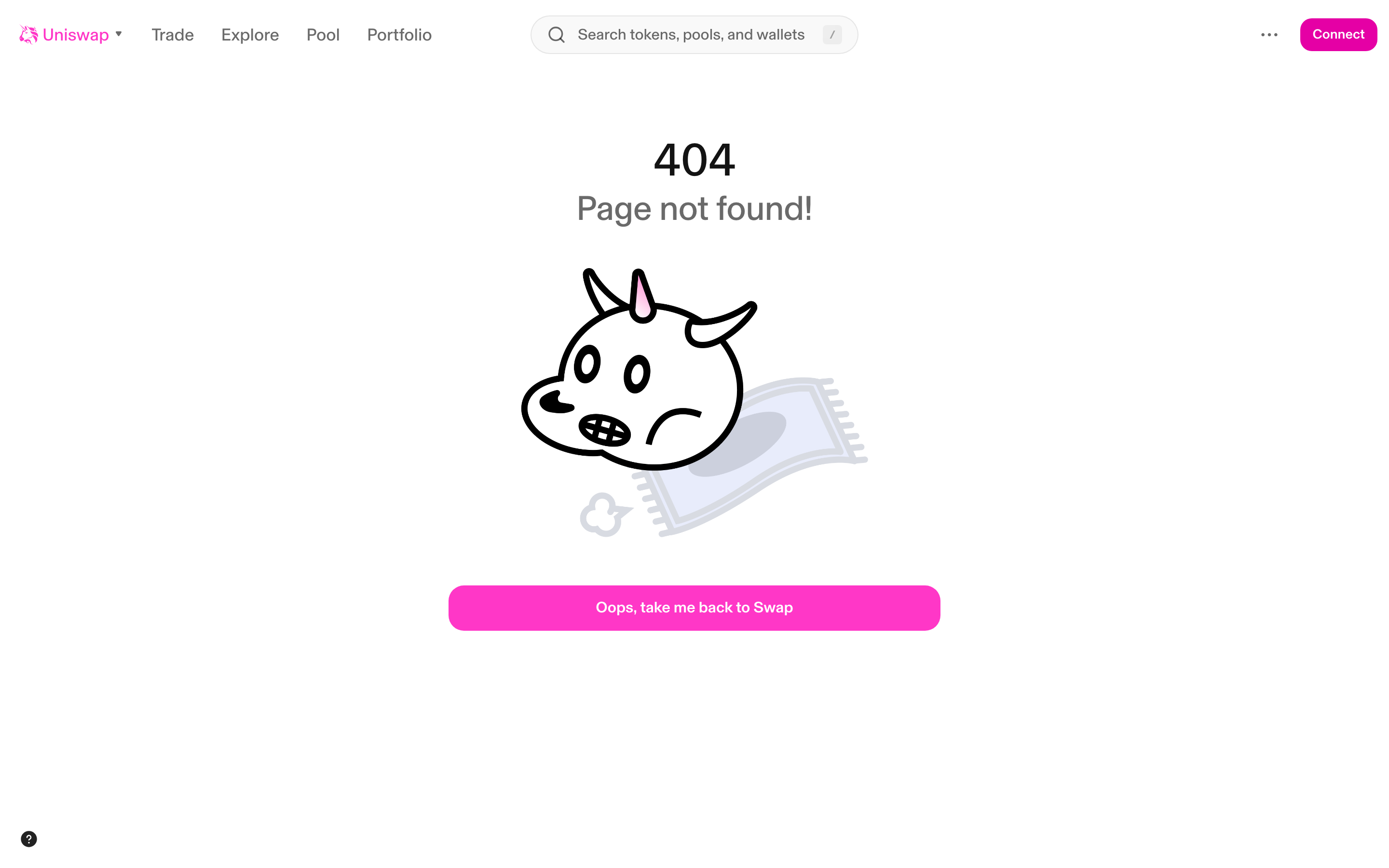
404 Page not found - with unicorn illustration
Staking
Compare staking flows →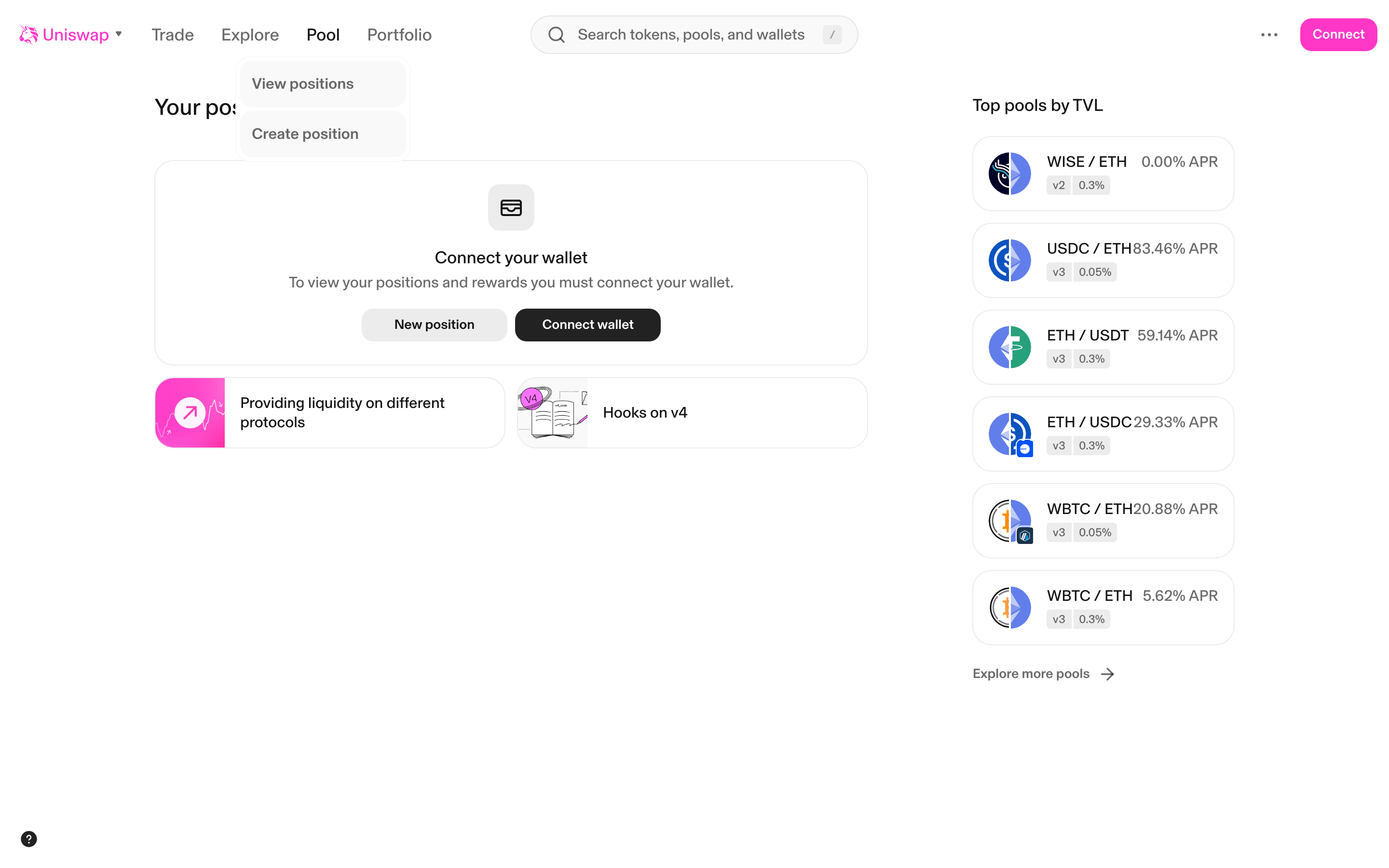
Pool positions page - empty state with connect wallet prompt
Onboarding
Compare onboarding flows →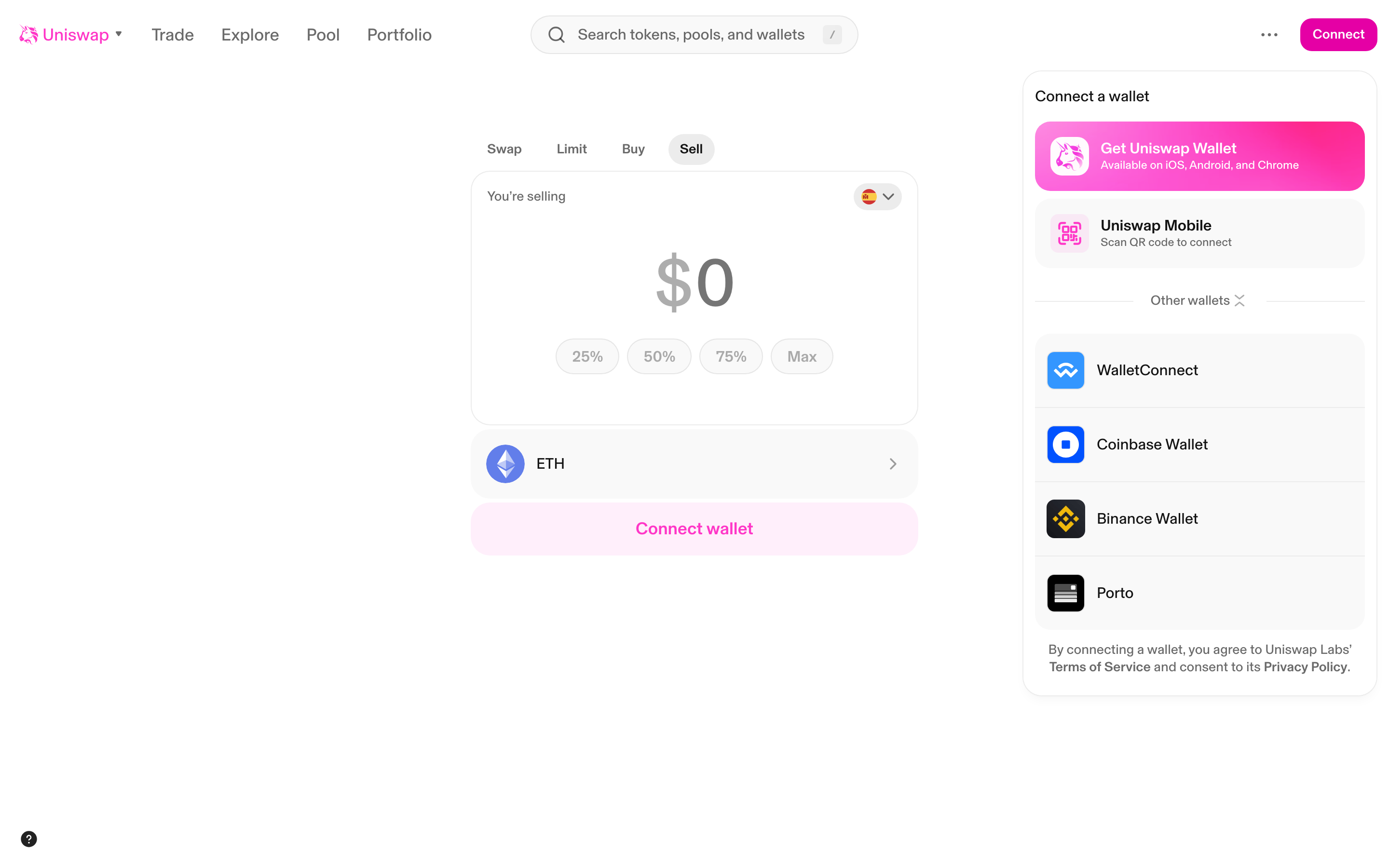
Connect wallet modal - showing Uniswap Wallet, WalletConnect, Coinbase, Binance options
Settings
Compare settings flows →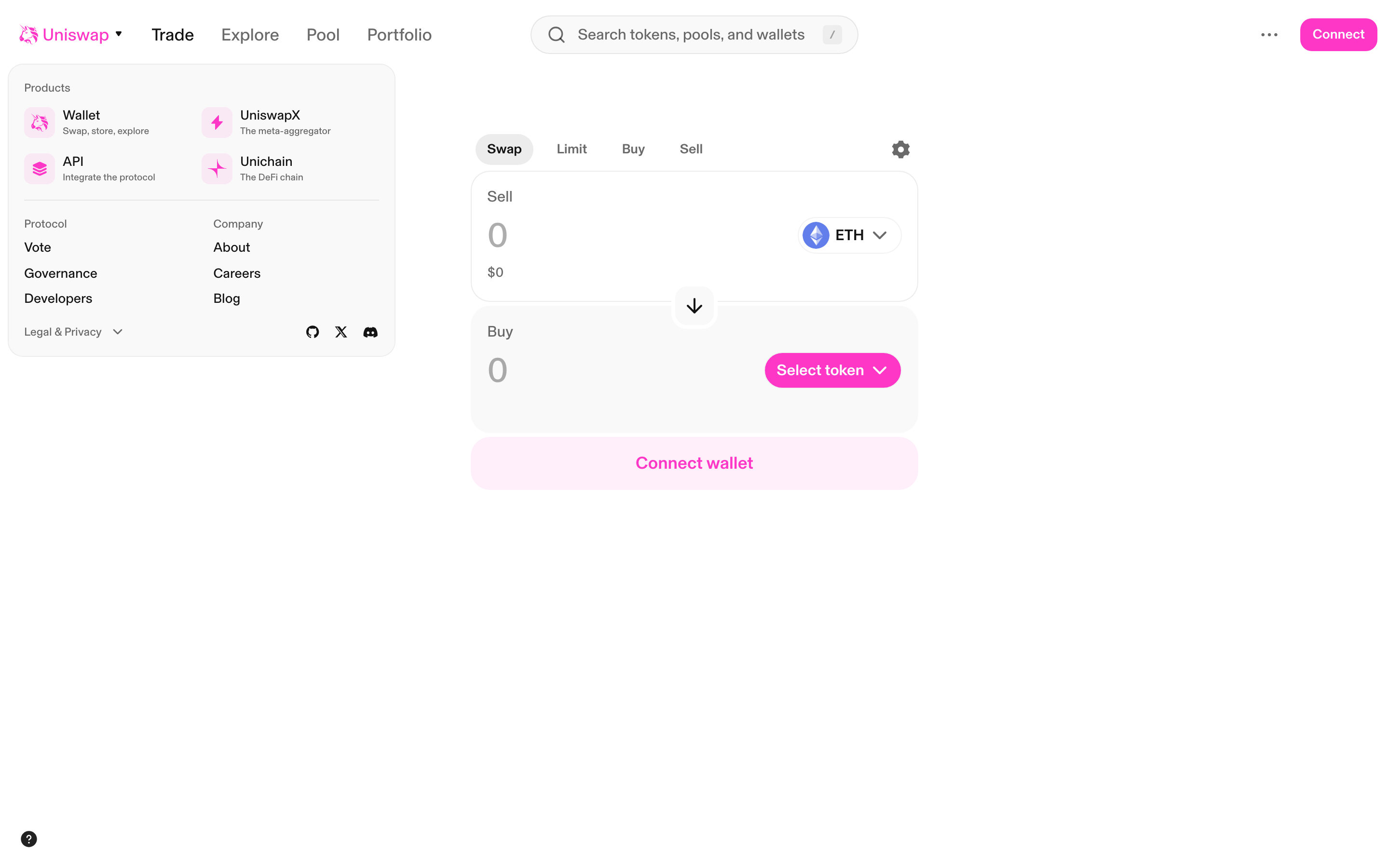
Menu dropdown - showing Products, Protocol, Company sections with links
More defi screenshots
Get notified when we capture new Uniswap screens
We re-crawl Uniswap weekly and track every UI change.