All Flows

Flow Type

Settings Flow

Settings pages reveal how products handle security preferences, notification controls, connected apps, network management, and account configuration.
11implementations
58total screens
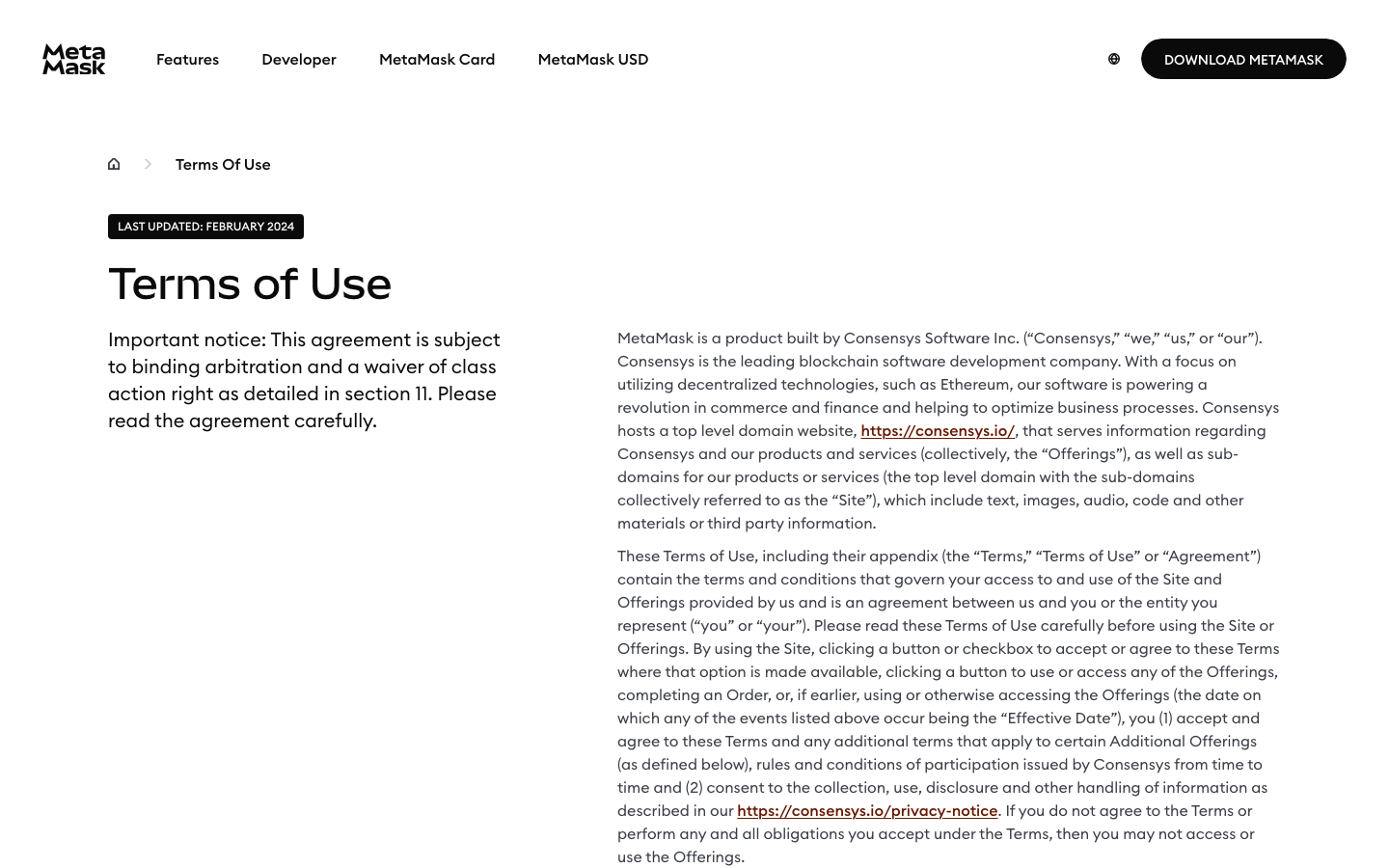
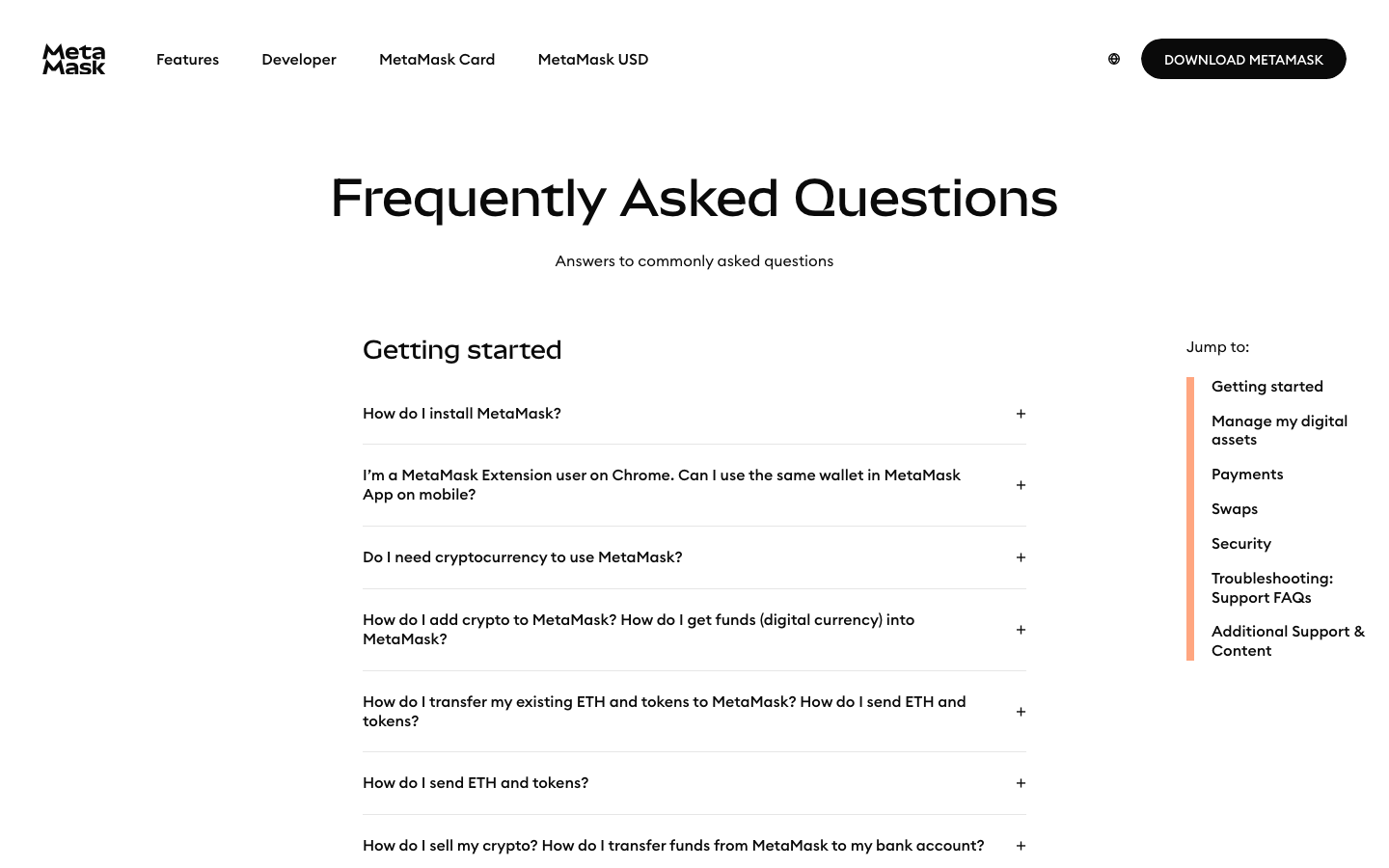
MetaMask Settings — step 1

FAQs

Step 1
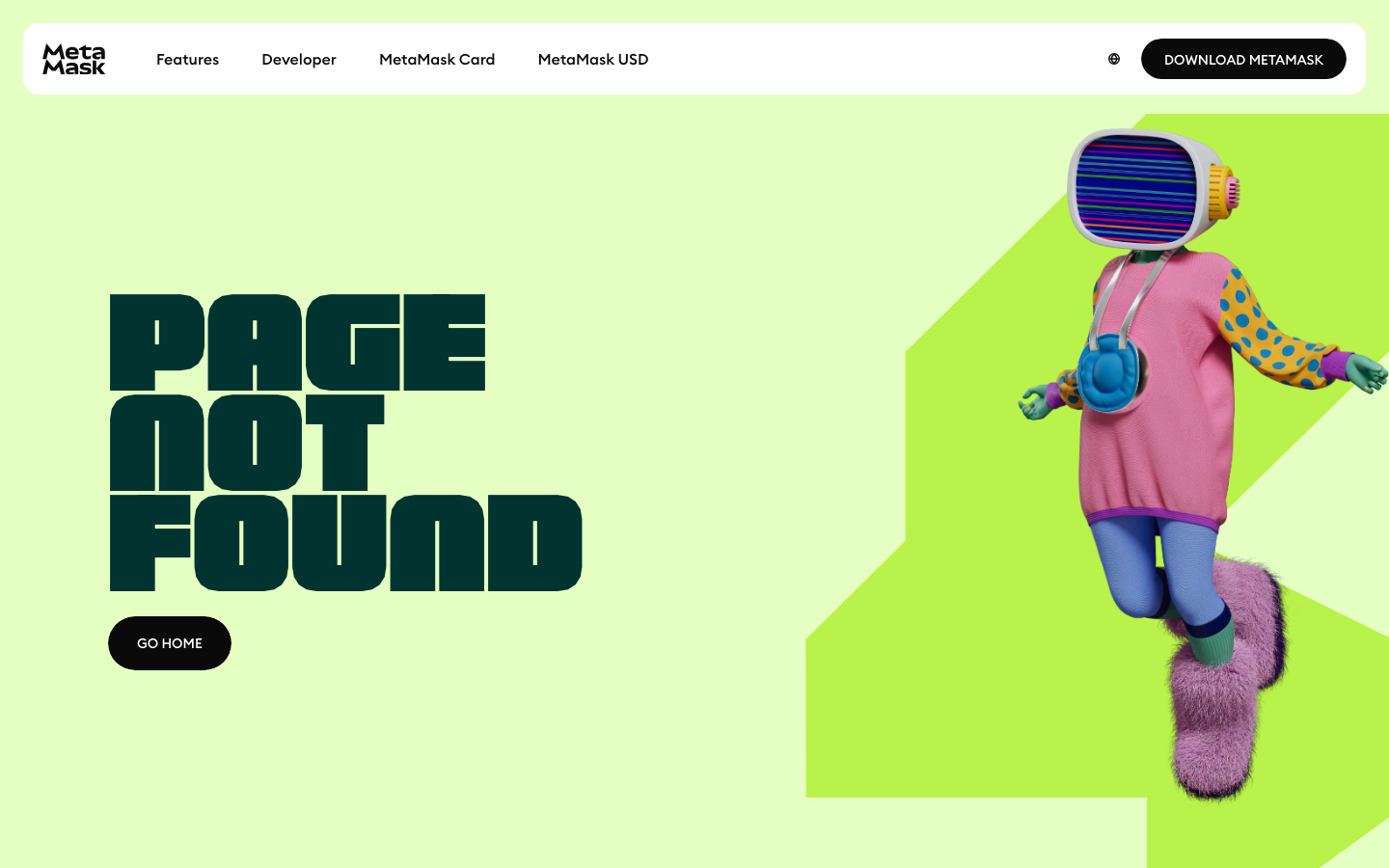
MetaMask Settings — step 2

Terms of Use

Step 2
MetaMask Settings — step 3

Cookie/overlay banner

Step 3
MetaMask Settings — step 4

Cookie/overlay banner

Step 4
MetaMask Settings — step 5

Cookie/overlay banner

Step 5
MetaMask Settings — step 6

about page

Step 6
Phantom3 stepsWallet
View app →
General settings

General settings

Step 1
Security settings

Security settings

Step 2
Connected apps

Connected apps

Step 3
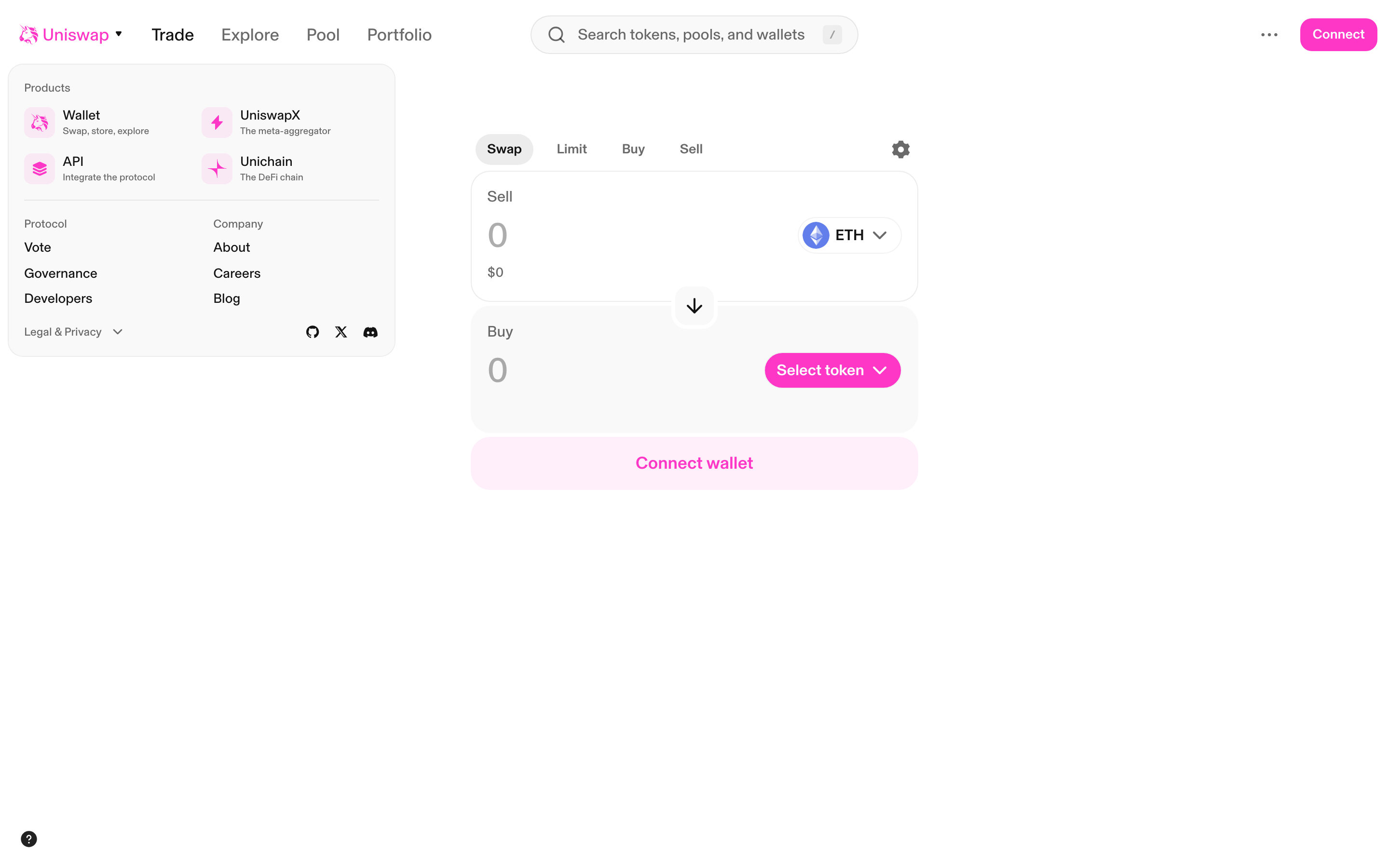
Uniswap Settings — step 1

Menu dropdown - showing Products, Protocol, Company sections with links

Step 1
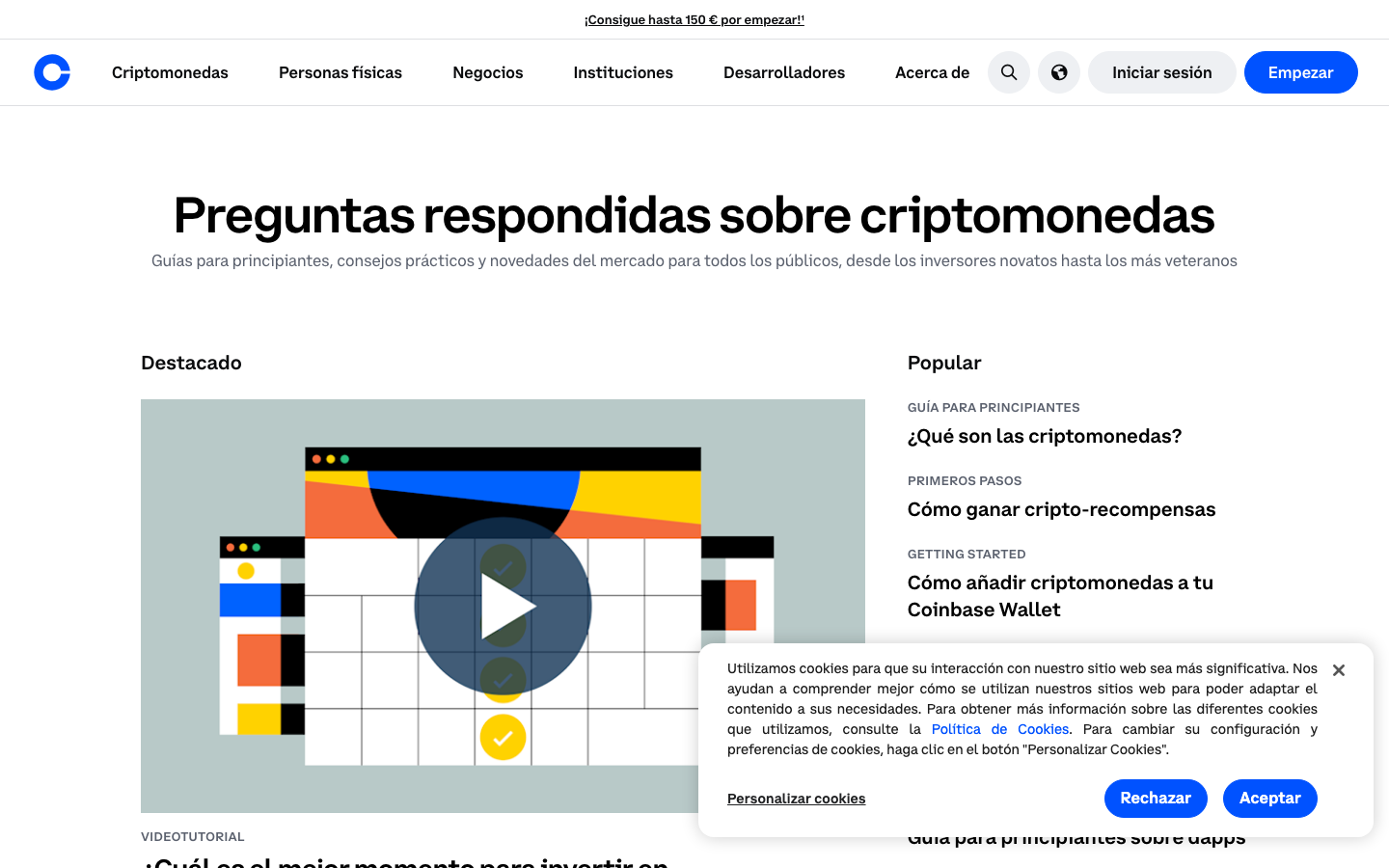
Coinbase13 stepsExchange
View app →
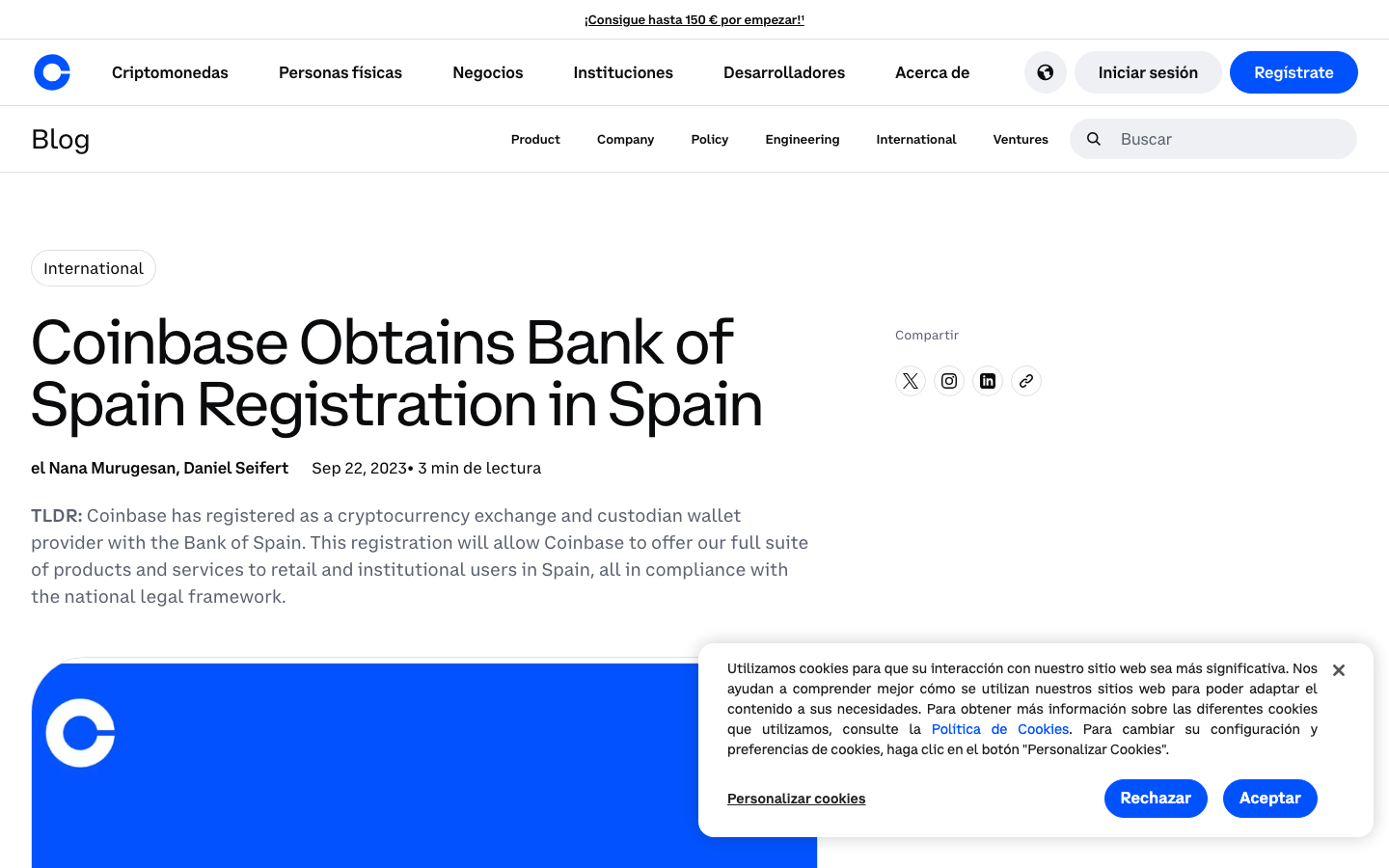
Coinbase Settings — step 1

Cookie/overlay banner

Step 1
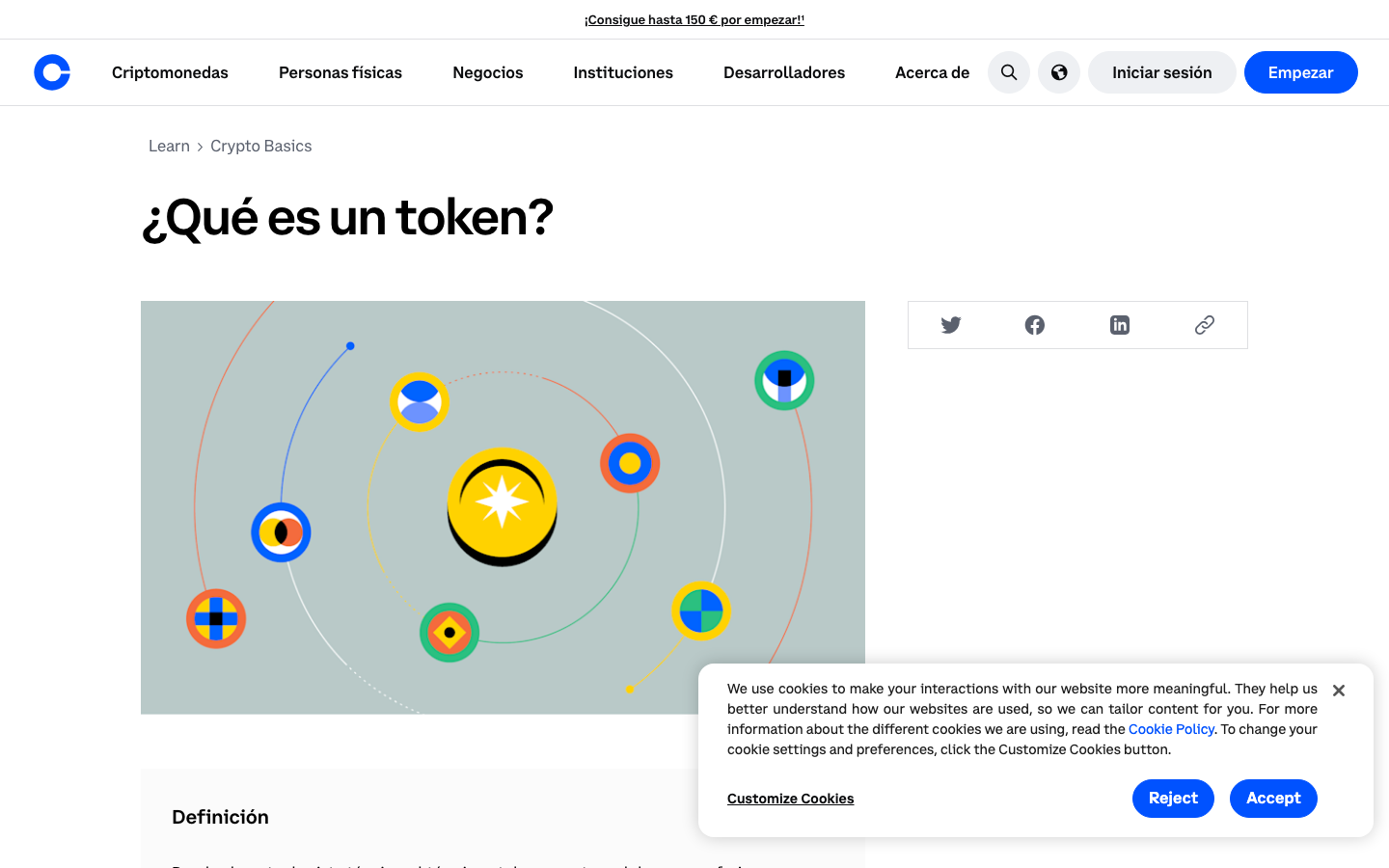
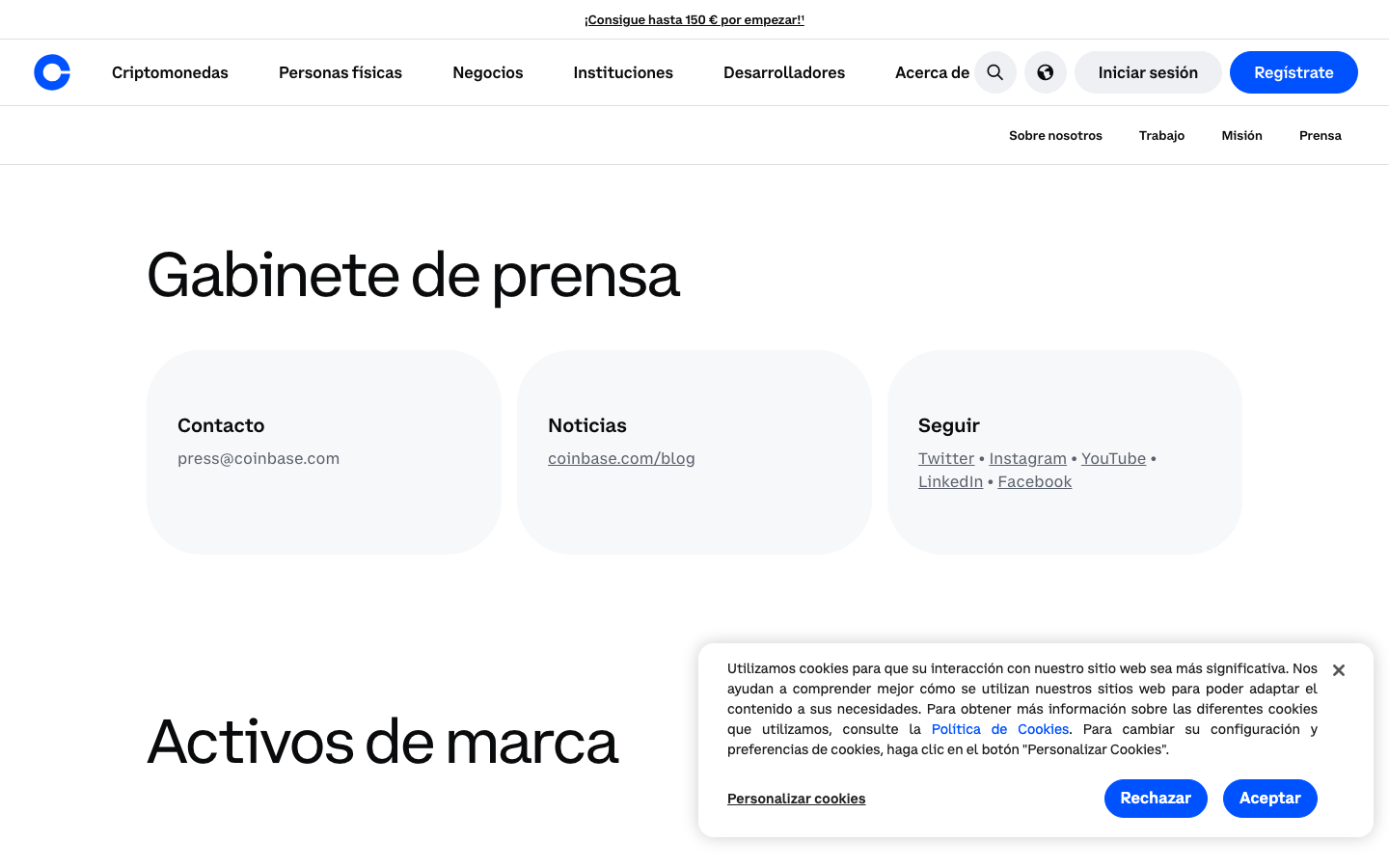
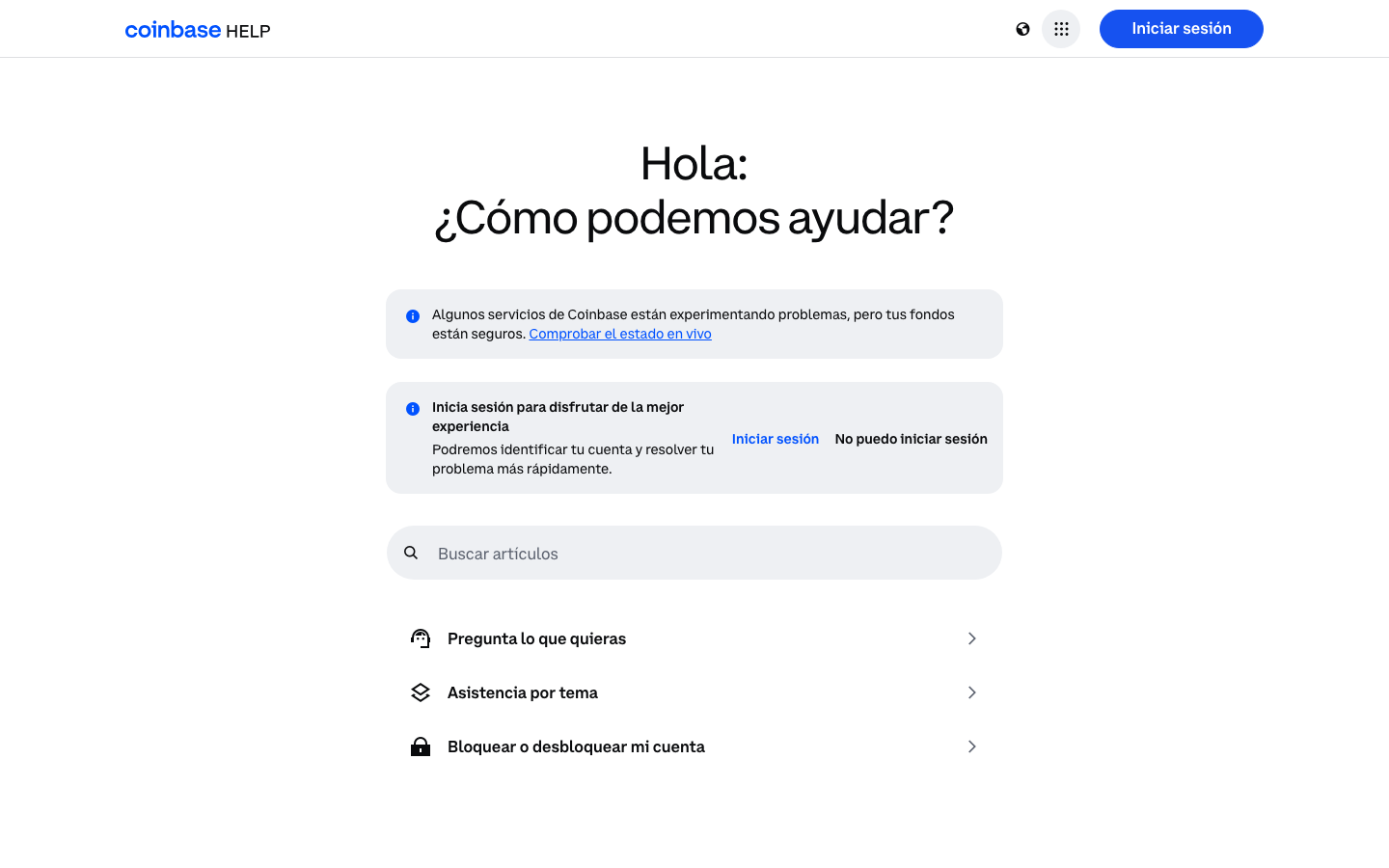
Coinbase Settings — step 2

󰕒RecursosConsejos y guías sobre criptomonedas

Step 2
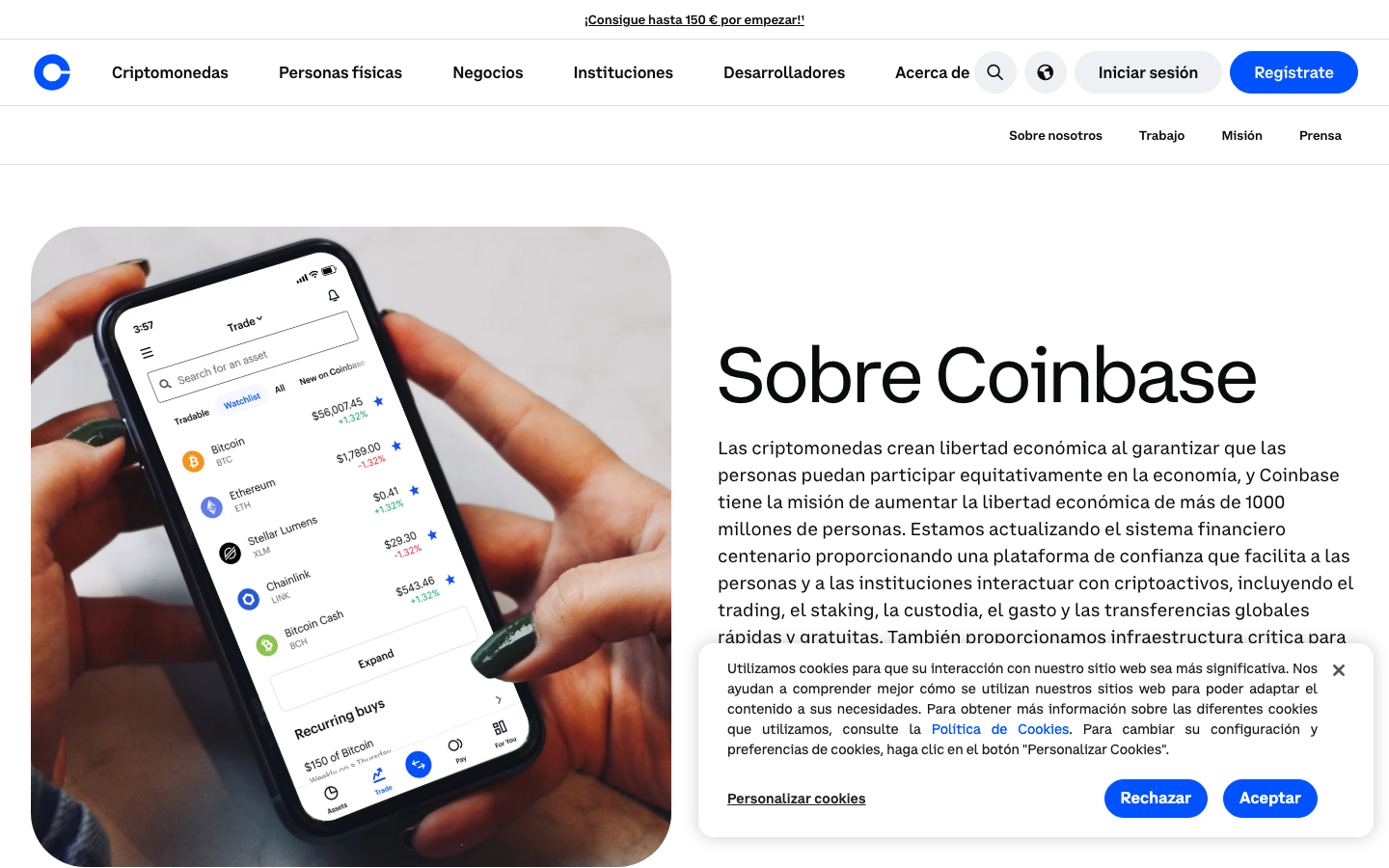
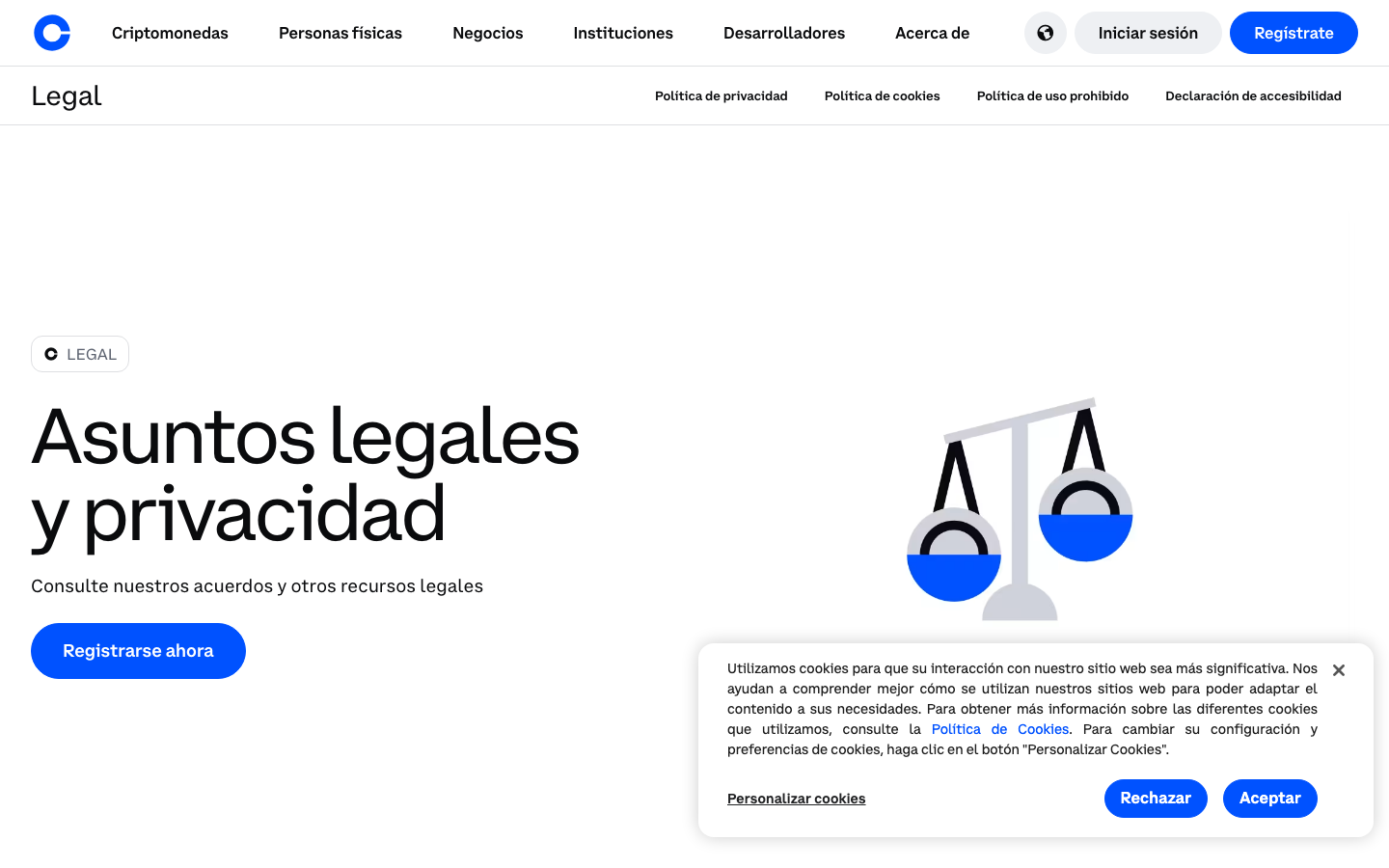
Coinbase Settings — step 3

Cookie/overlay banner

Step 3
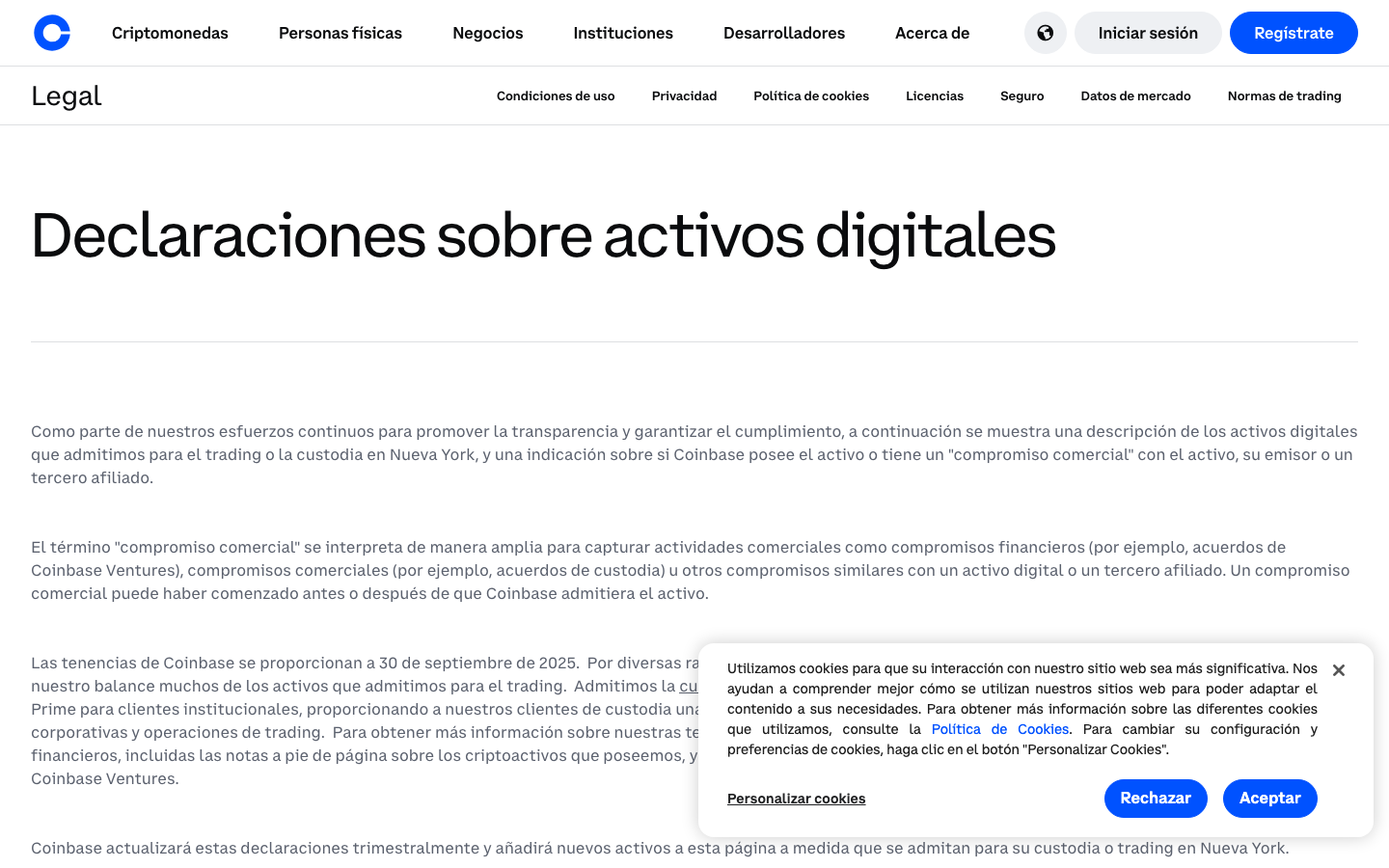
Coinbase Settings — step 4

Cookie/overlay banner

Step 4
Coinbase Settings — step 5

Cookie/overlay banner

Step 5
Coinbase Settings — step 6

Cookie/overlay banner

Step 6
Coinbase Settings — step 7

Cookie/overlay banner

Step 7
Coinbase Settings — step 8

Cookie/overlay banner

Step 8
Coinbase Settings — step 9

Cookie/overlay banner

Step 9
Coinbase Settings — step 10

Cookie/overlay banner

Step 10
Coinbase Settings — step 11

help page

Step 11
Coinbase Settings — step 12

Cookie/overlay banner

Step 12
Coinbase Settings — step 13

faq page

Step 13
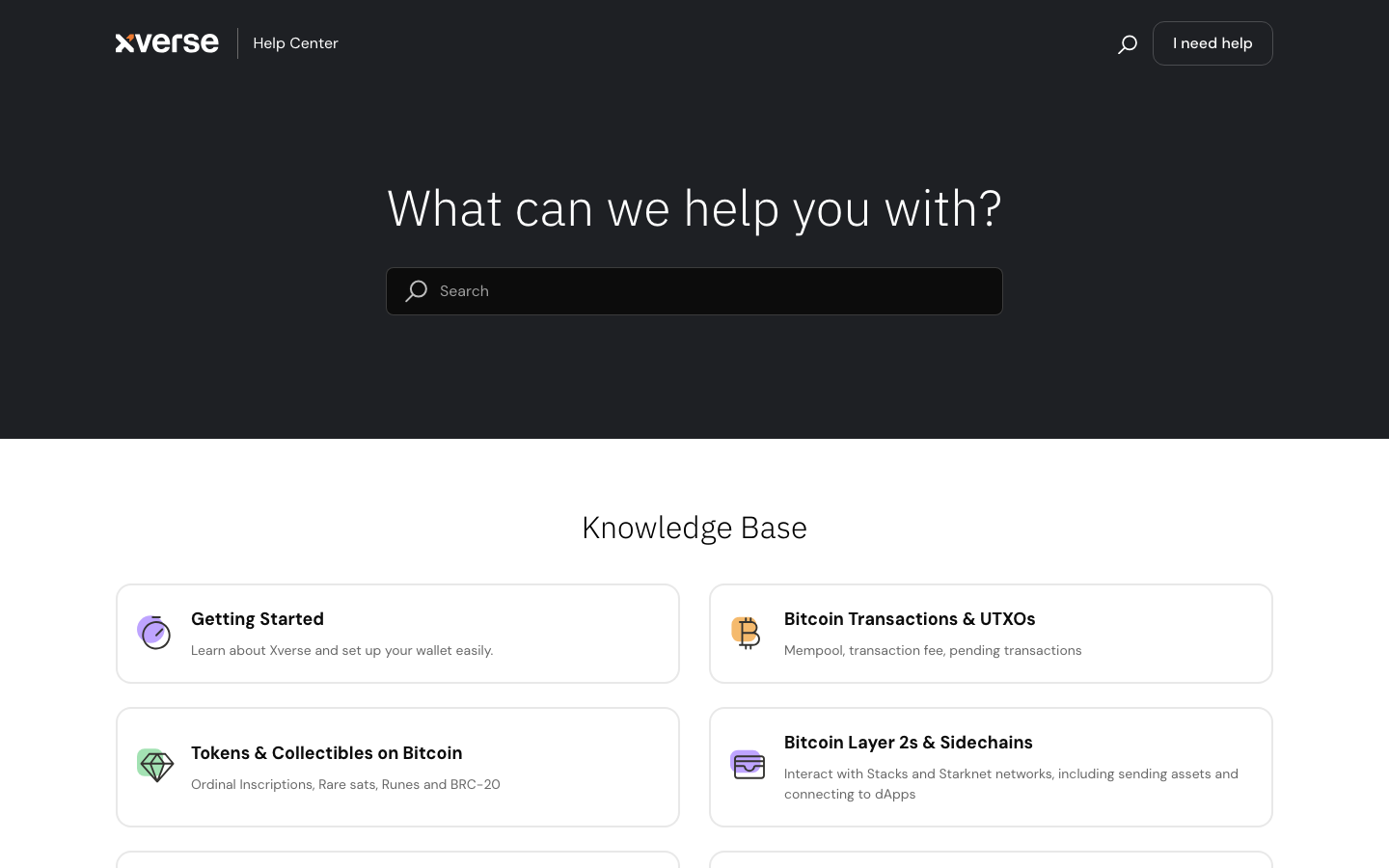
Xverse6 stepsWallet
View app →
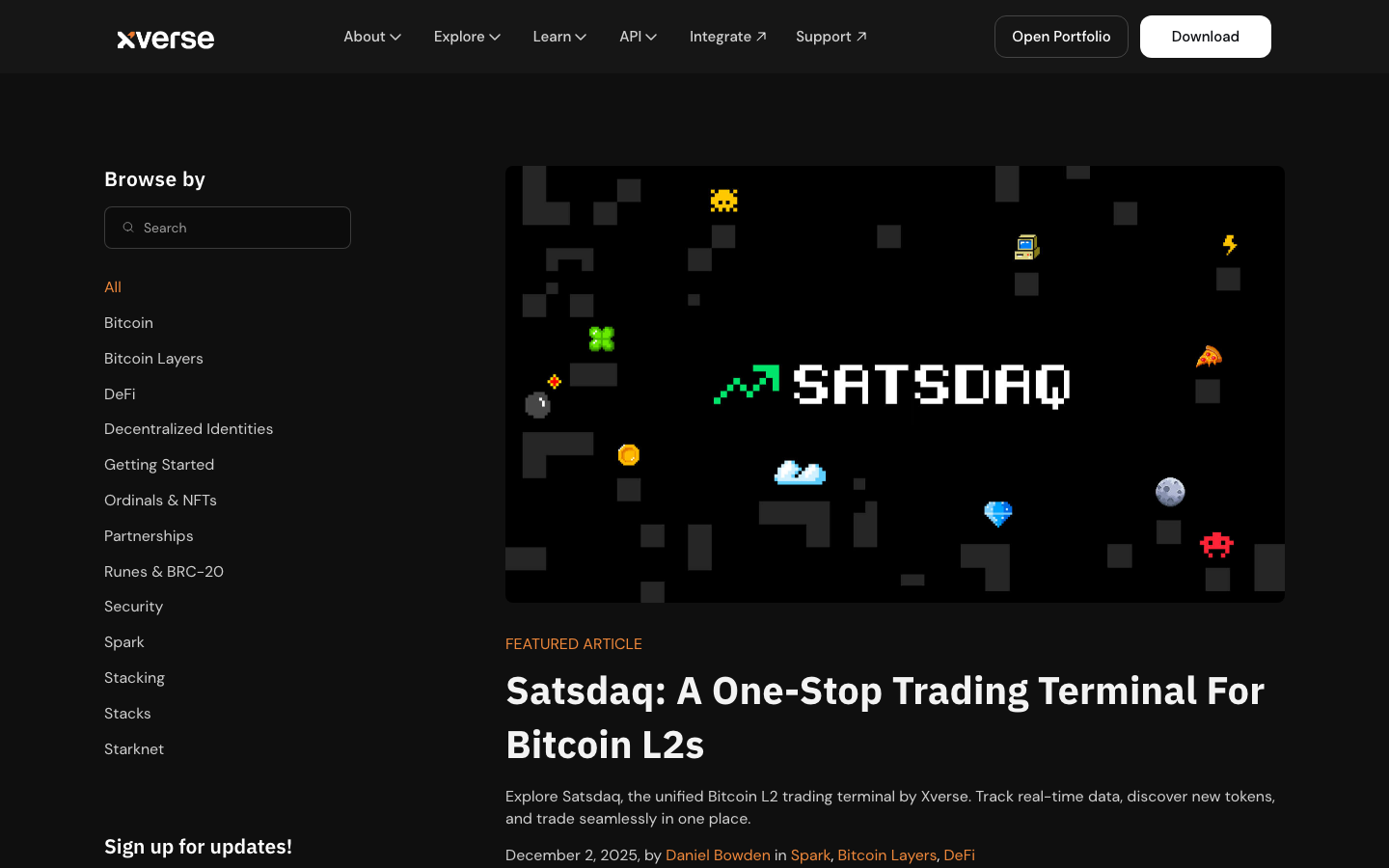
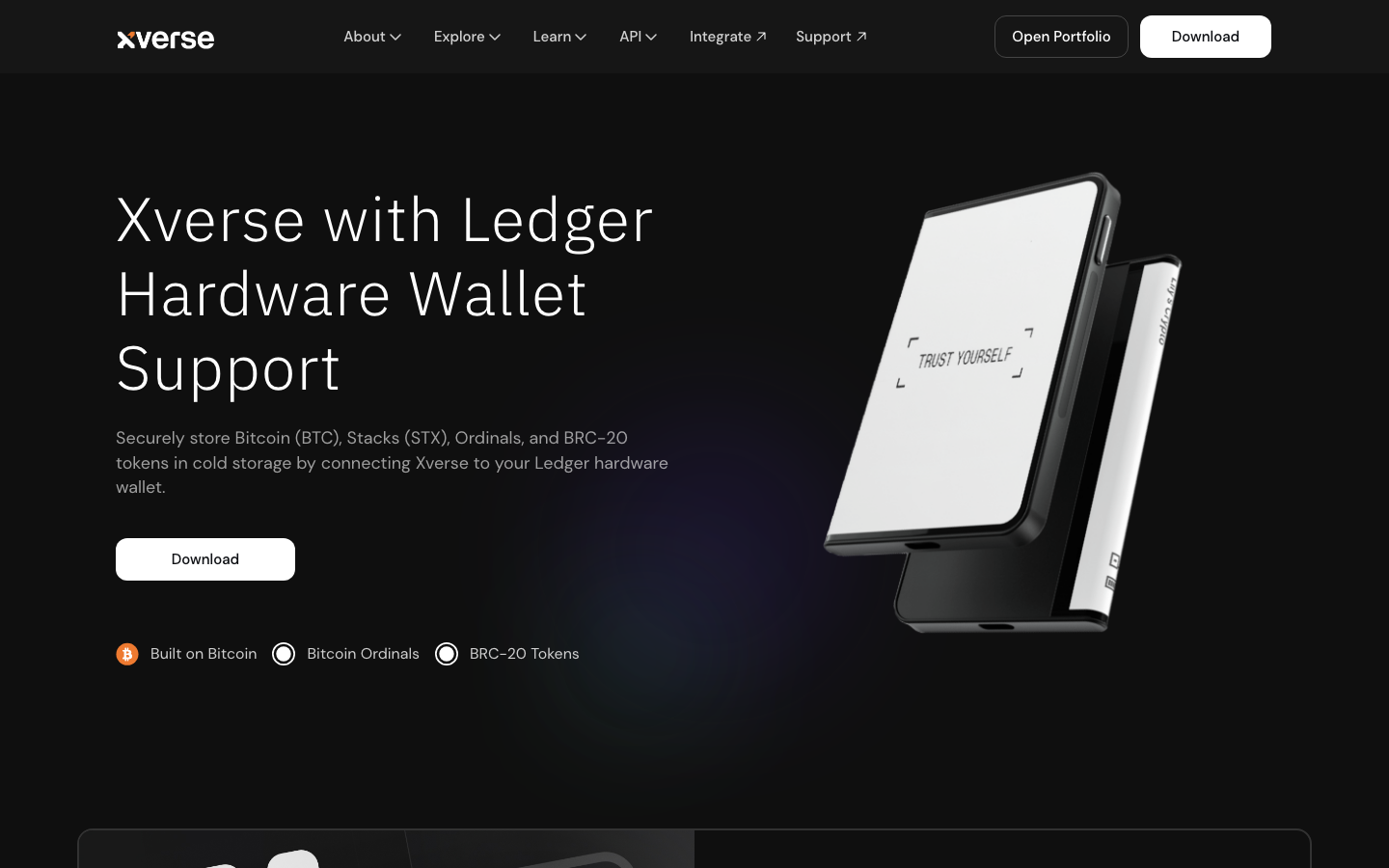
Xverse Settings — step 1

Blog

Step 1
Xverse Settings — step 2

Ledger support

Step 2
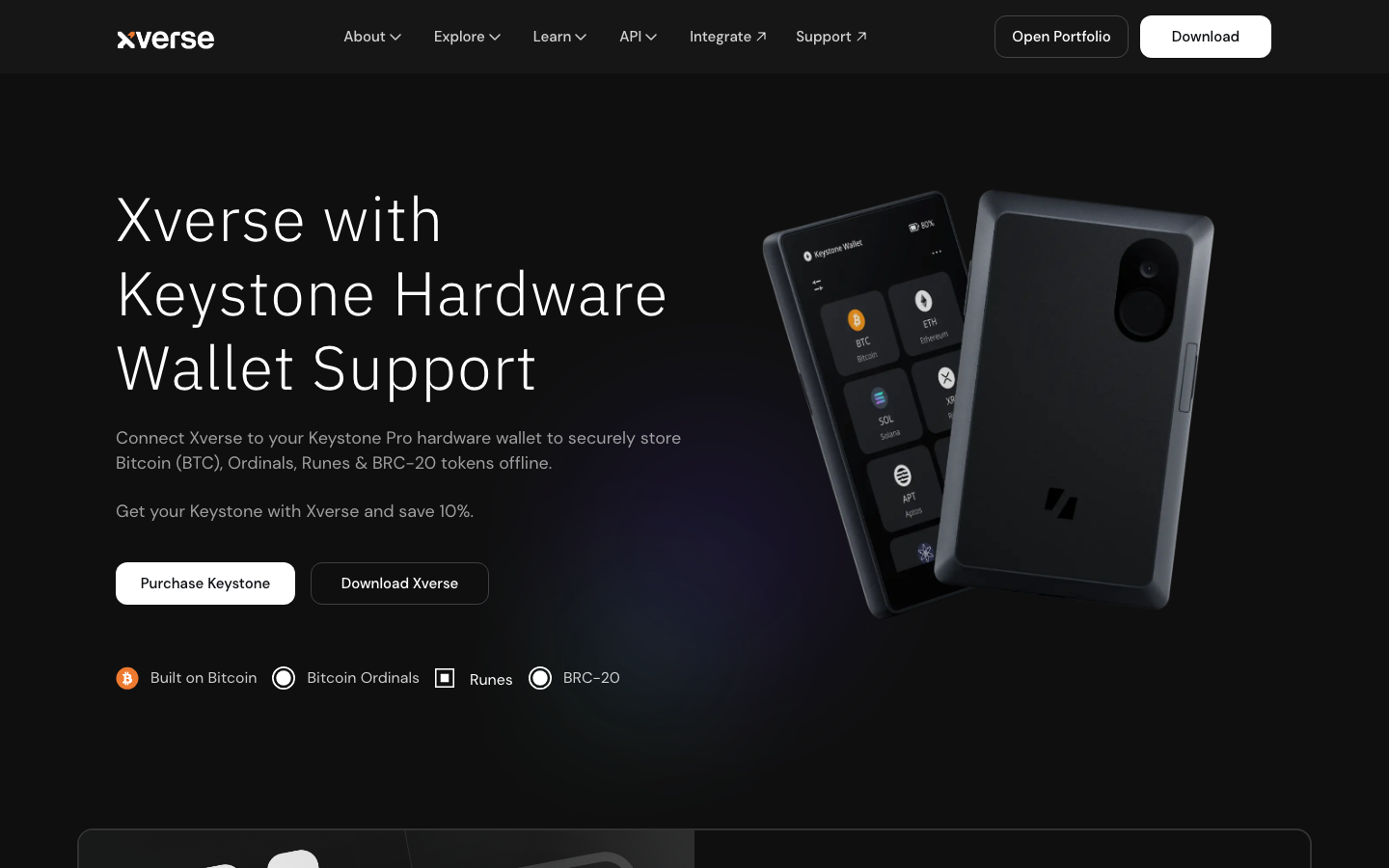
Xverse Settings — step 3

Keystone support

Step 3
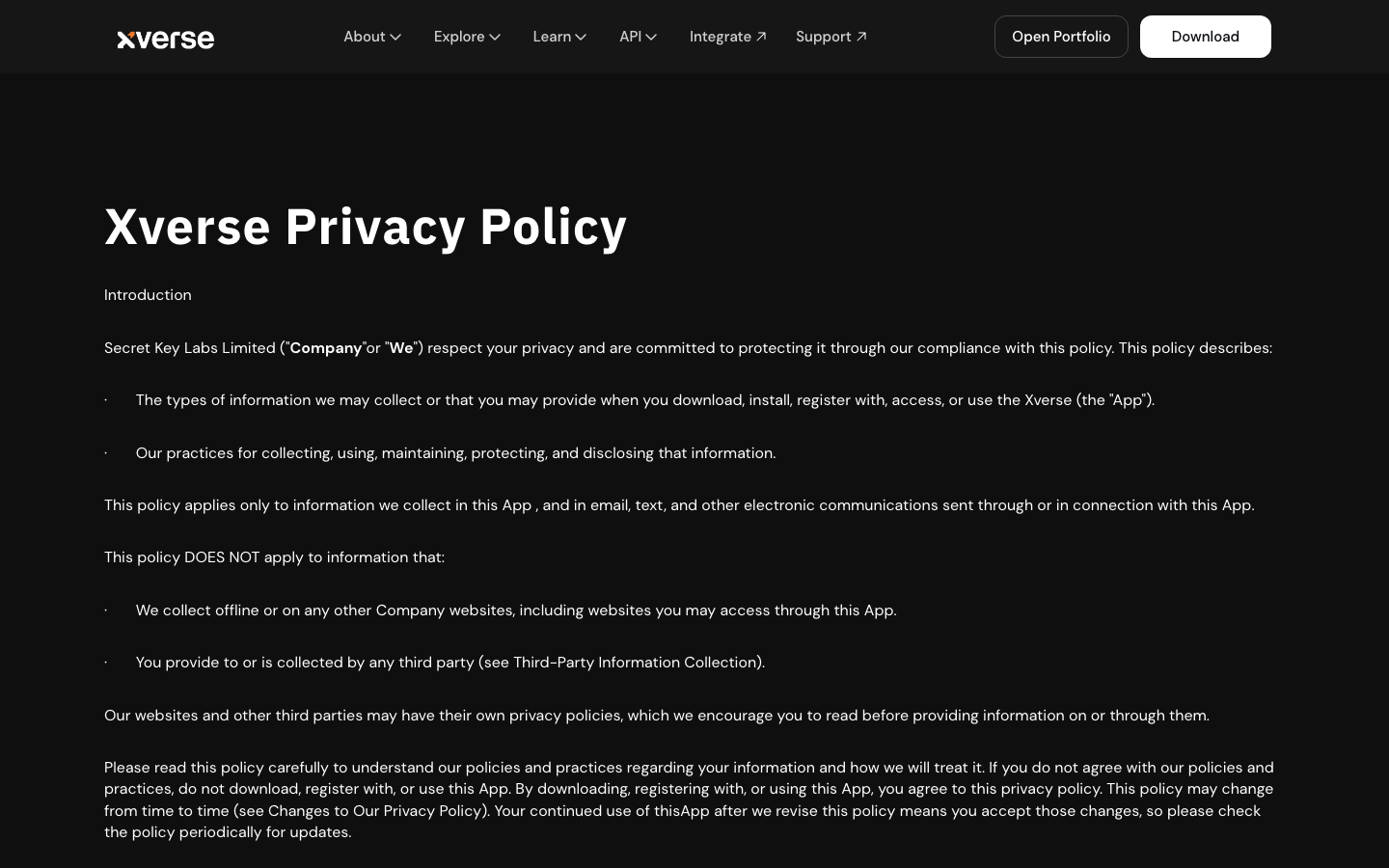
Xverse Settings — step 4

Privacy policy

Step 4
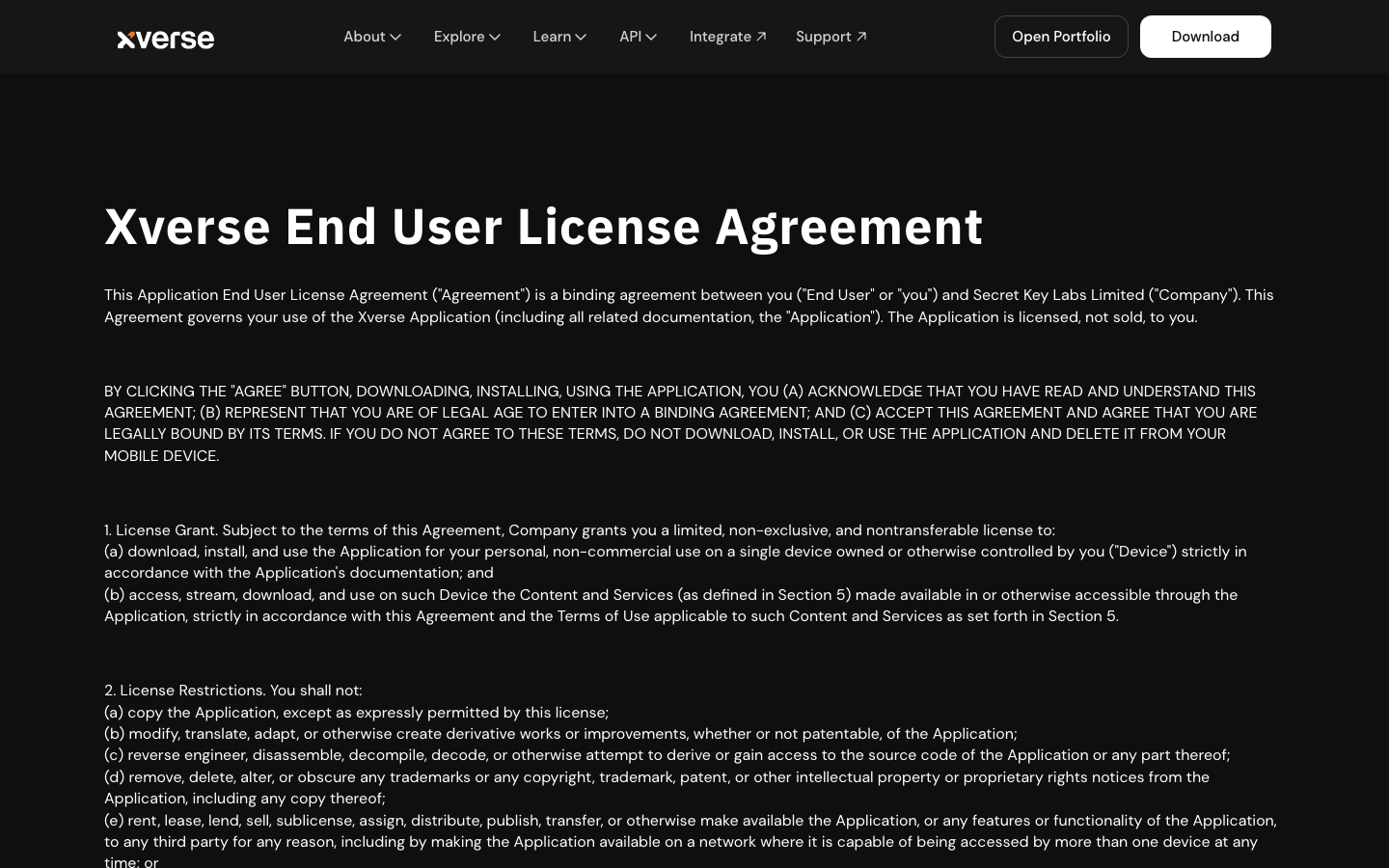
Xverse Settings — step 5

Terms of use

Step 5
Xverse Settings — step 6

faq page

Step 6
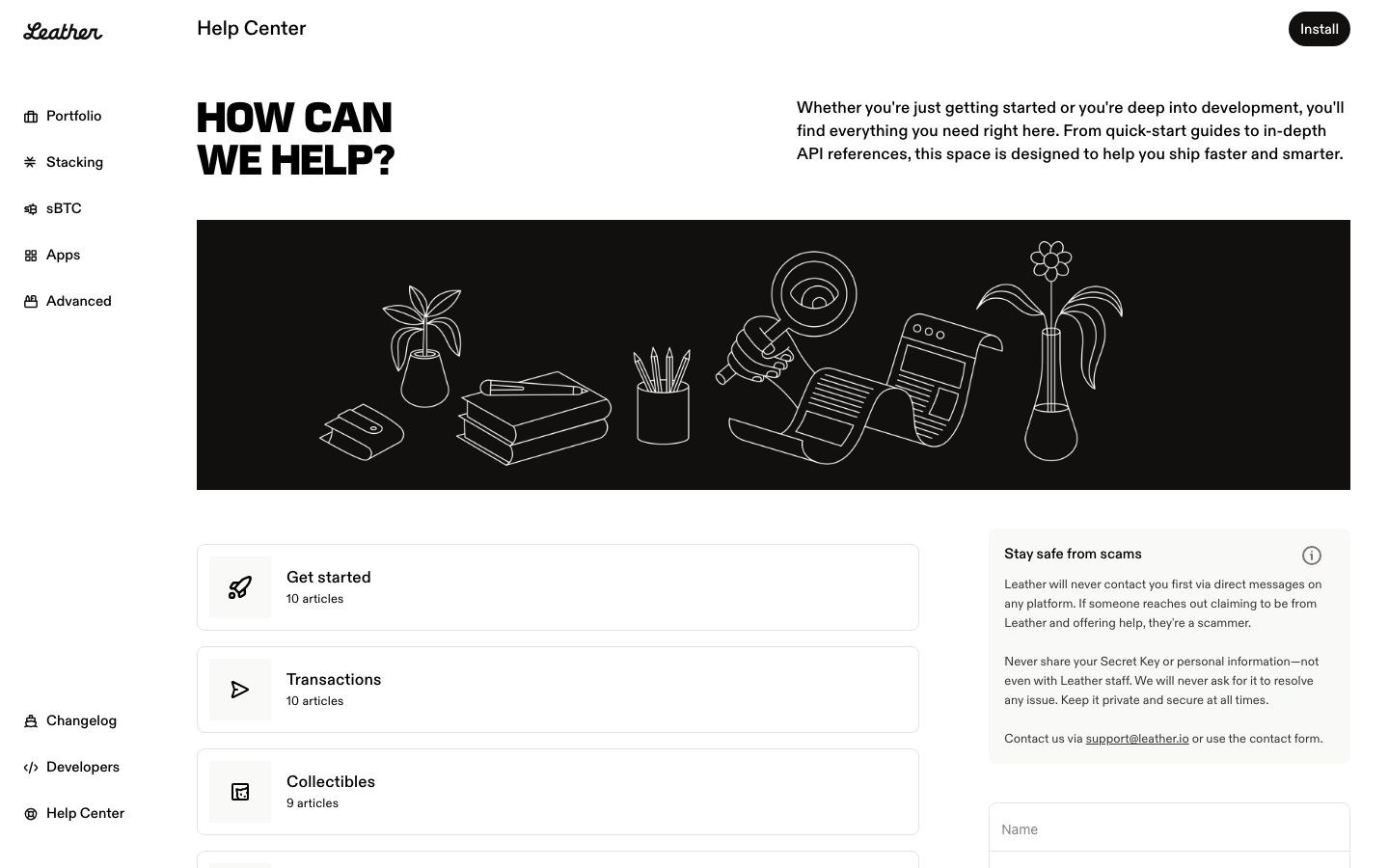
Leather5 stepsWallet
View app →
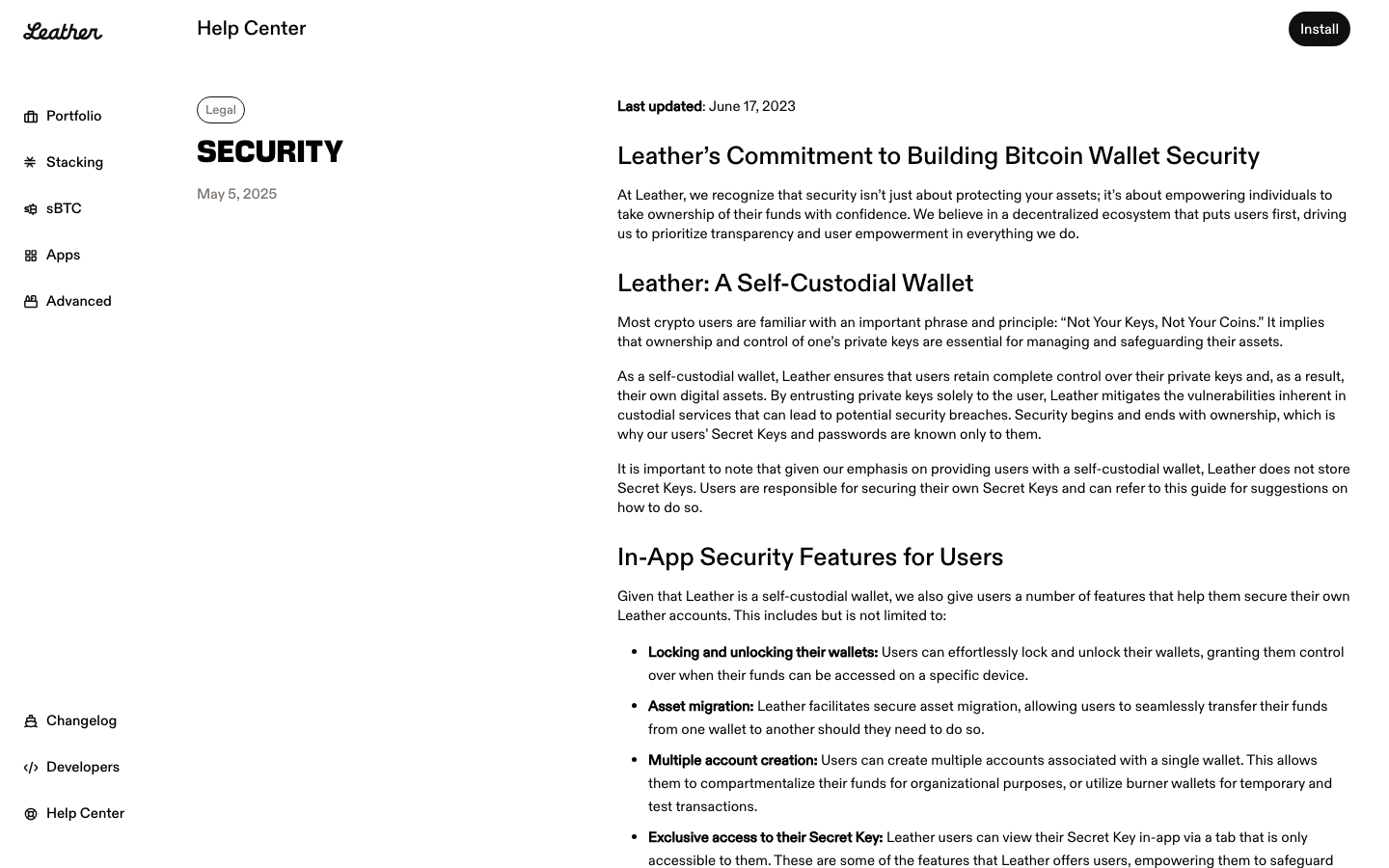
Leather Settings — step 1

Help Center

Step 1
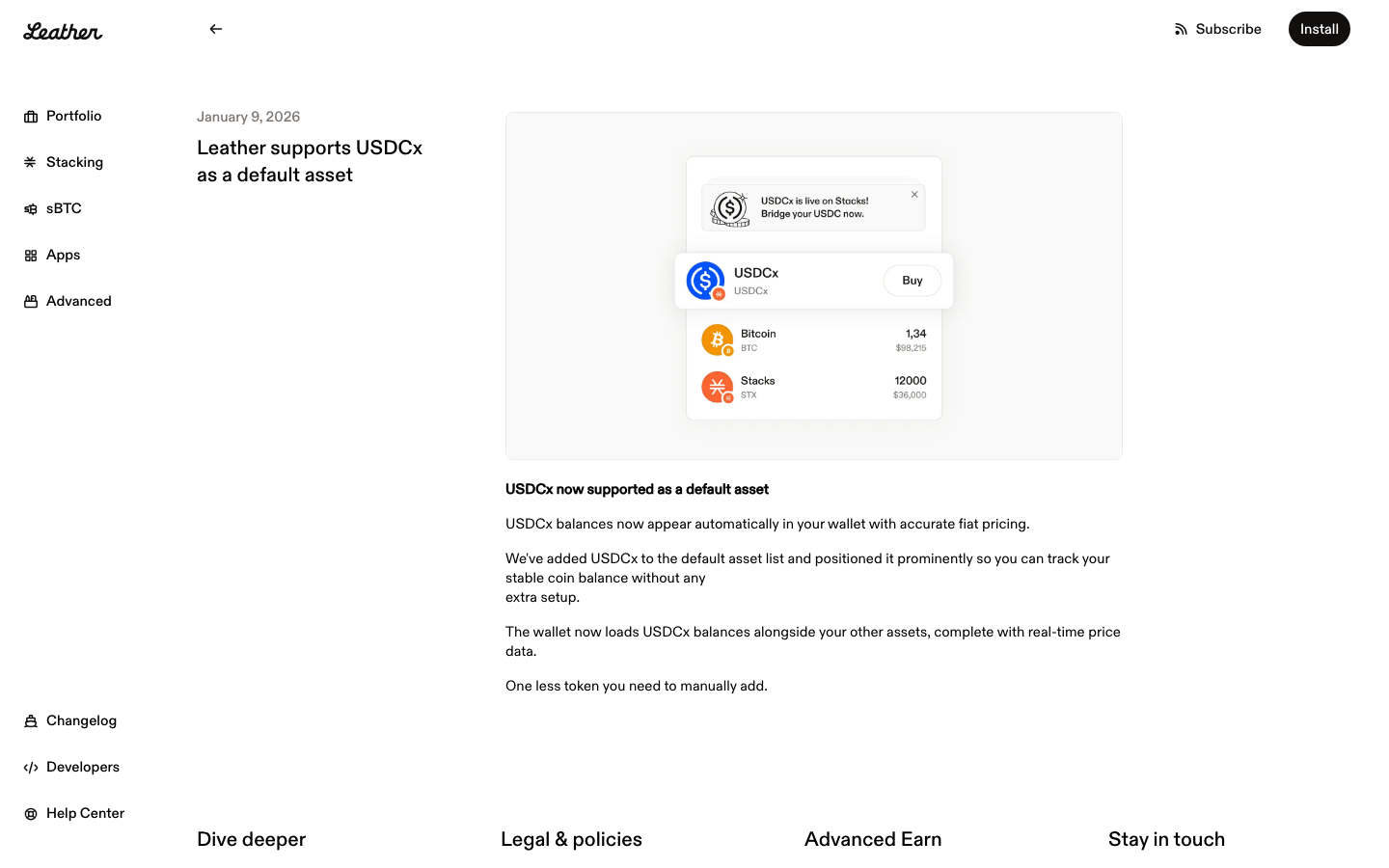
Leather Settings — step 2

Jan 8, 2026Leather supports USDCx as a default ass

Step 2
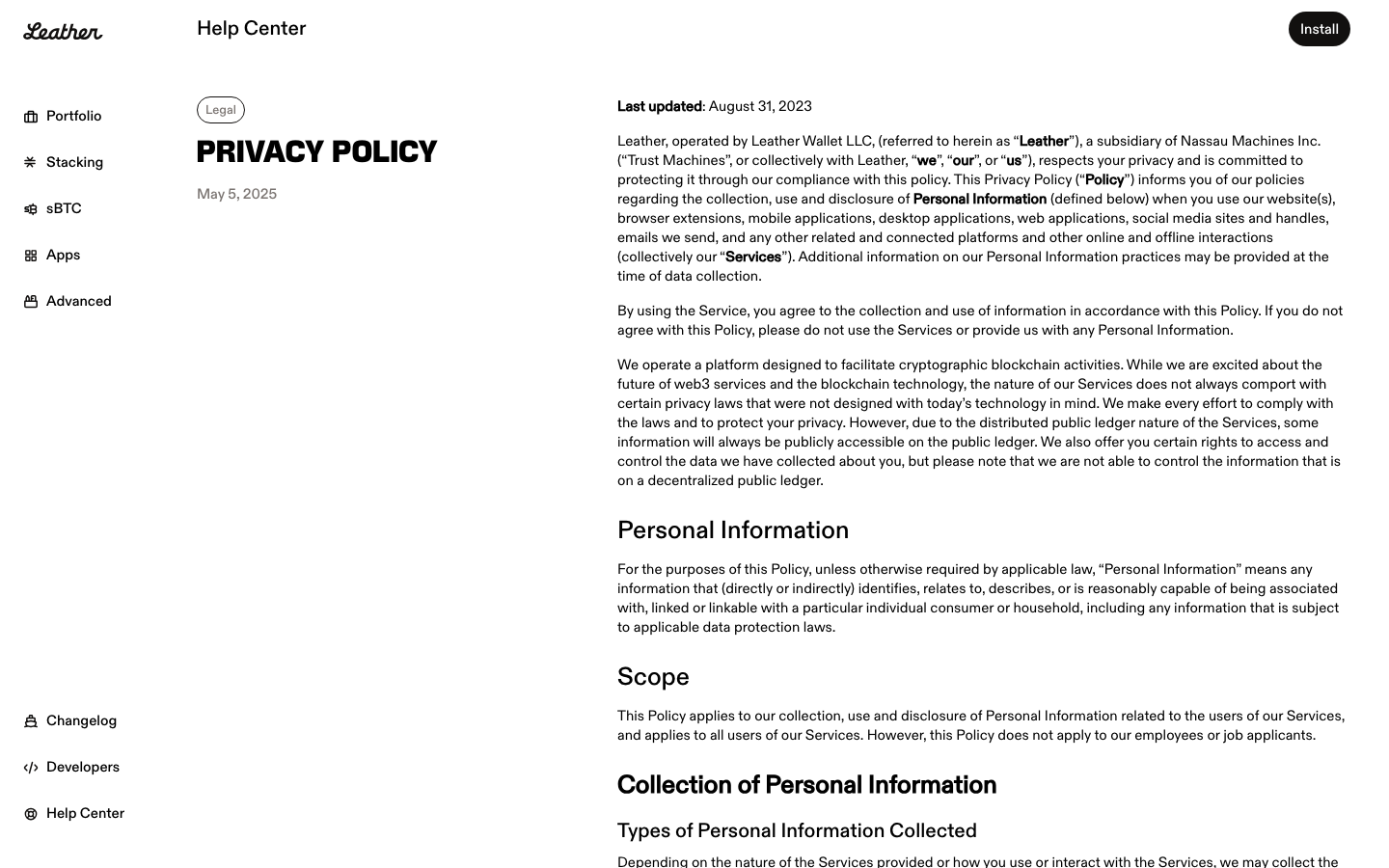
Leather Settings — step 3

Privacy policy

Step 3
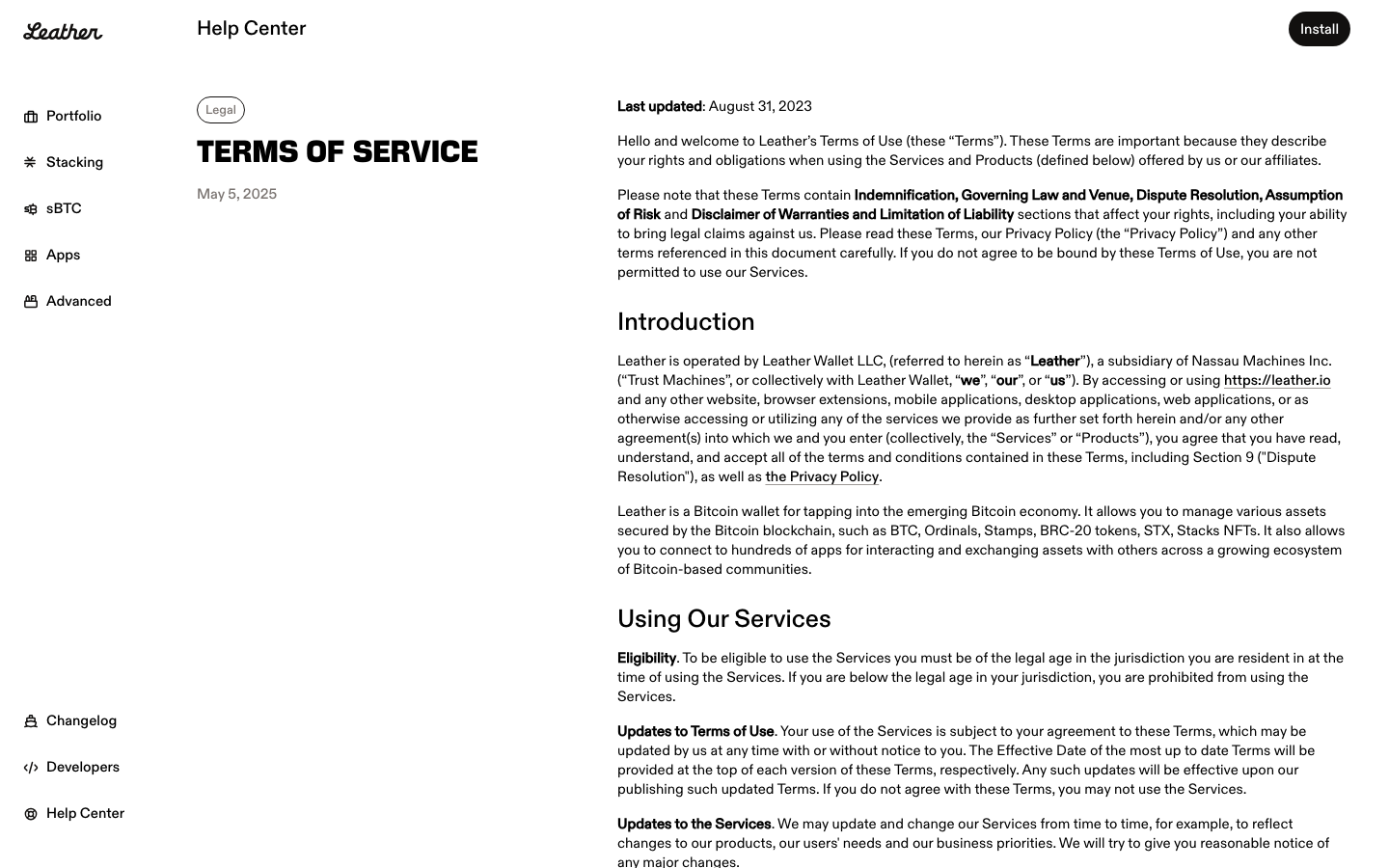
Leather Settings — step 4

Terms of service

Step 4
Leather Settings — step 5

Security

Step 5
Binance13 stepsExchange
View app →
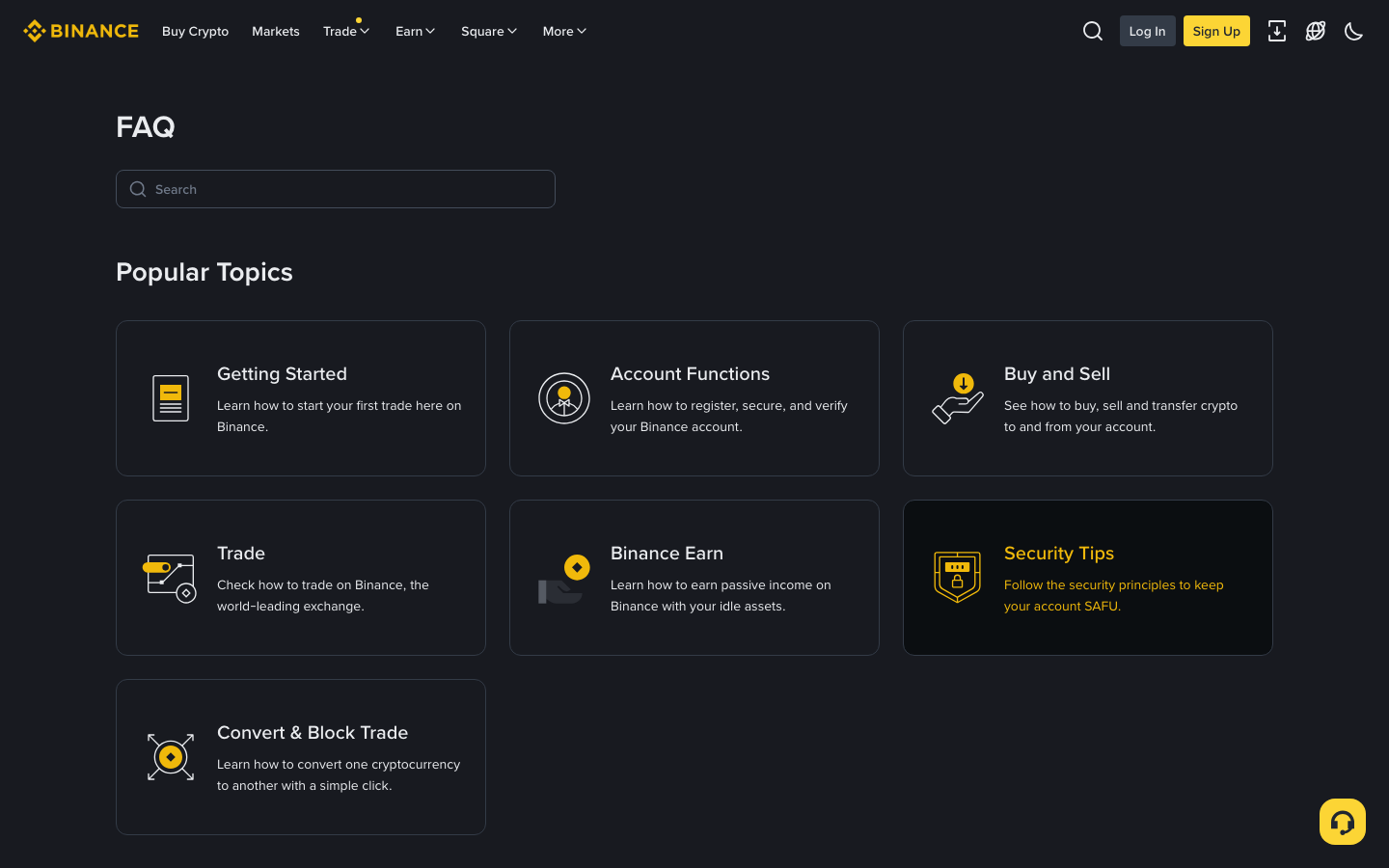
Binance Settings — step 1

learning

Step 1
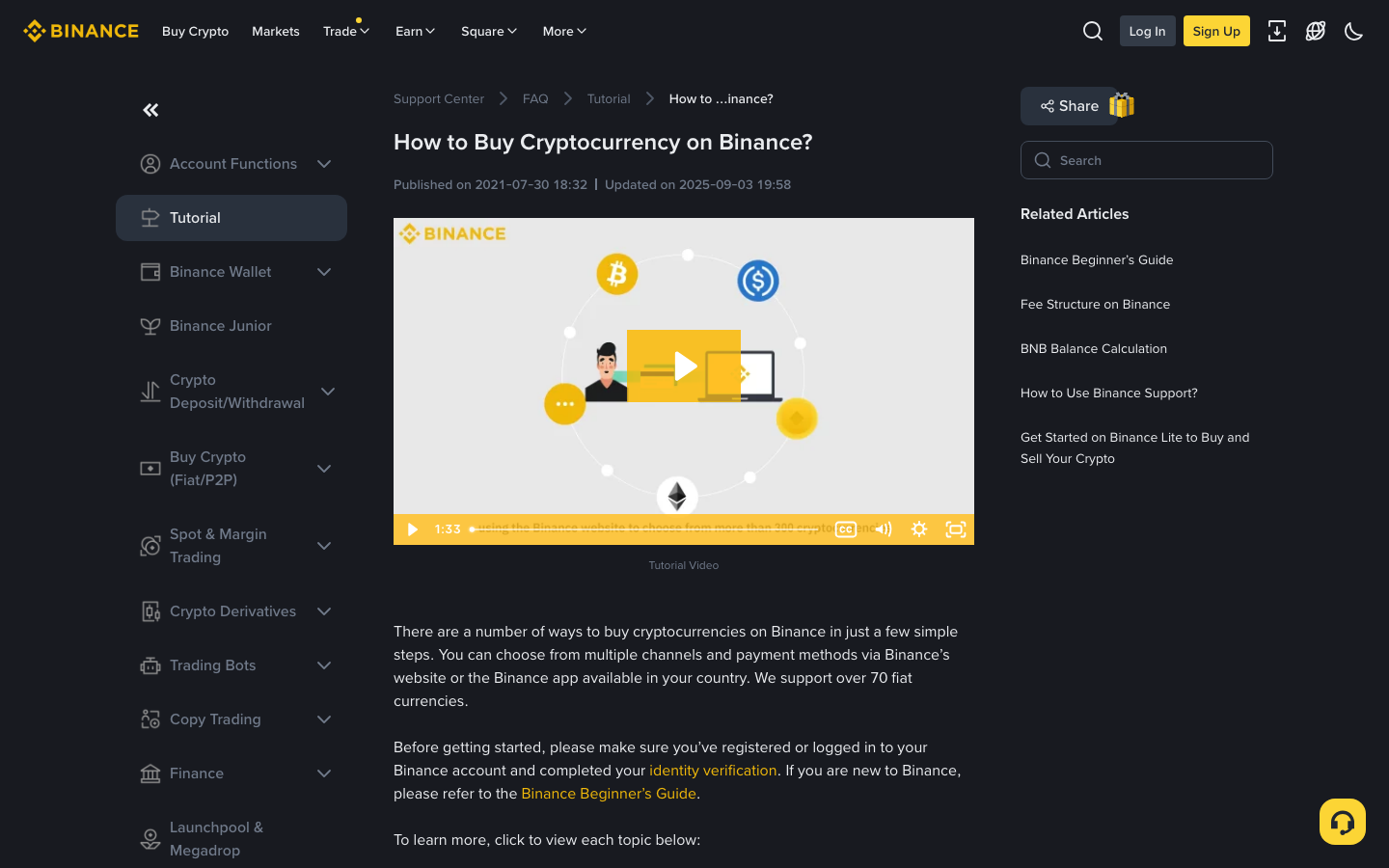
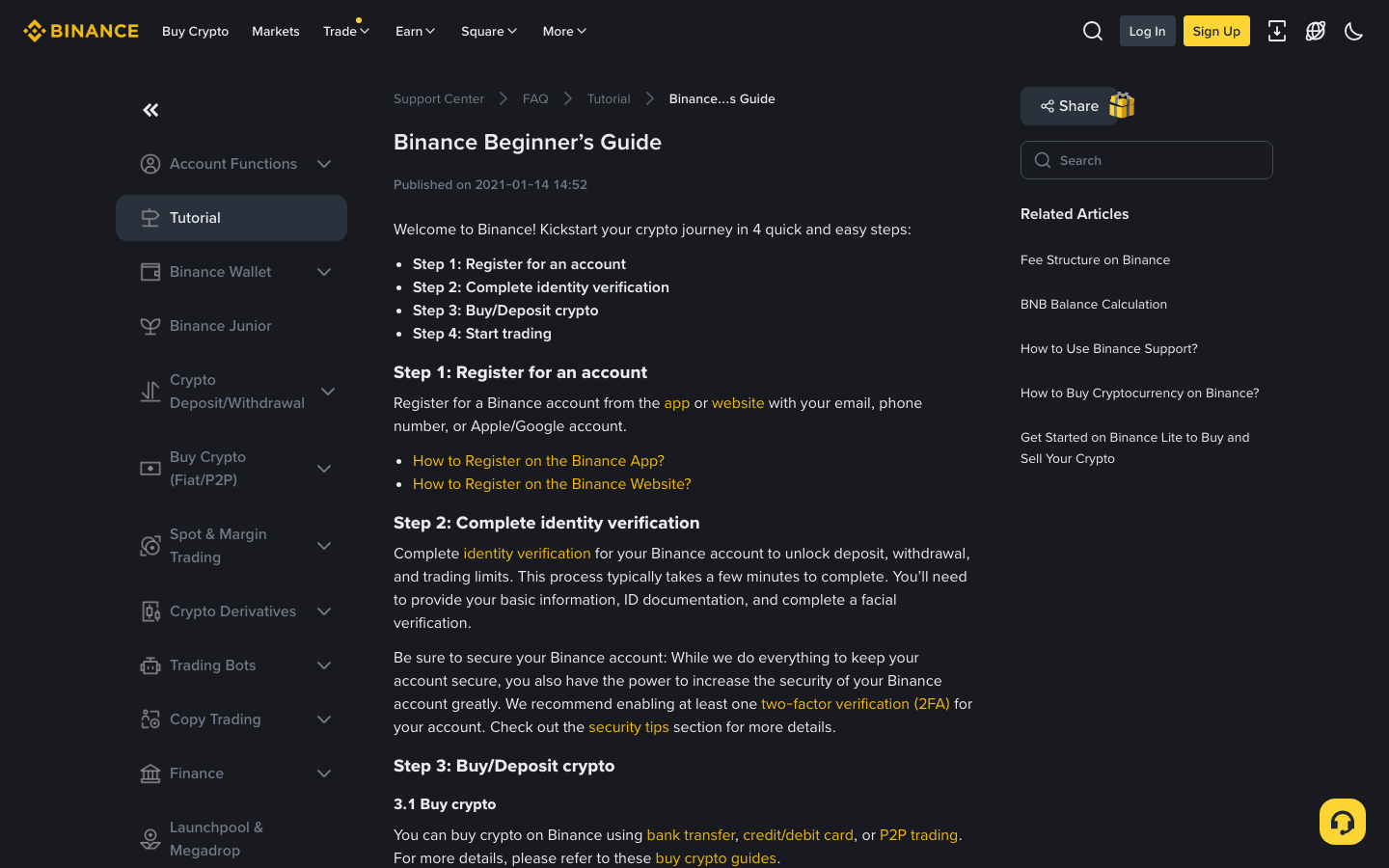
Binance Settings — step 2

purchase crypto

Step 2
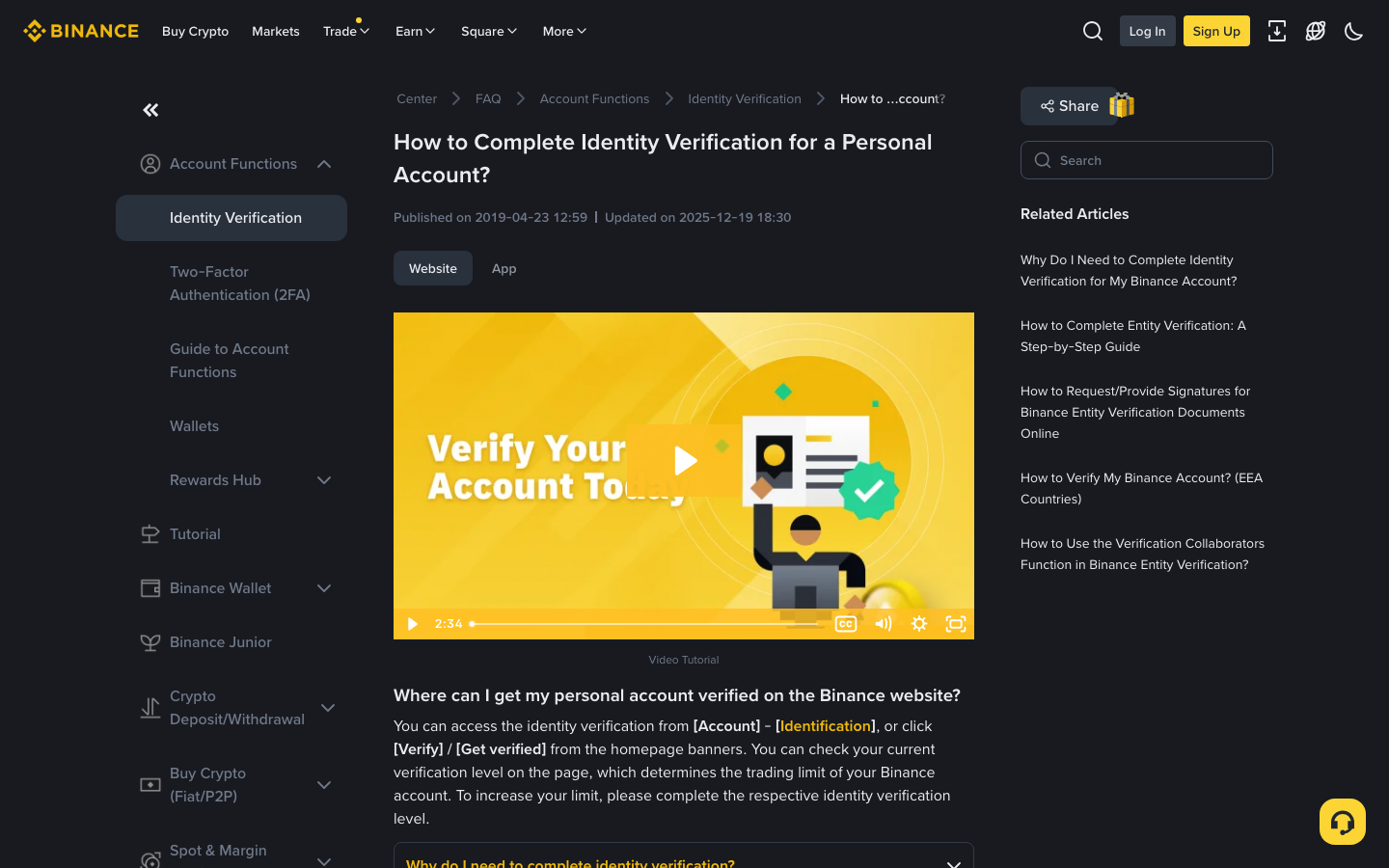
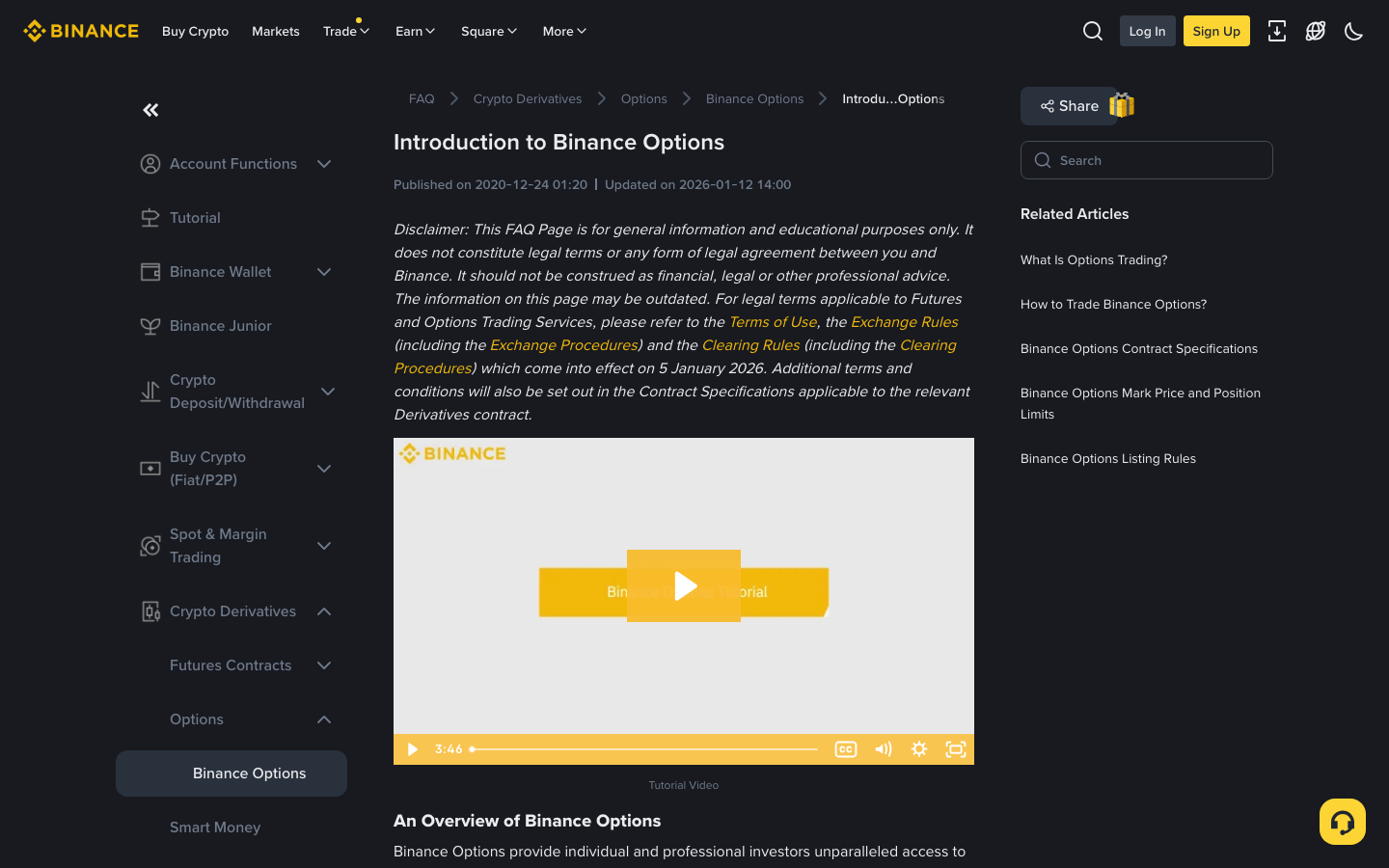
Binance Settings — step 3

Identity Verification

Step 3
Binance Settings — step 4

Spot

Step 4
Binance Settings — step 5

Options

Step 5
Binance Settings — step 6

begin trading

Step 6
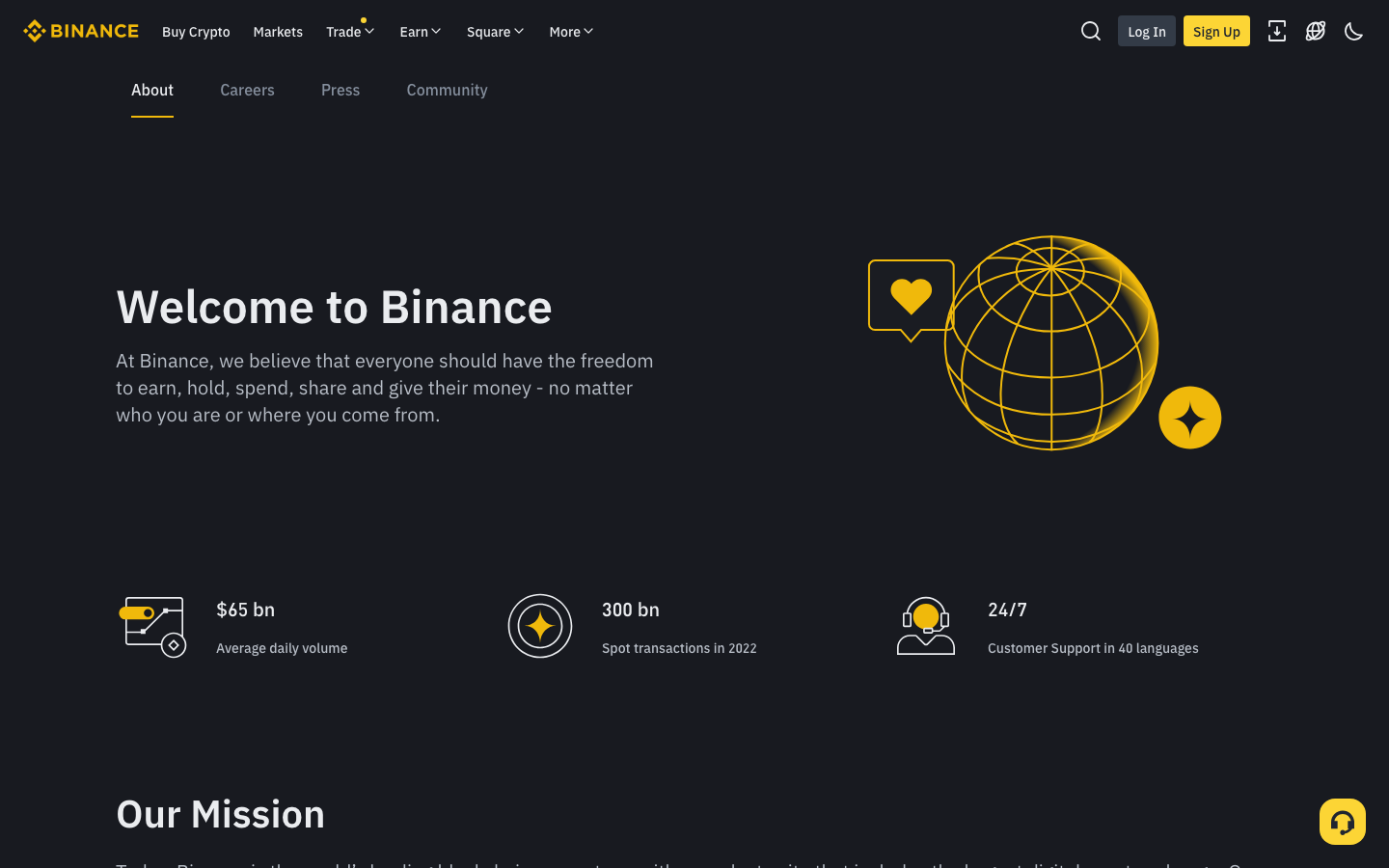
Binance Settings — step 7

About

Step 7
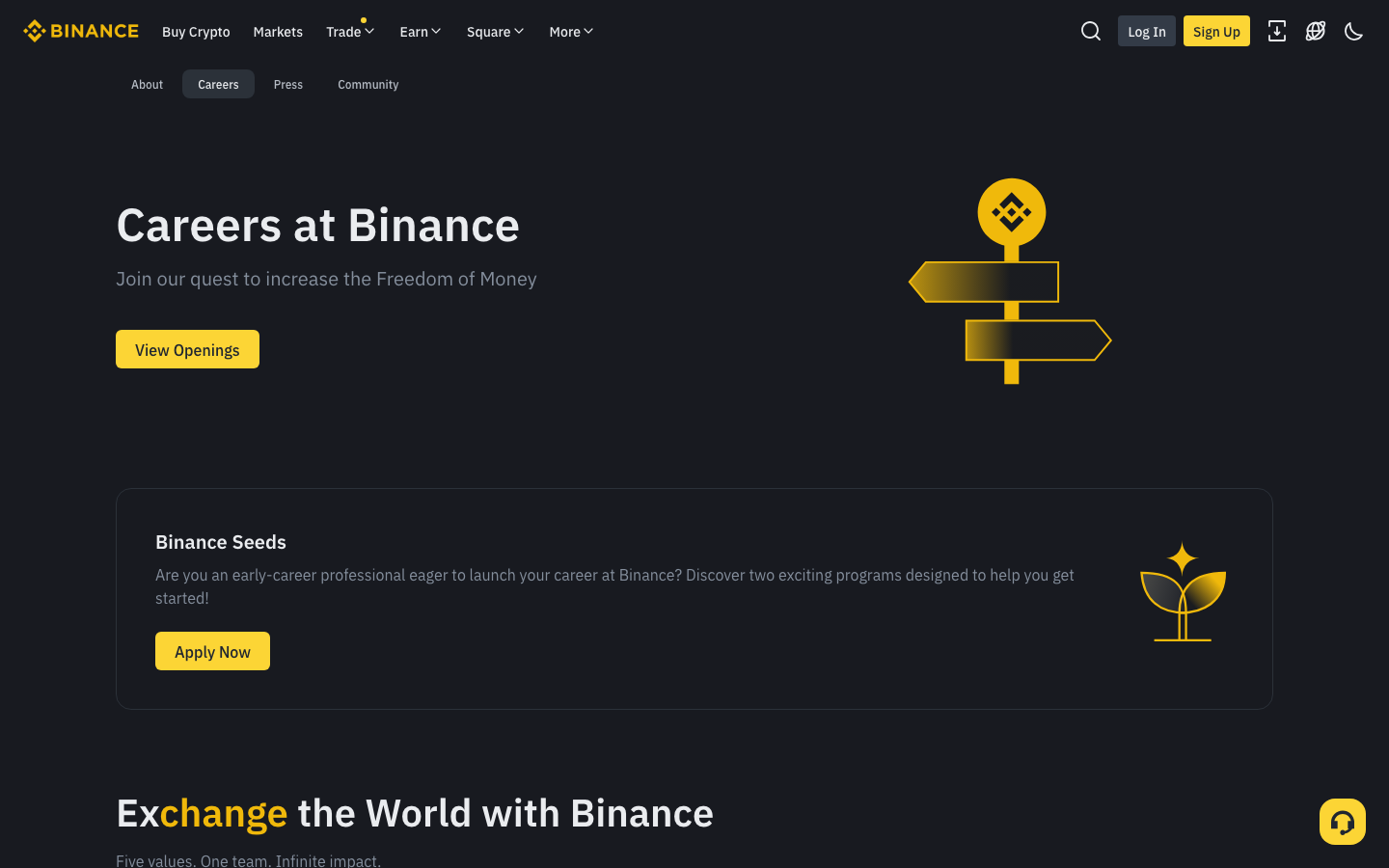
Binance Settings — step 8

Careers

Step 8
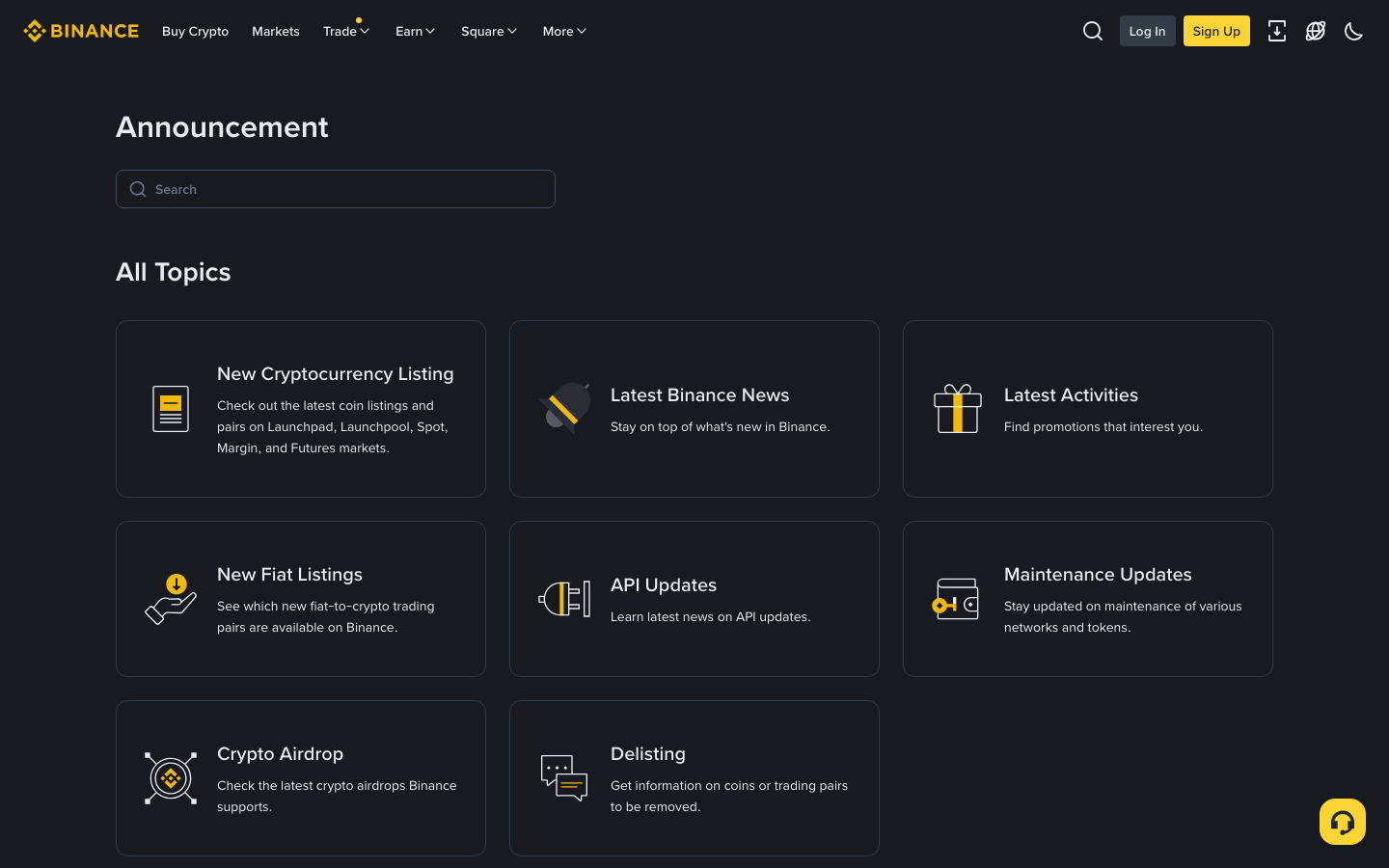
Binance Settings — step 9

Announcements

Step 9
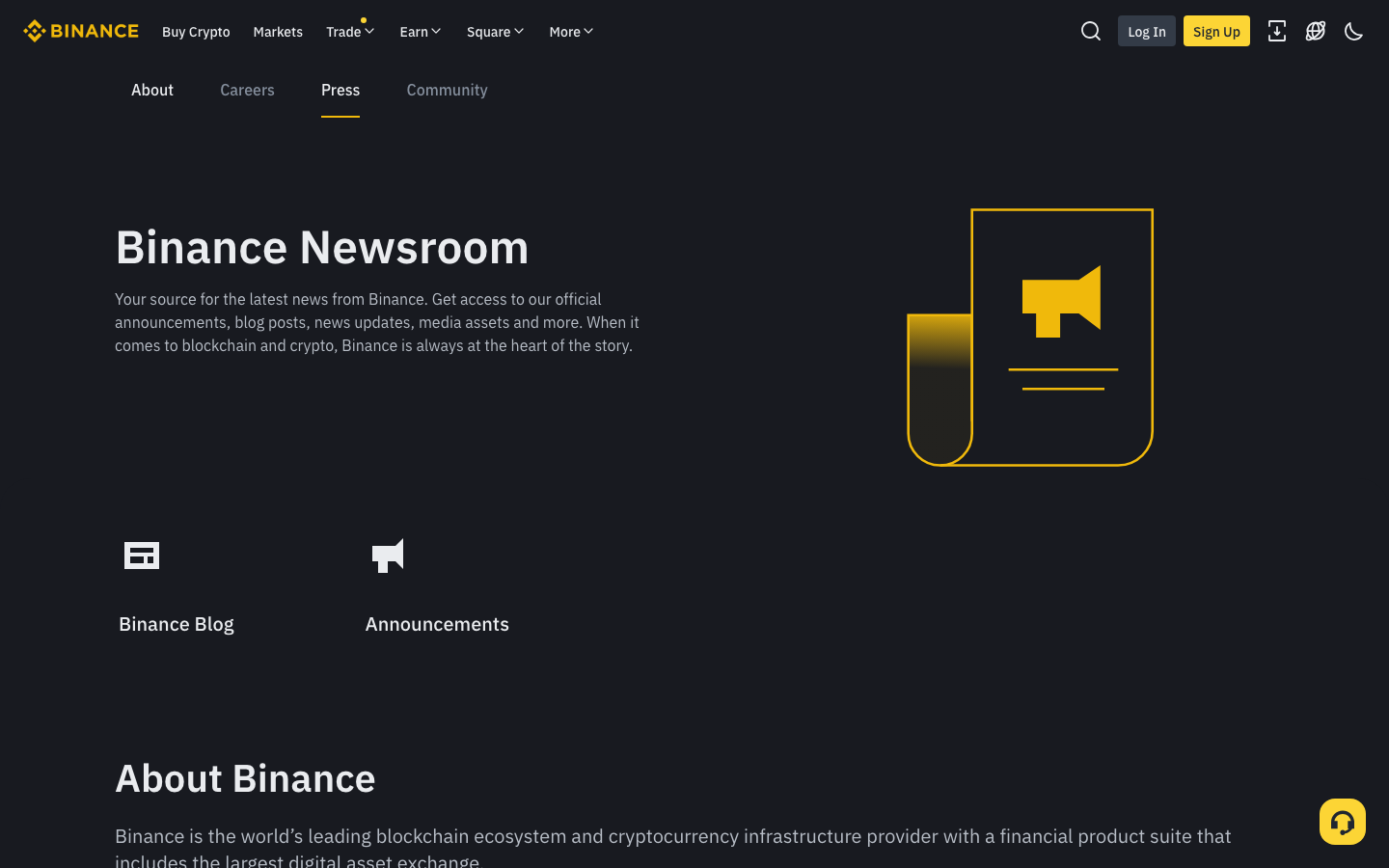
Binance Settings — step 10

Press

Step 10
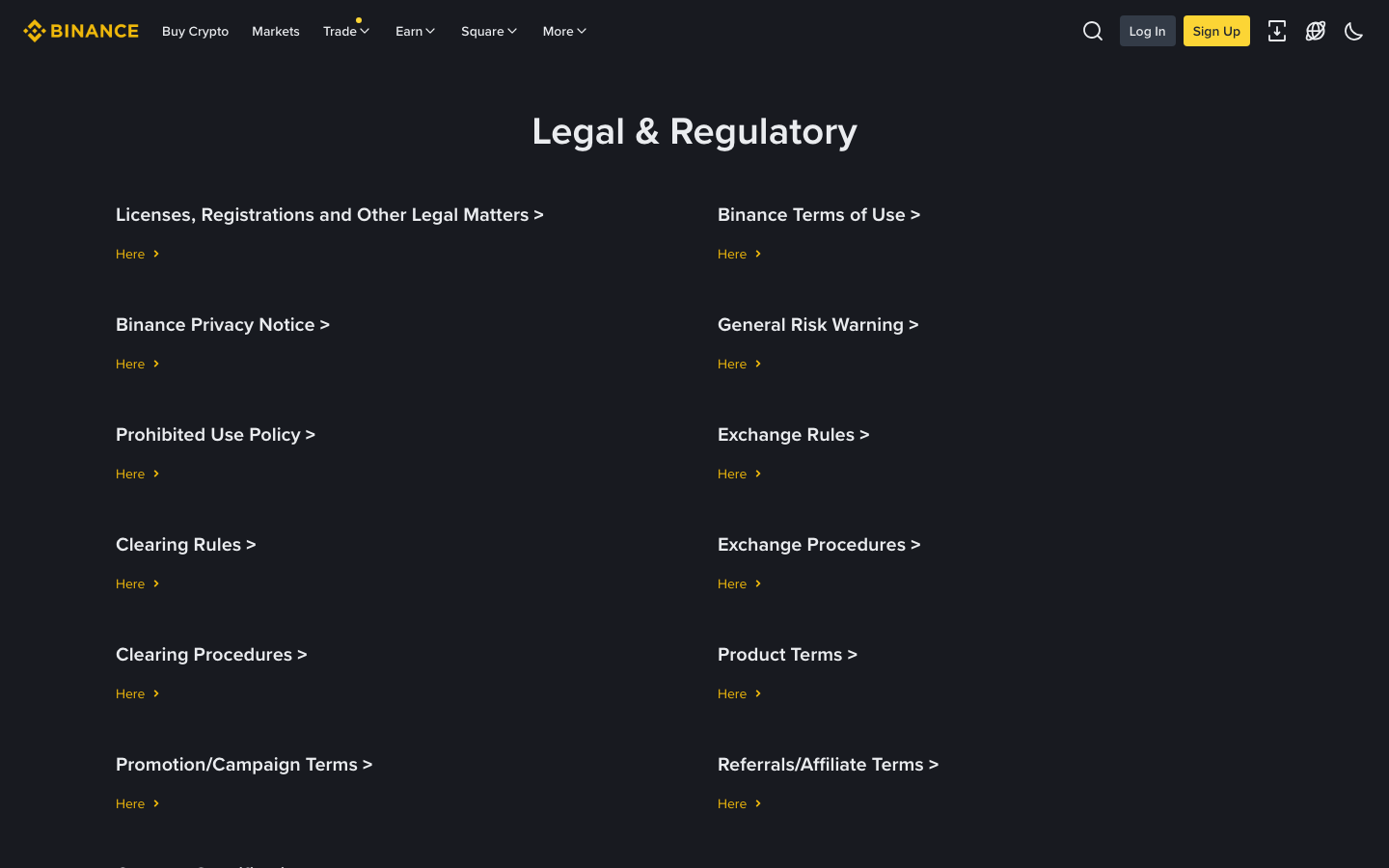
Binance Settings — step 11

Legal

Step 11
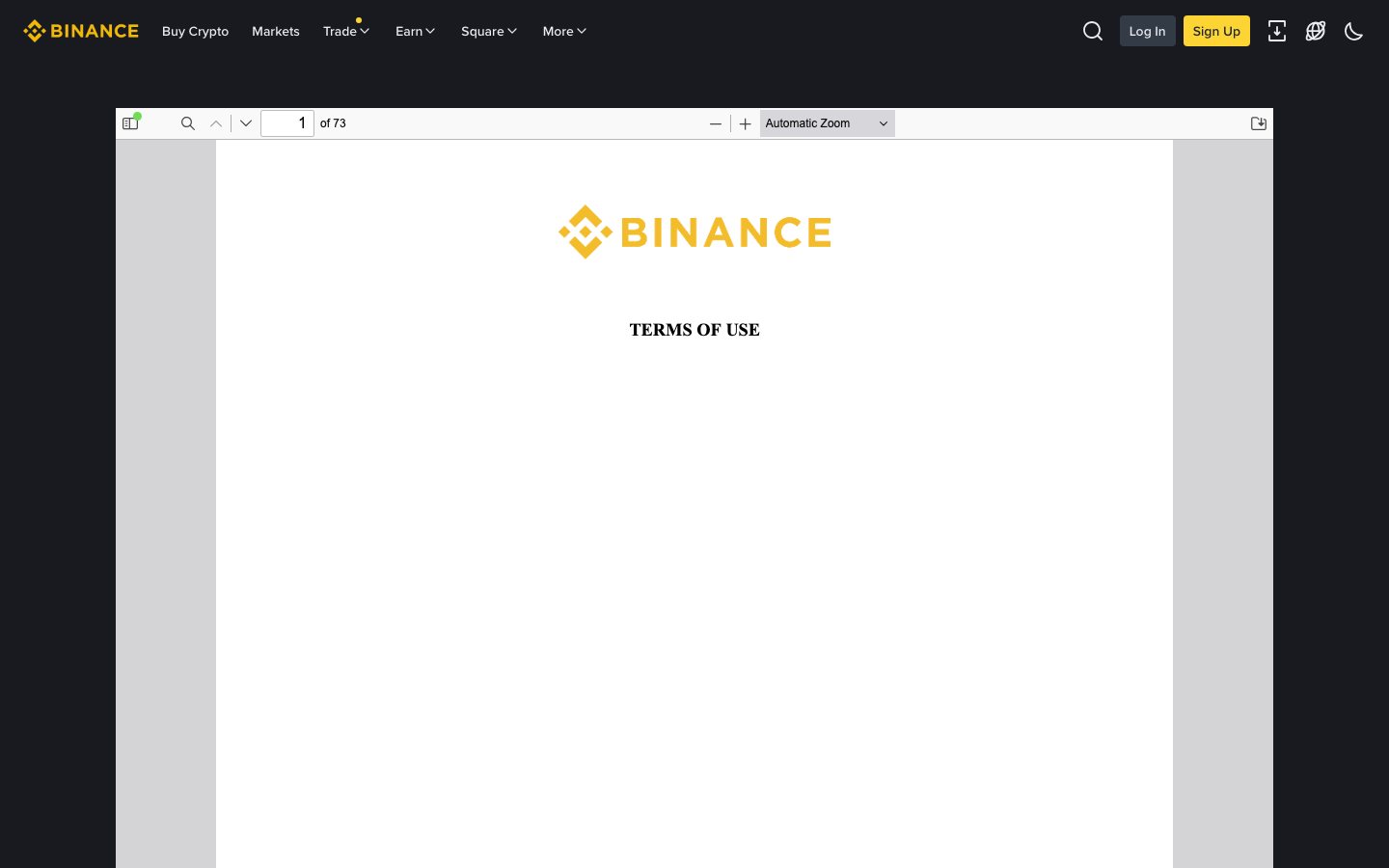
Binance Settings — step 12

Terms

Step 12
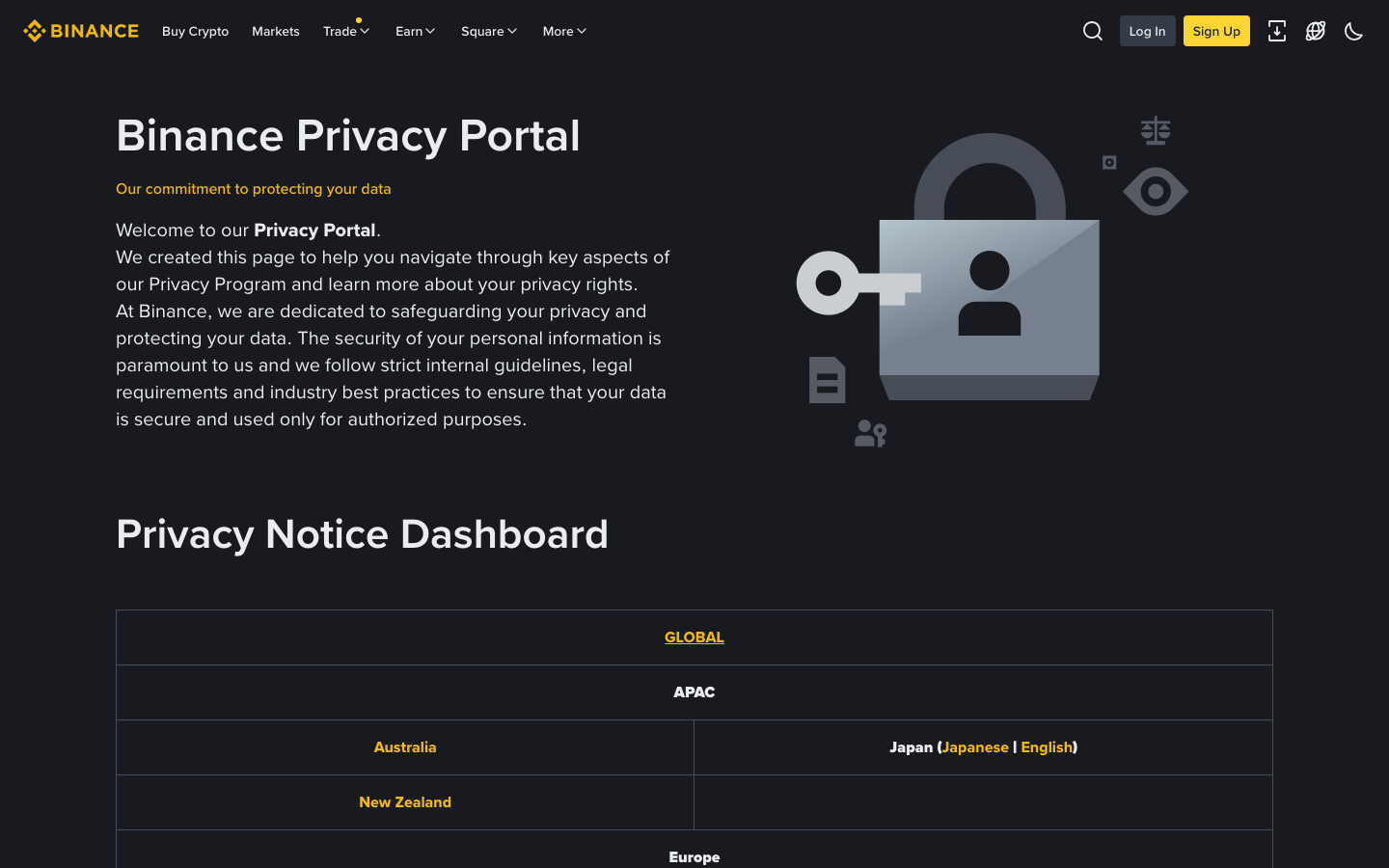
Binance Settings — step 13

Privacy

Step 13
Kraken5 stepsExchange
View app →
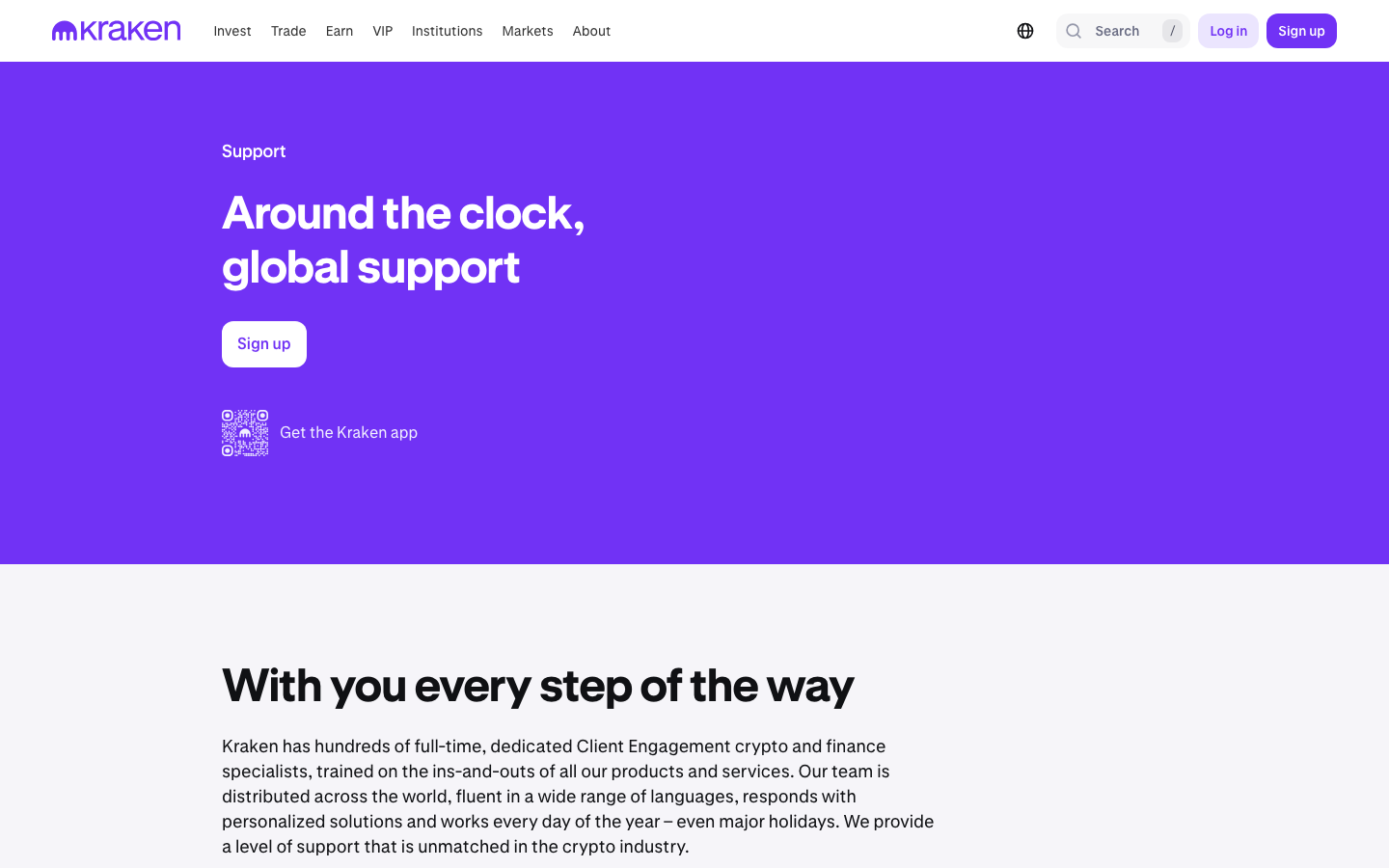
Kraken Settings — step 1

24-7 Customer ServiceHelp, an

Step 1
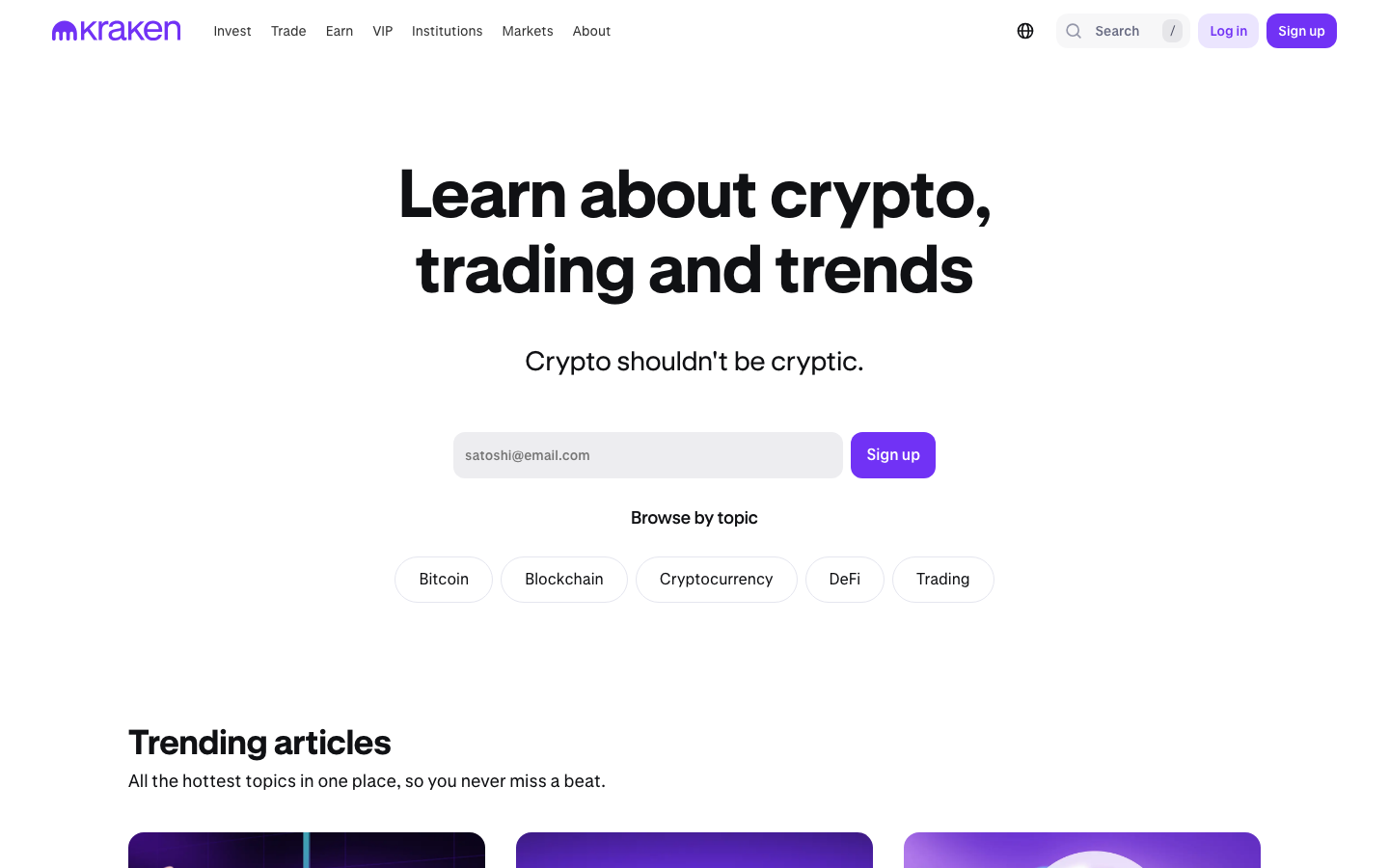
Kraken Settings — step 2

Learn About CryptoLearn crypto f

Step 2

Kraken Settings — step 3

Crypto SecurityProtect your funds a

Step 3
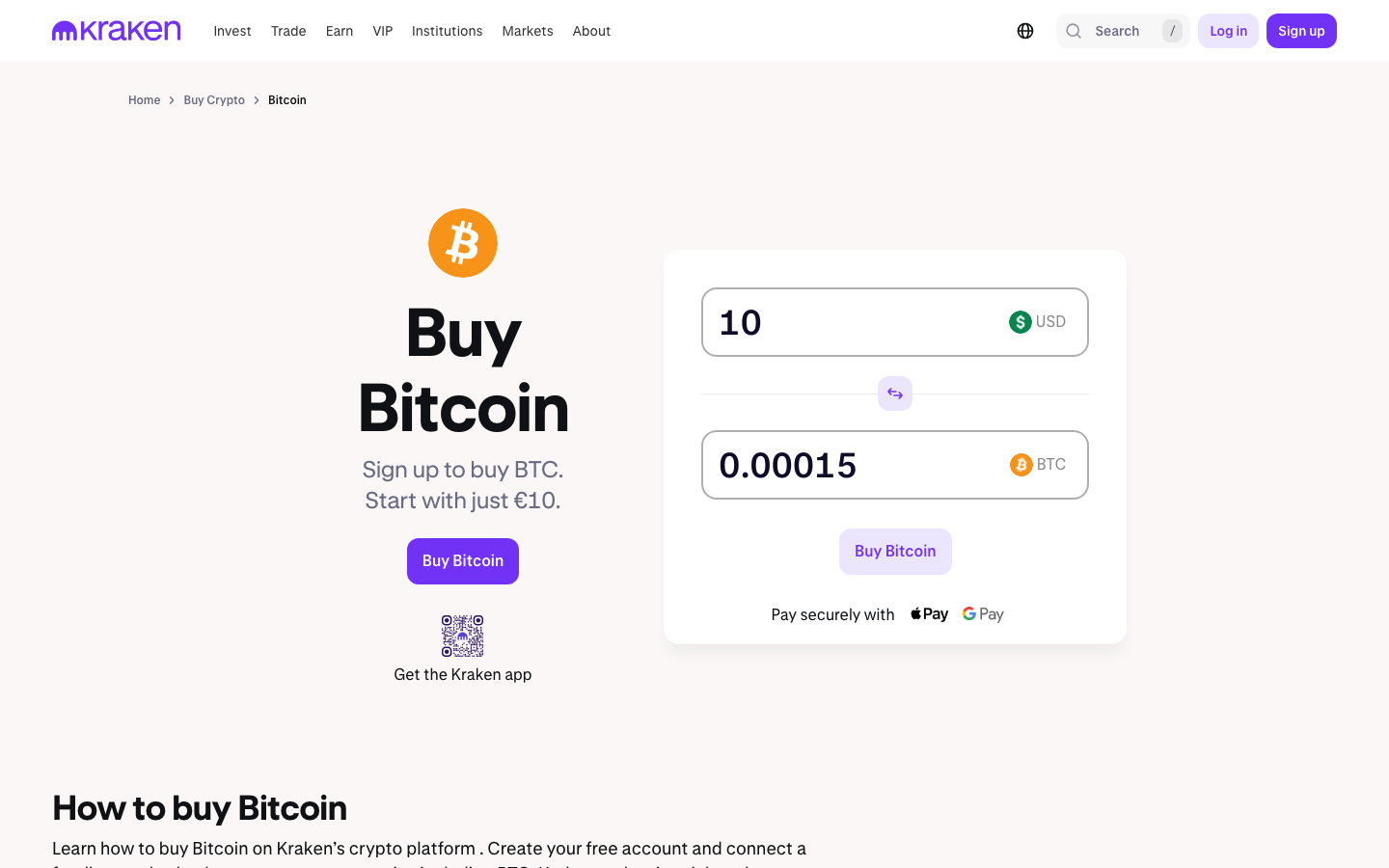
Kraken Settings — step 4

How to Buy BitcoinYour first bit

Step 4
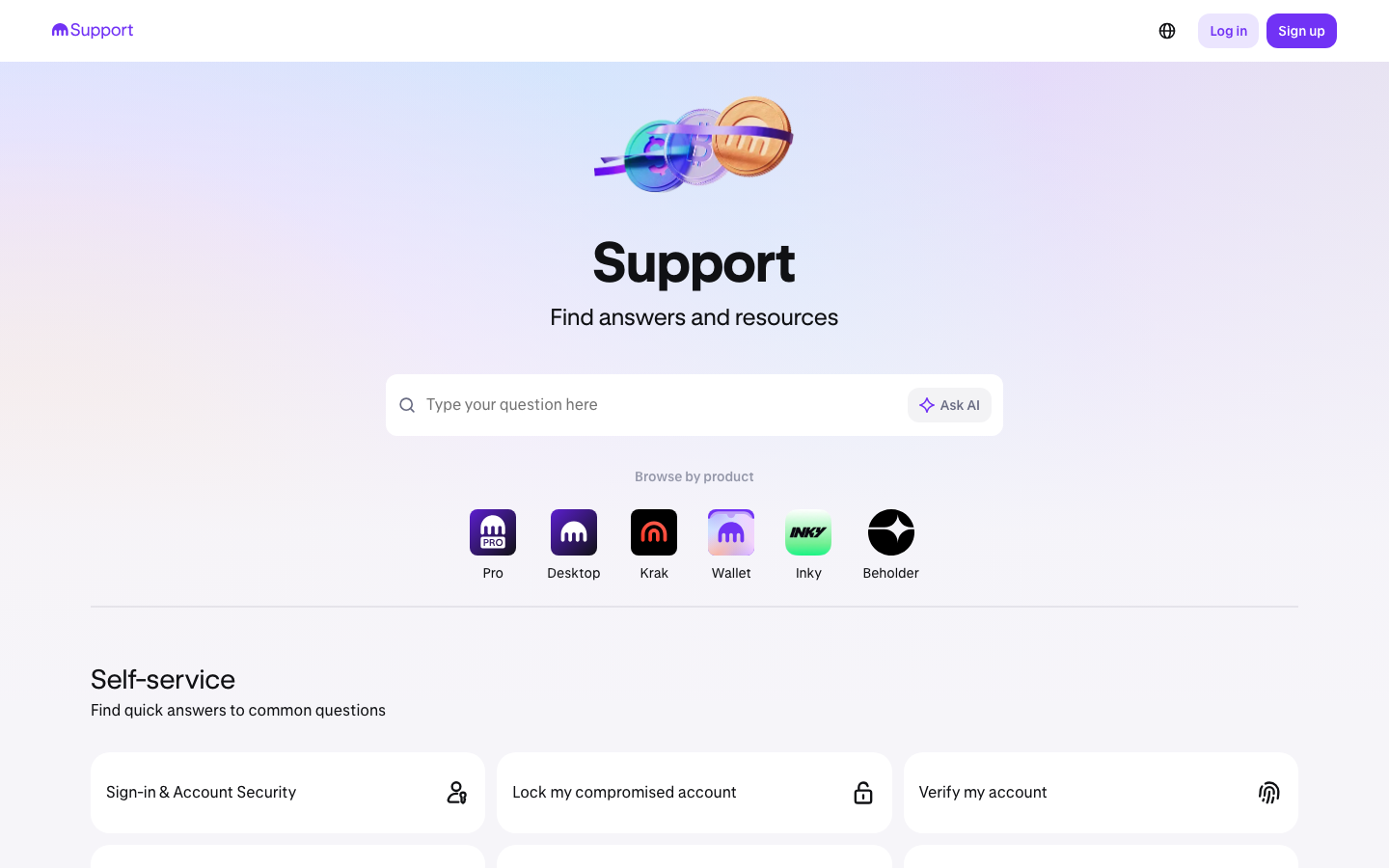
Kraken Settings — step 5

help page

Step 5
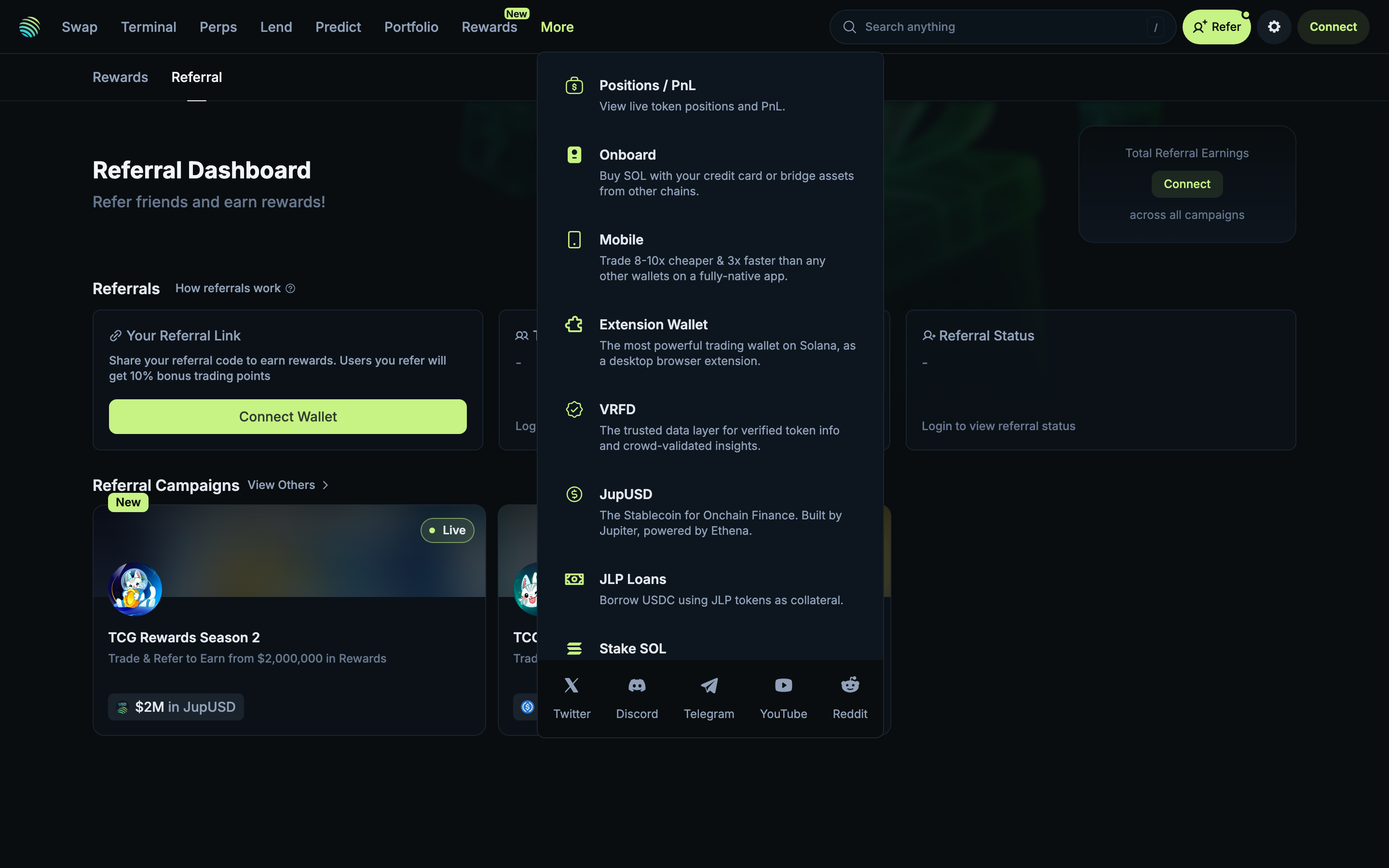
Jupiter Settings — step 1

More menu dropdown - Shows Positions/PnL, Onboard, Mobile, Extension Wallet, VRFD, and social links

Step 1
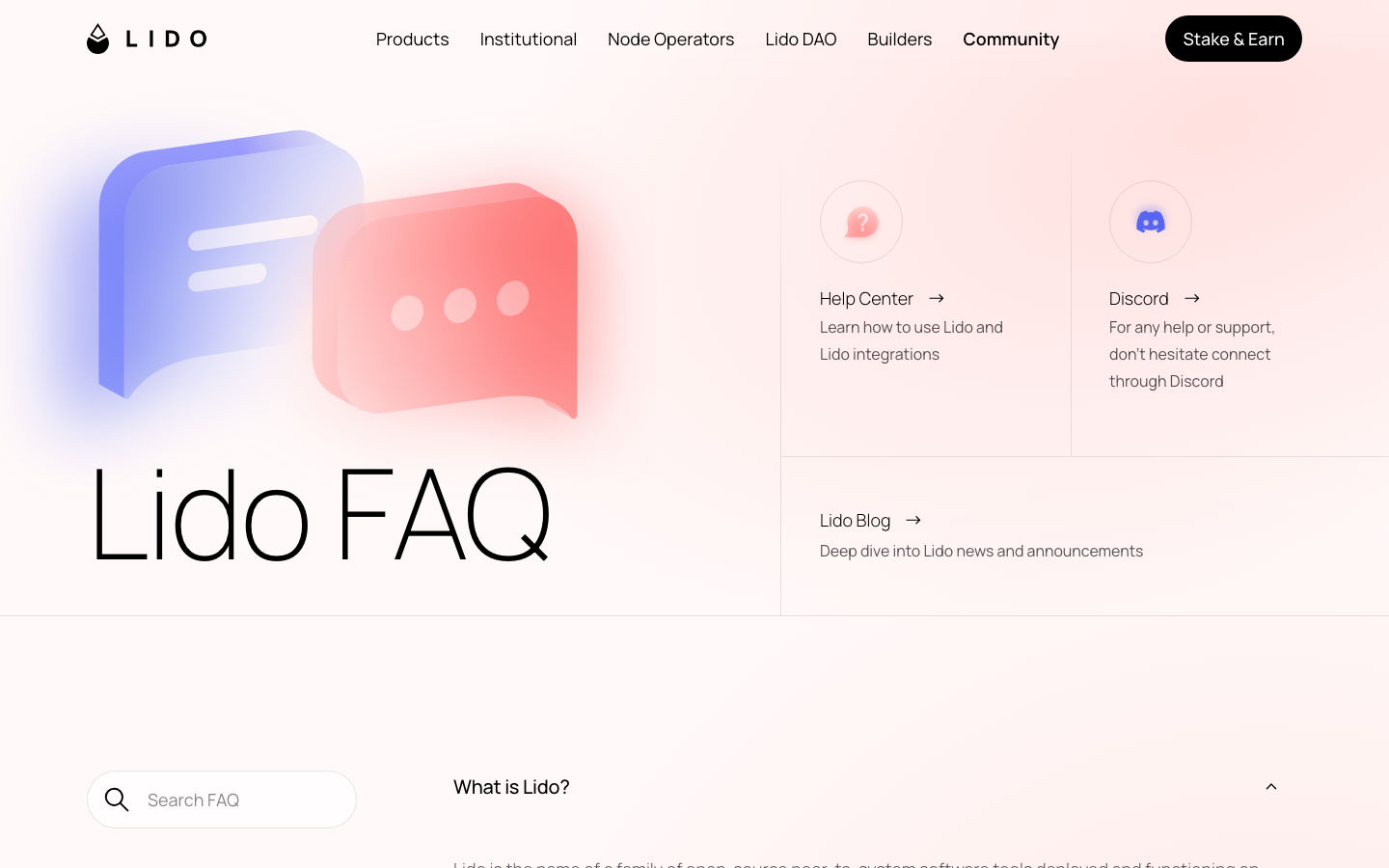
Lido3 stepsDeFi
View app →
Lido Settings — step 1

FAQFrequently asked questions

Step 1
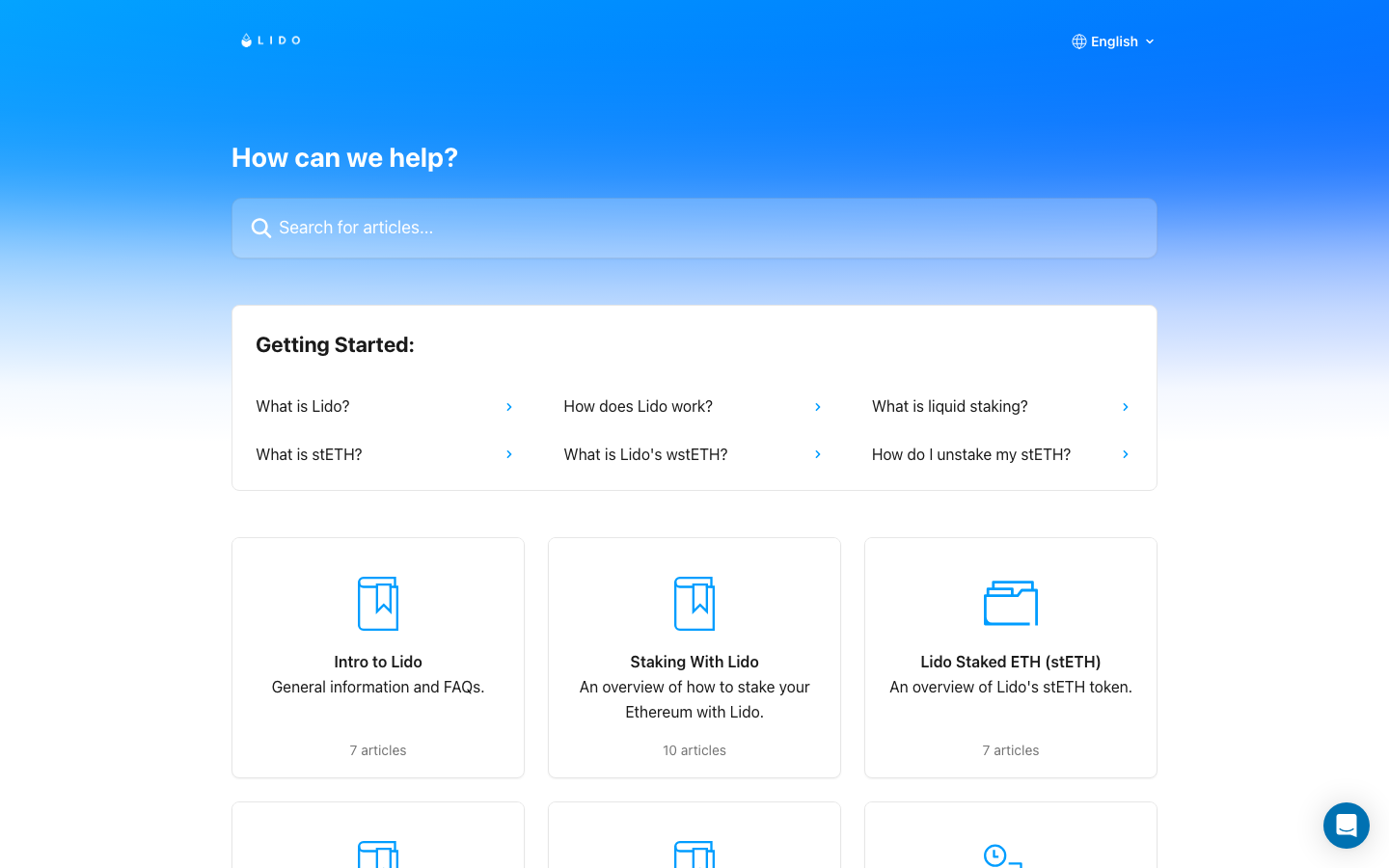
Lido Settings — step 2

Help center

Step 2
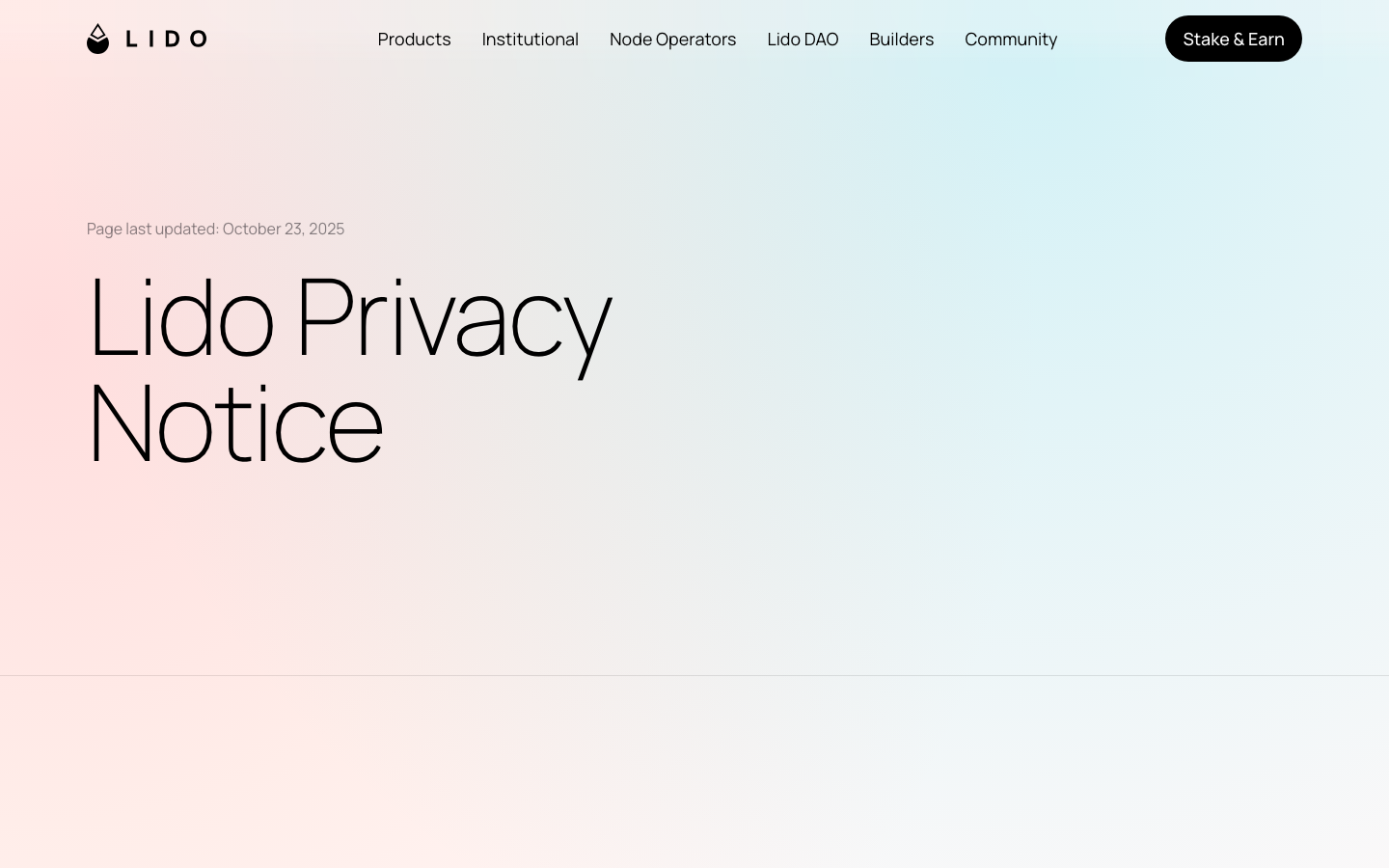
Lido Settings — step 3

Privacy Notice

Step 3
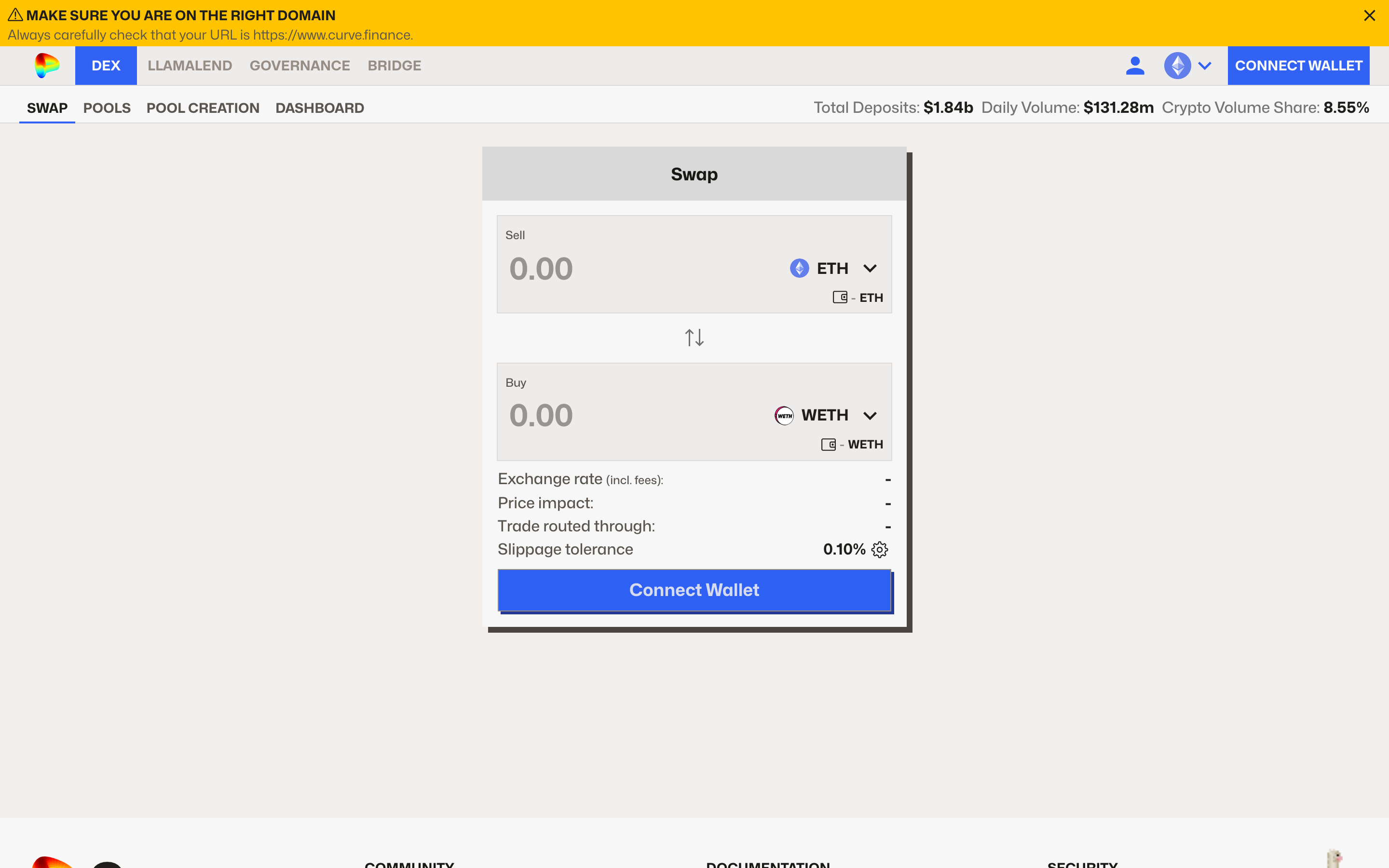
Curve Settings — step 1

Slippage tolerance

Step 1
Gas settings

Gas settings

Step 2

Other flow types

Get updates when new settings flows are added

We screenshot 35+ crypto products and track how their flows evolve.