←Back to Library
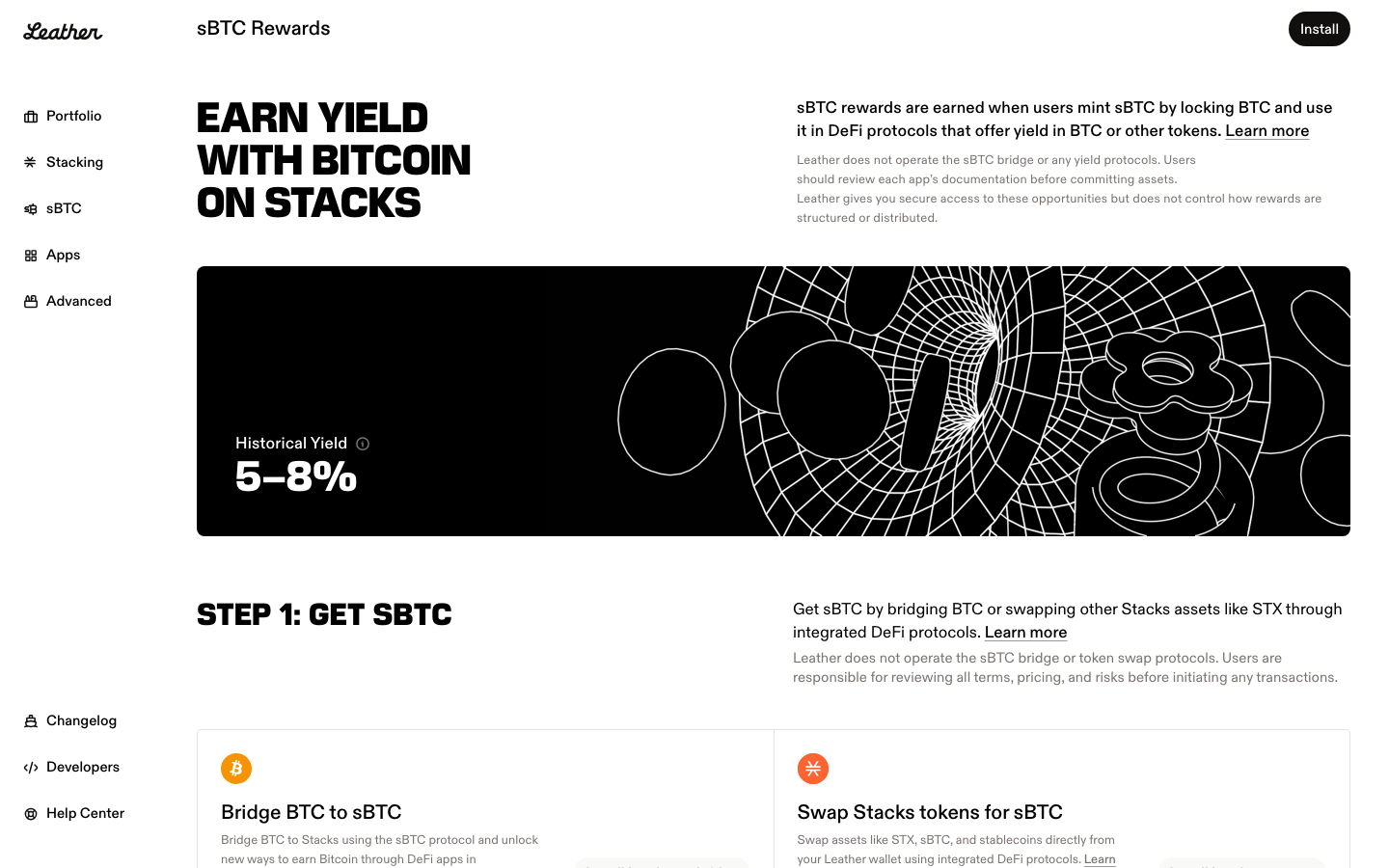
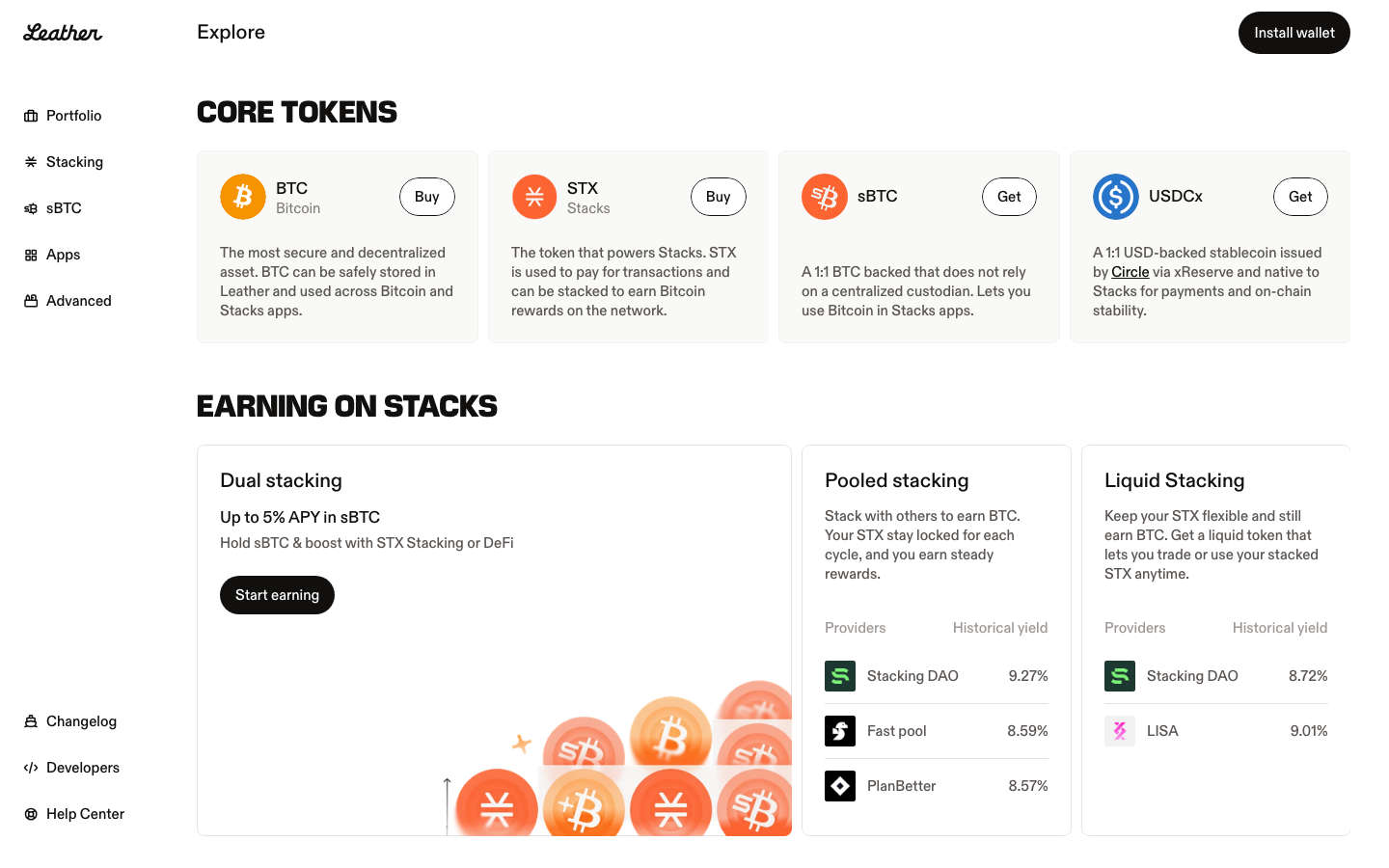

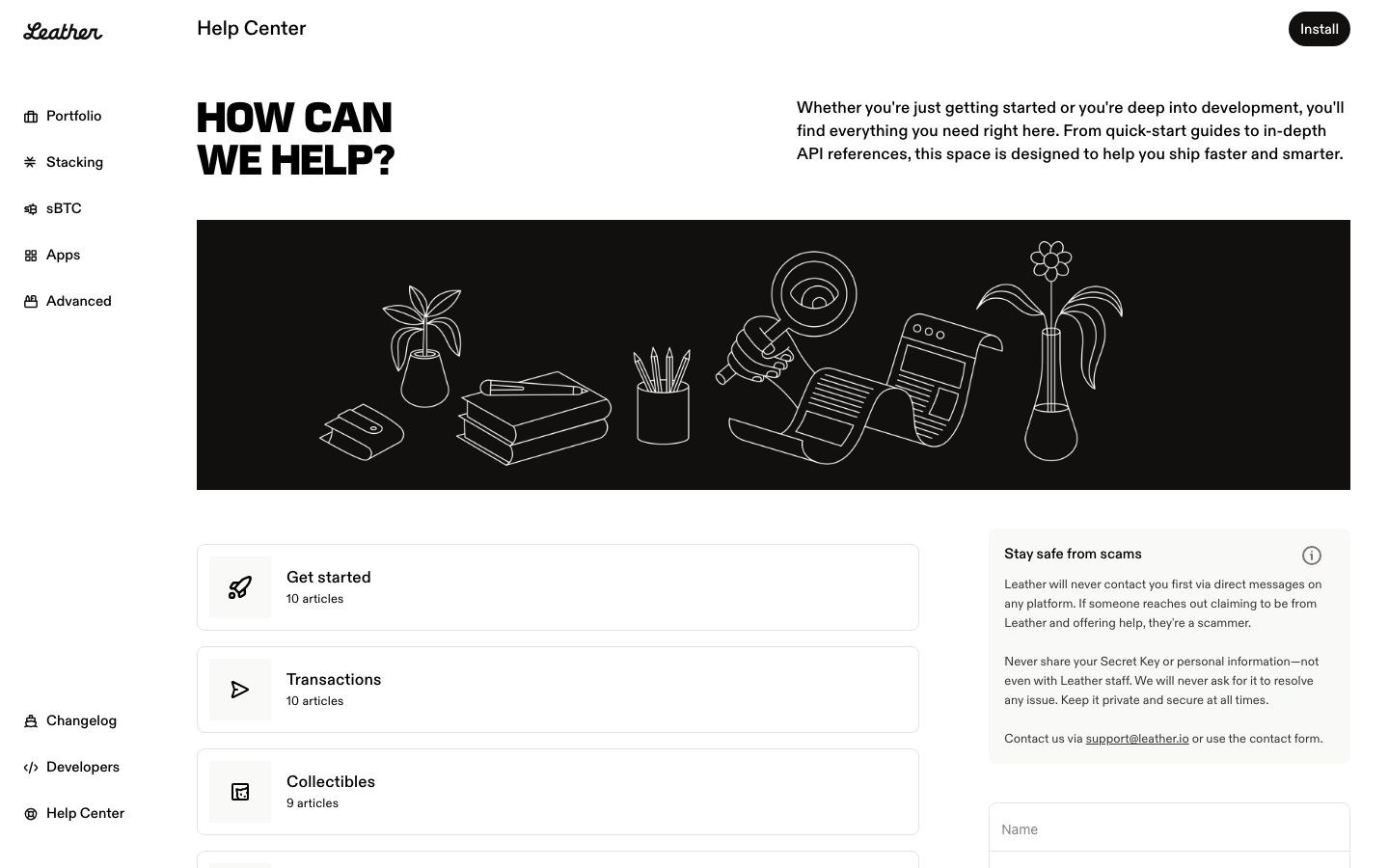
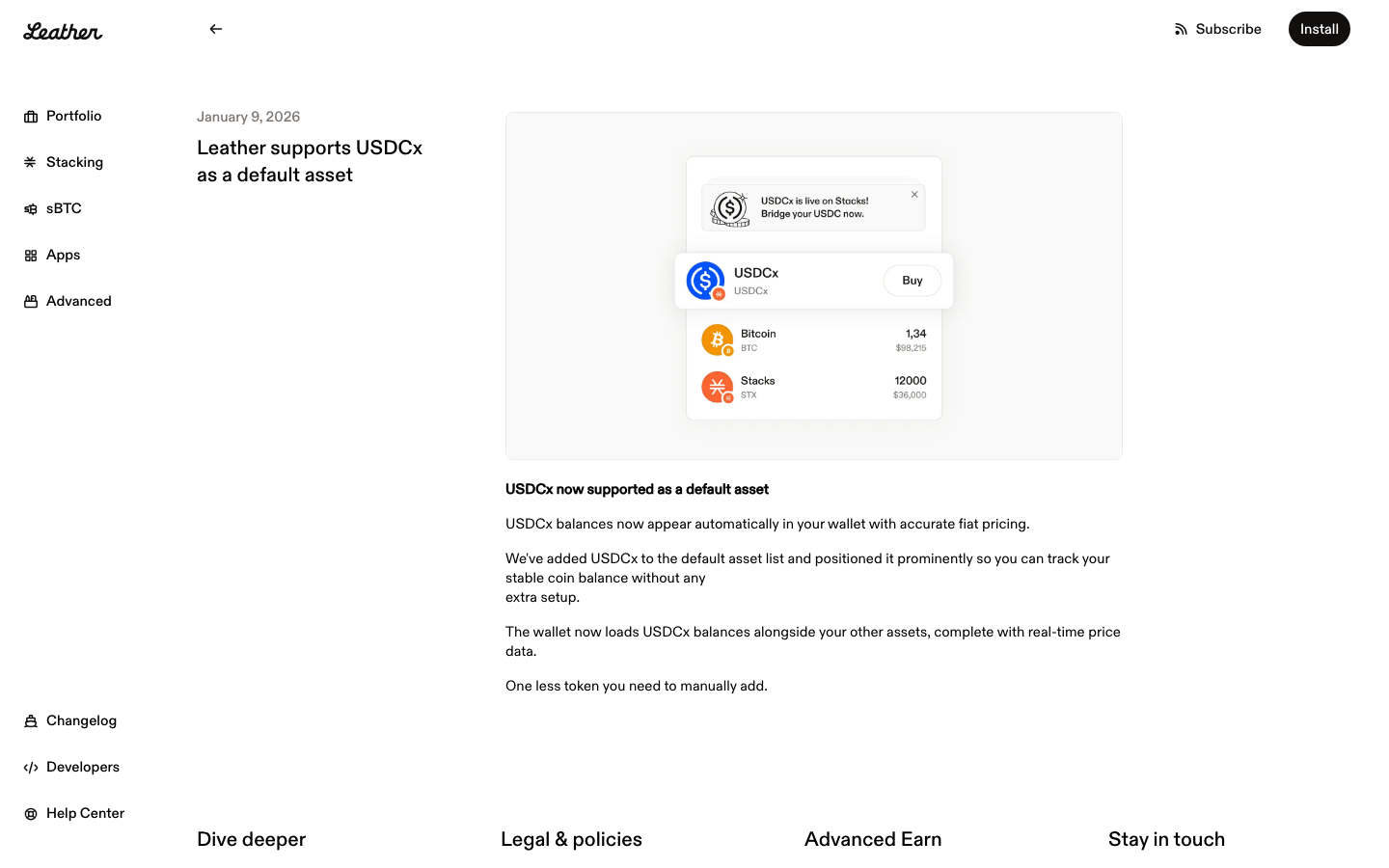
Wallet Comparison
Leather vs Phantom
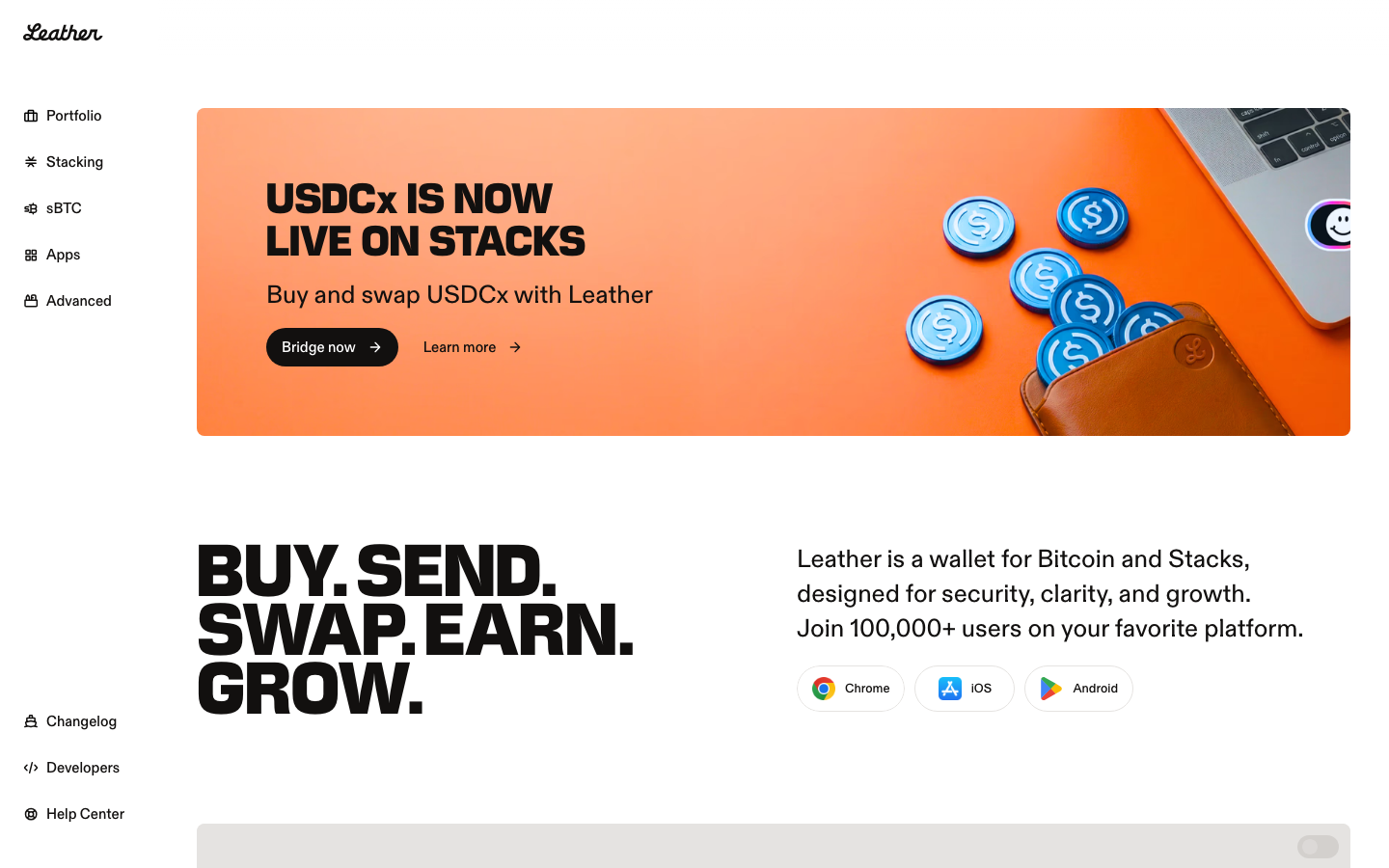
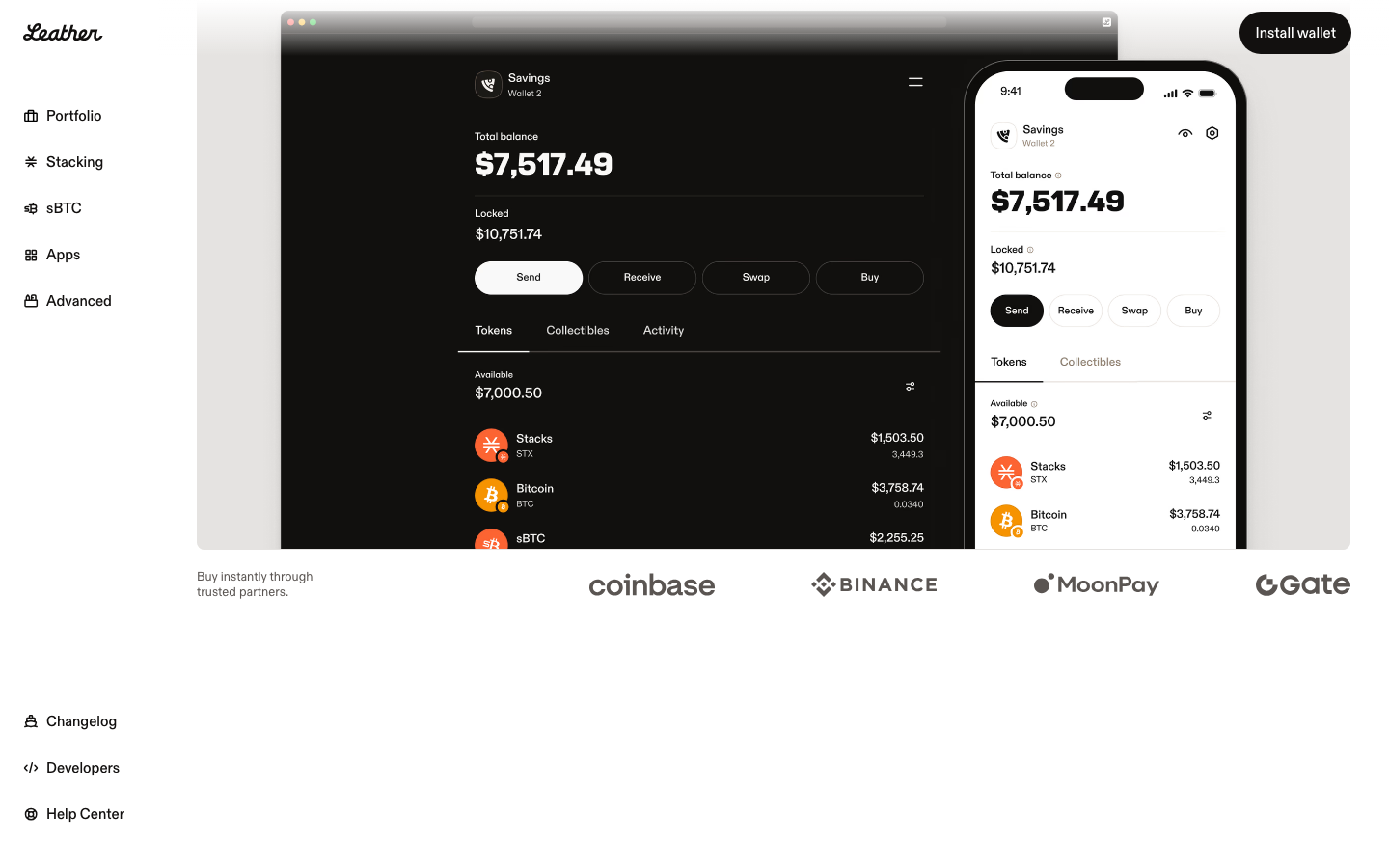
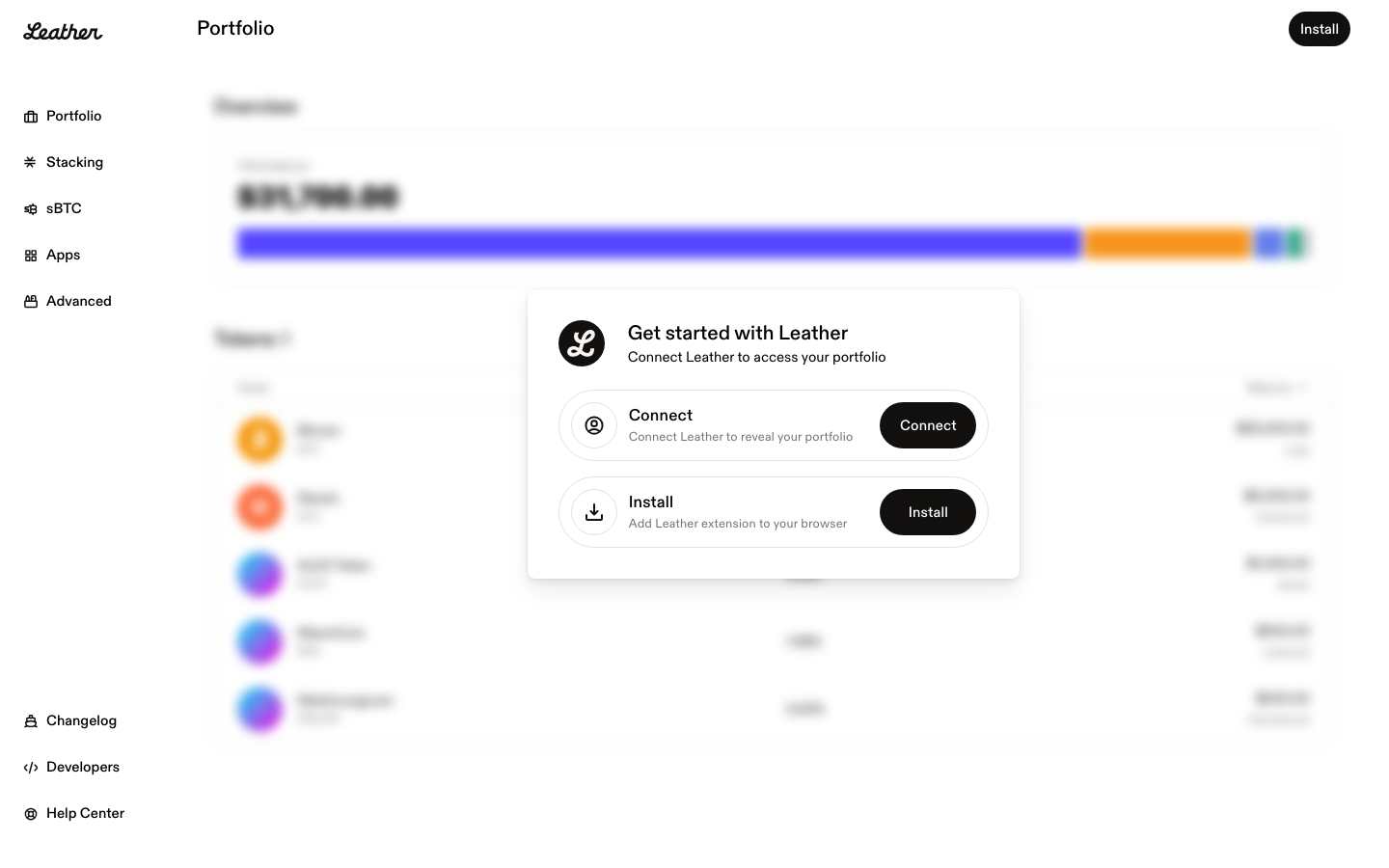
Side-by-side comparison of two wallet products. Compare UI patterns, screen designs, and user flows.
| Leather | Phantom | |
|---|---|---|
| Category | Wallet | Wallet |
| Chains | Bitcoin | Multi-chain |
| Screens | 20 | 52 |
| Flows | Home, Onboarding, Settings, Staking | Home, Onboarding, Swap, Send, Staking, Settings |
| Styles | Dark Mode, Minimal, Card-Heavy | Dark Mode, Glassmorphism, Gradient-Rich |
| Sections | Dashboard, Portfolio, Staking, Onboarding, Settings, Learn | Dashboard, Portfolio, Token List, NFT Gallery, Staking, Onboarding, Settings |
| Last Updated | Feb 13, 2026 | Feb 8, 2026 |
Flow-by-flow comparison
Home
Leather
Phantom
NFT gallery
Activity history
Onboarding
Leather
Phantom
Welcome screen
Create new wallet
Backup seed phrase
Confirm backup
Set password & biometrics
Settings
Leather
Phantom
General settings
Security settings
Connected apps
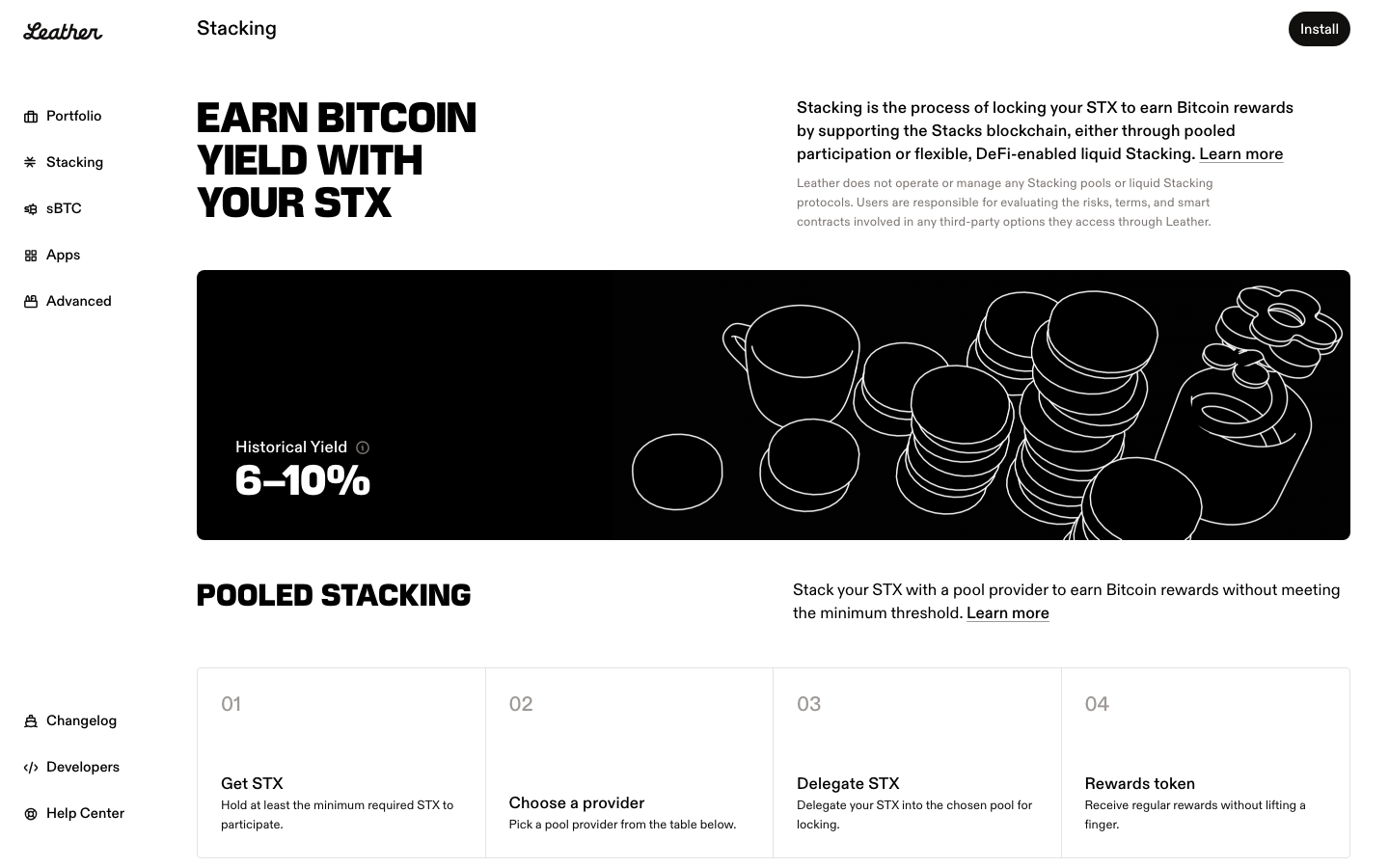
Staking
Leather
Phantom
Validator list
Enter stake amount
Confirm stake
Staking overview
Explore each product
More wallet comparisons
Track design changes across crypto products
Get alerts when Leather or Phantom ships UI updates.