←Back to Library
DeFi Comparison
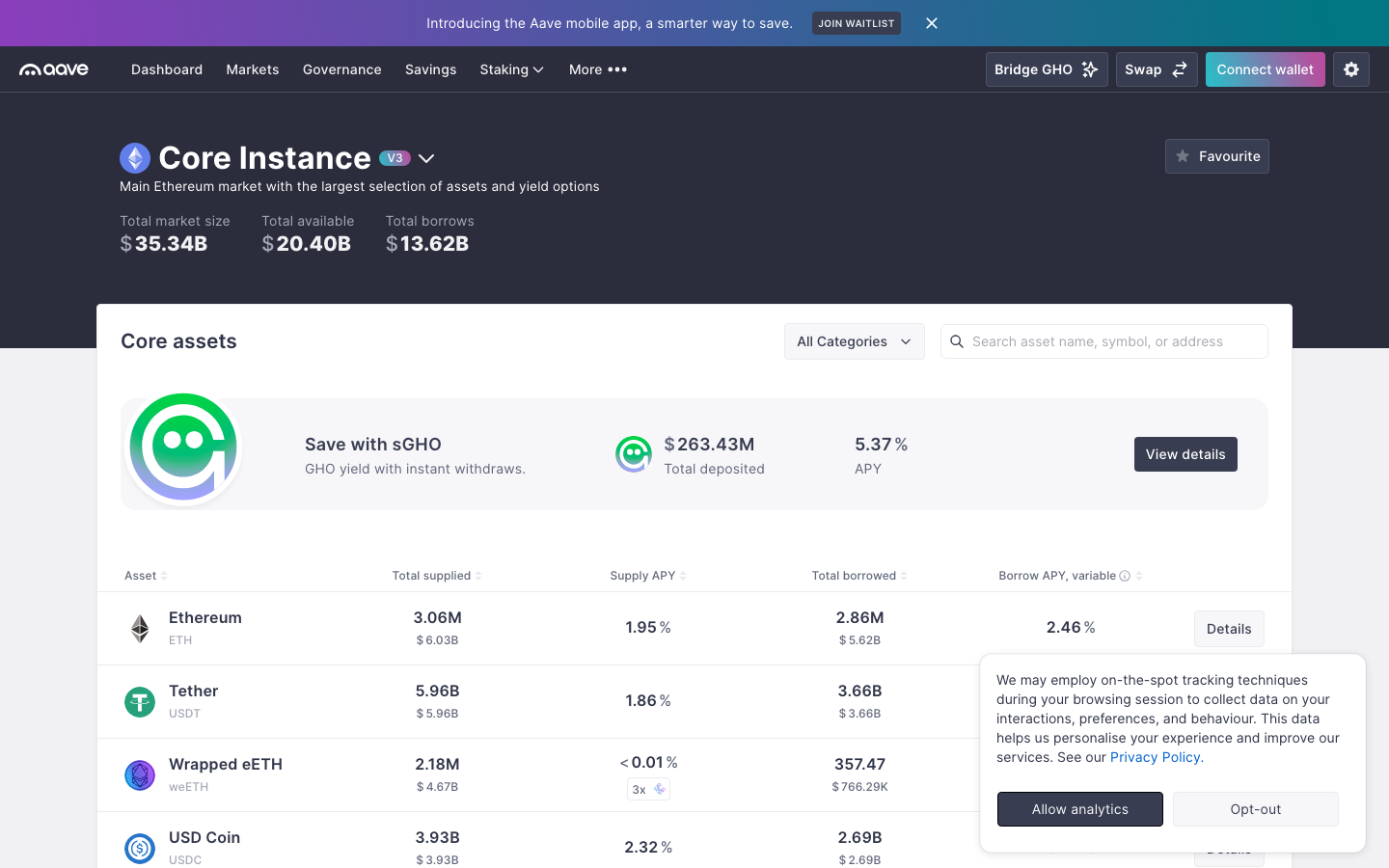
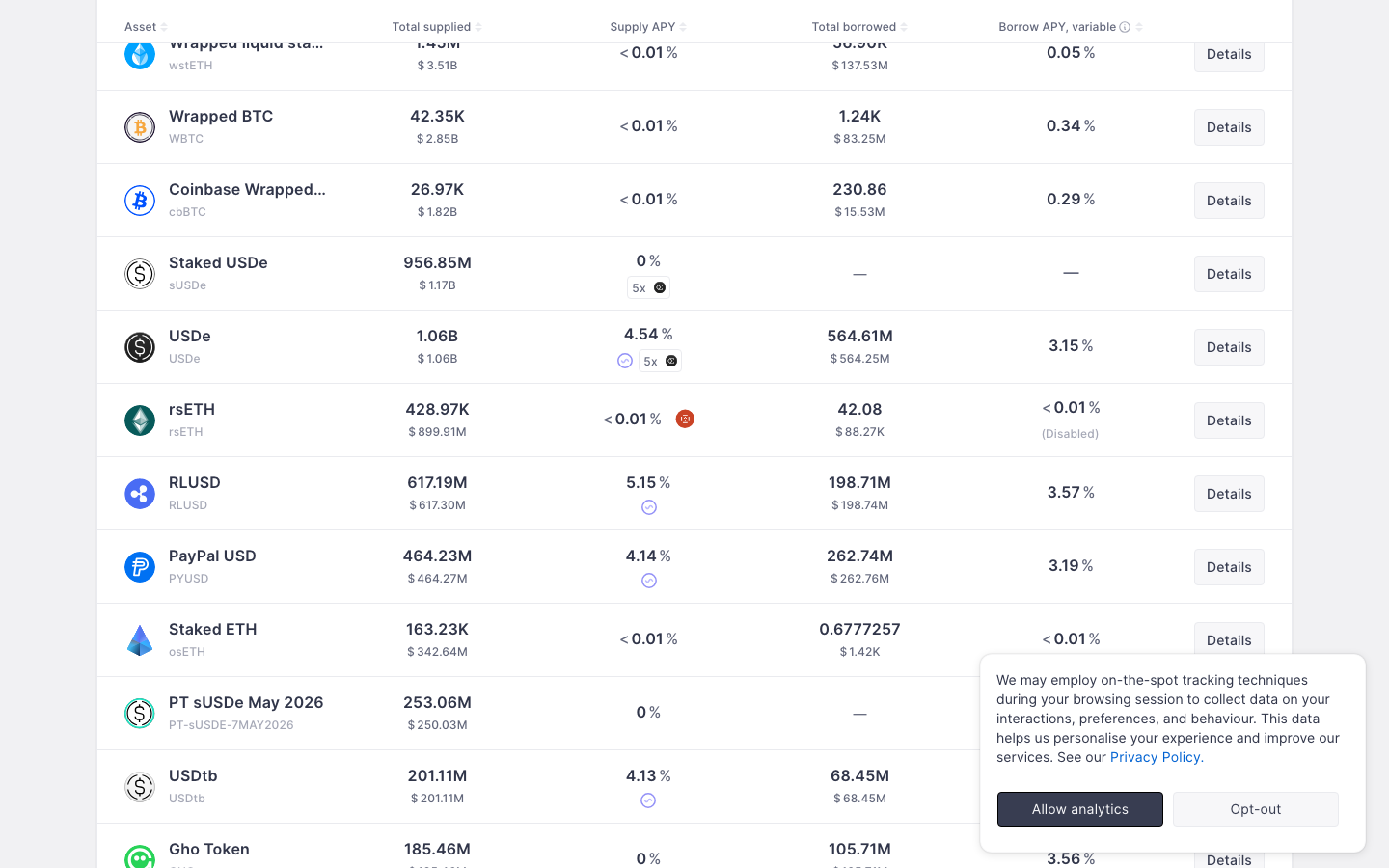
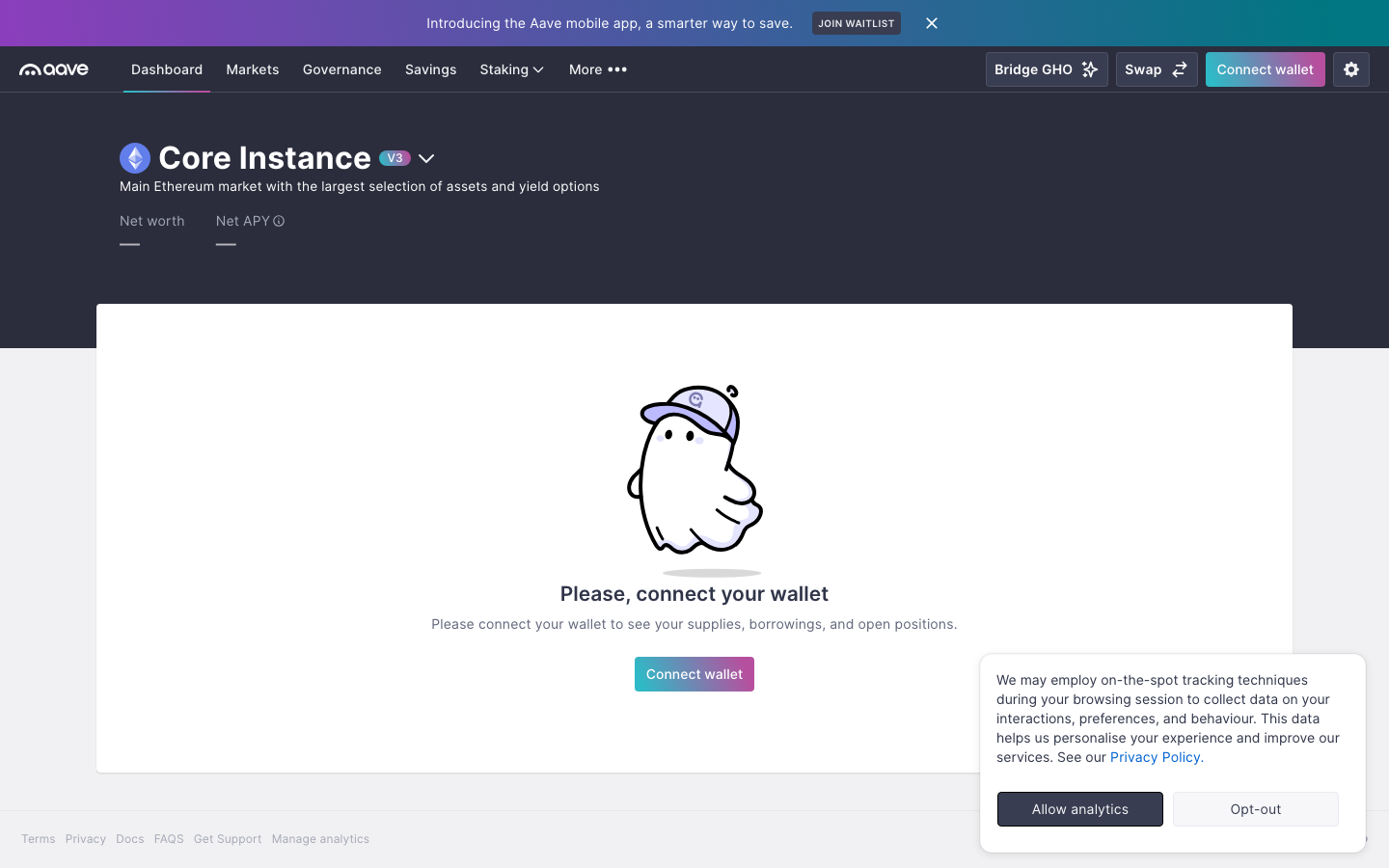
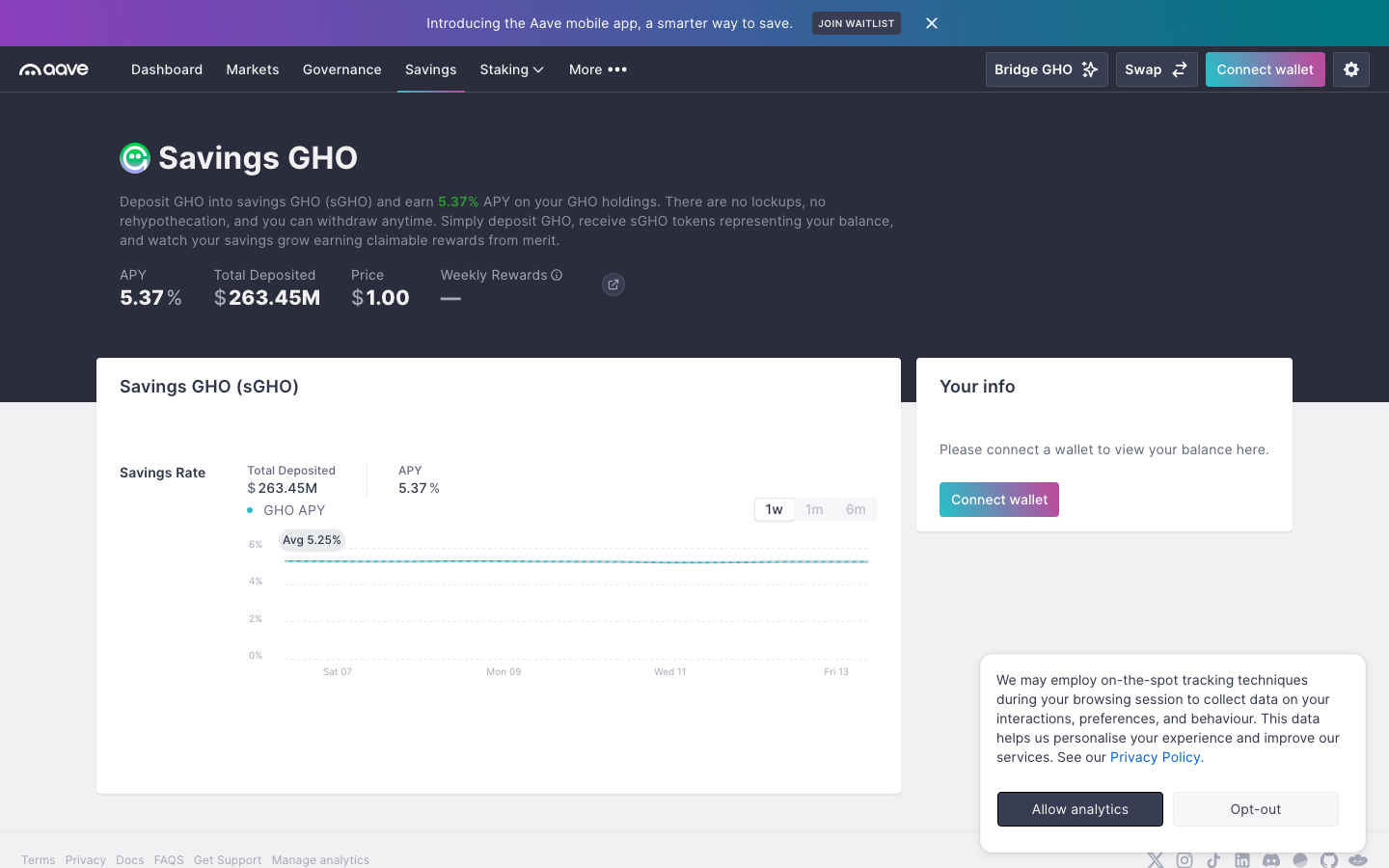
Aave vs Uniswap
Side-by-side comparison of two defi products. Compare UI patterns, screen designs, and user flows.
| Aave | Uniswap | |
|---|---|---|
| Category | DeFi | DeFi |
| Chains | Ethereum | Multi-chain |
| Screens | 12 | 36 |
| Flows | Home, Swap, Settings | Home, Swap, Onboarding, Staking, Settings |
| Styles | Dark Mode, Data Dense, Card-Heavy | Dark Mode, Minimal, Gradient-Rich, Clean / Corporate |
| Sections | Dashboard, Markets, Staking, Governance, Earn, Settings | Dashboard, Trade View, Token List, Markets, Portfolio, Onboarding, Settings |
| Last Updated | Feb 13, 2026 | Feb 12, 2026 |
Flow-by-flow comparison
Home
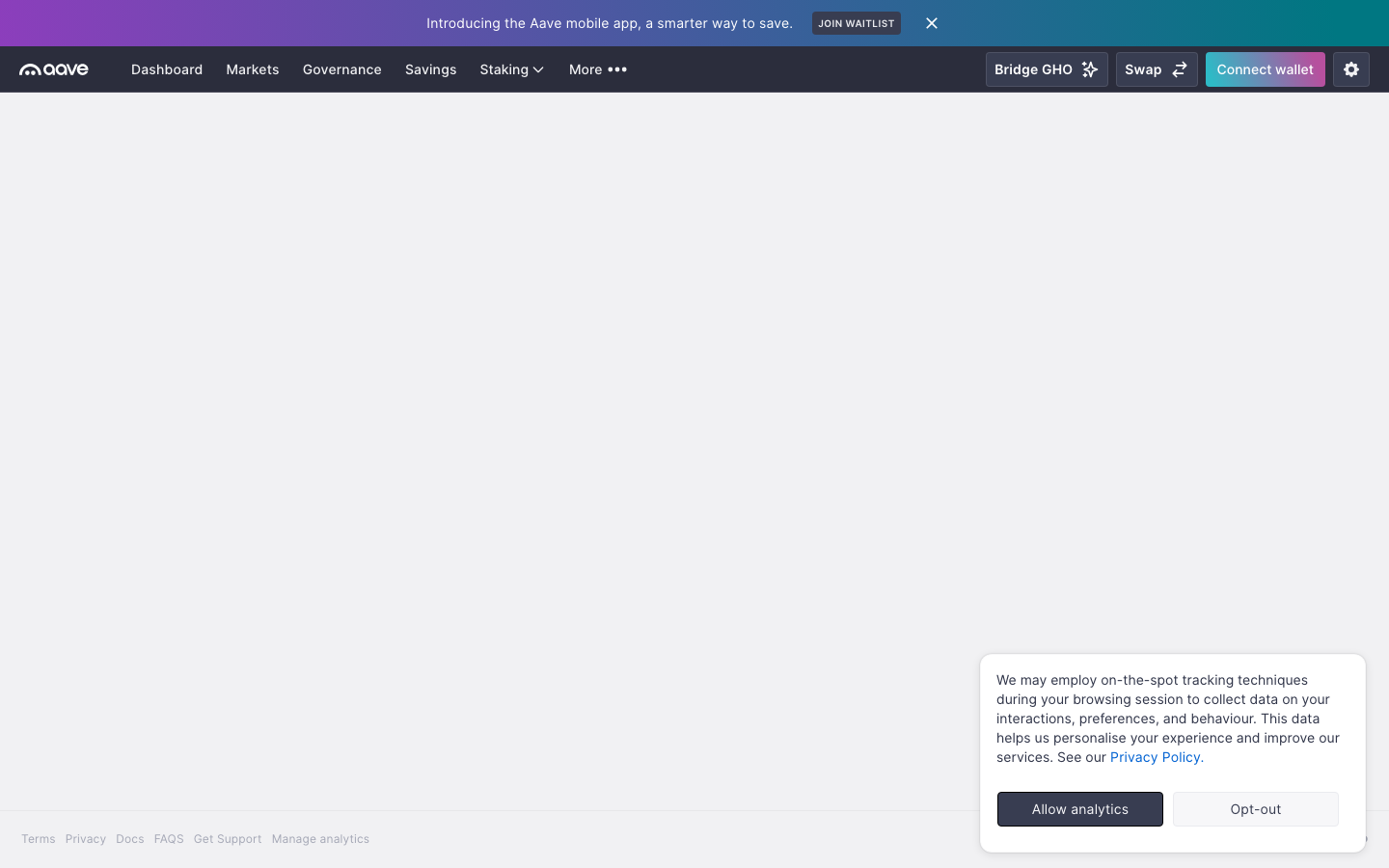
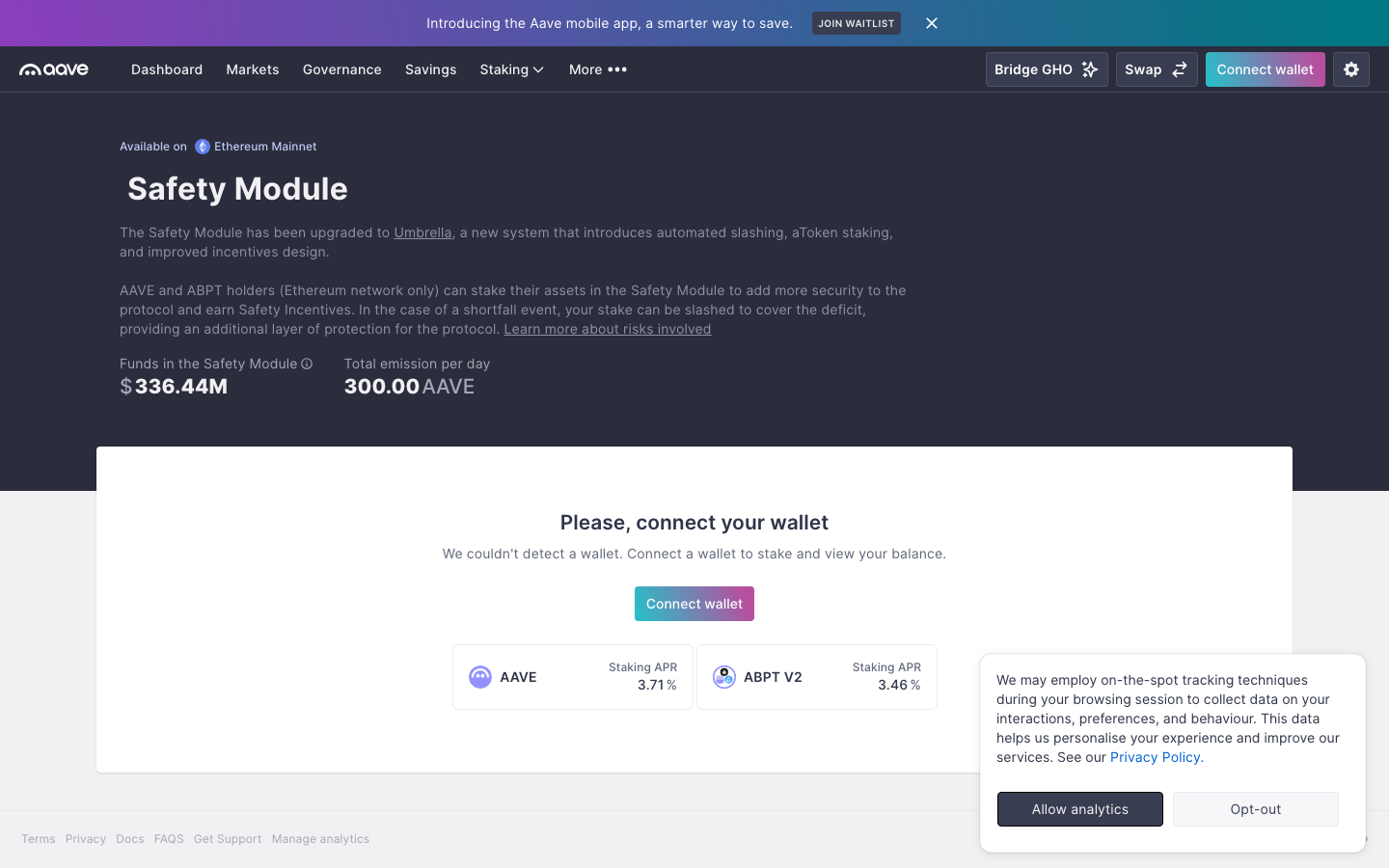
Aave
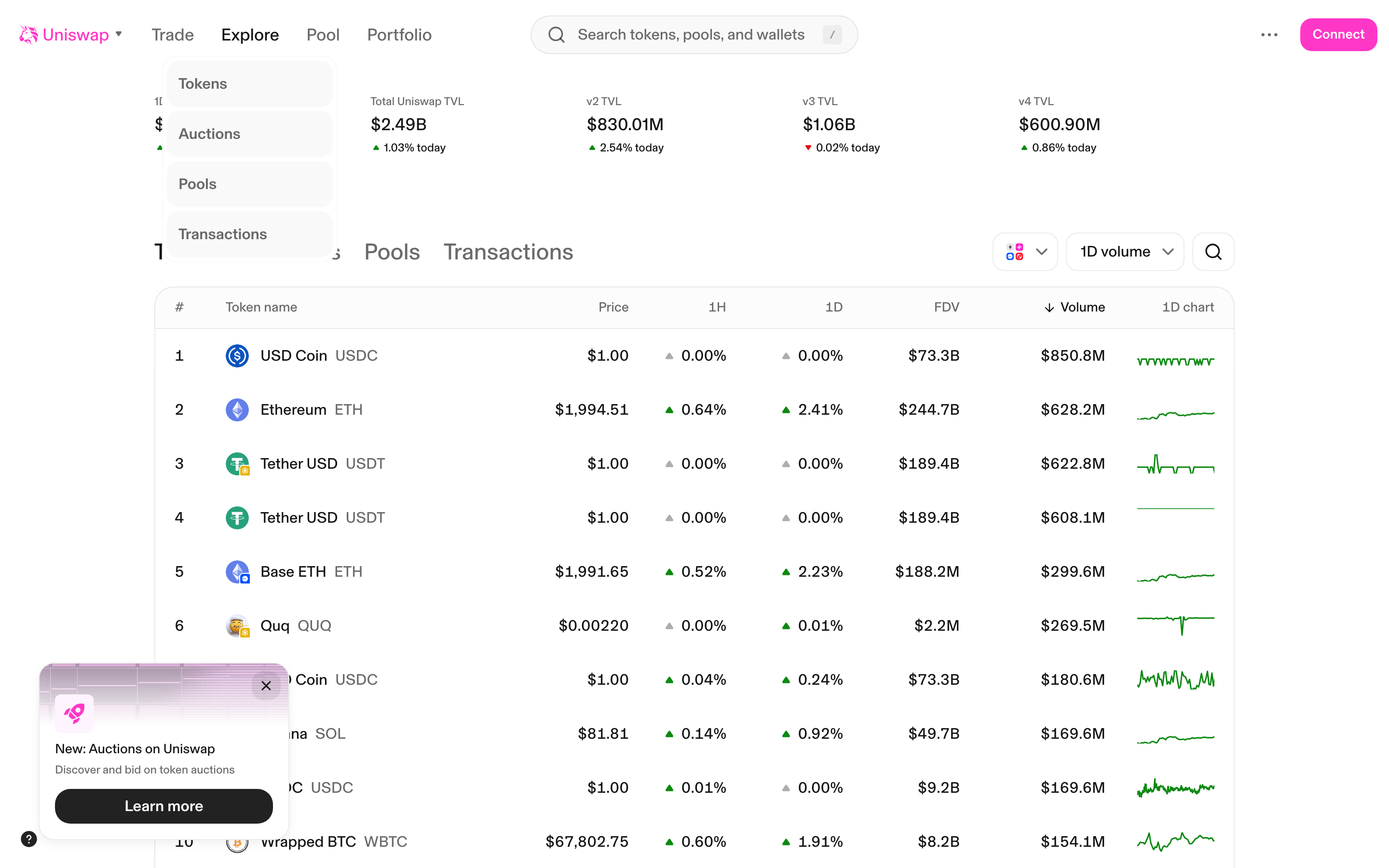
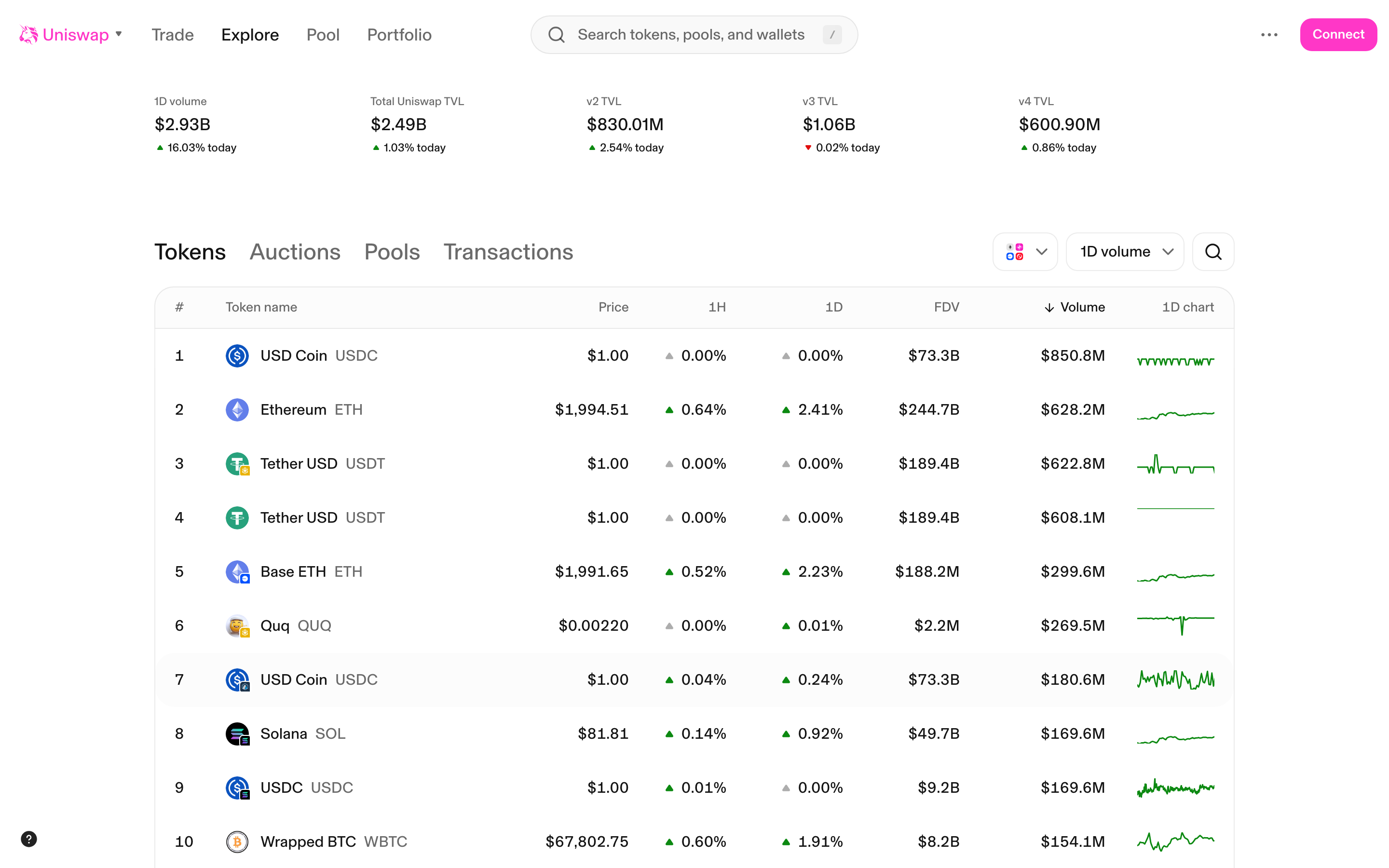
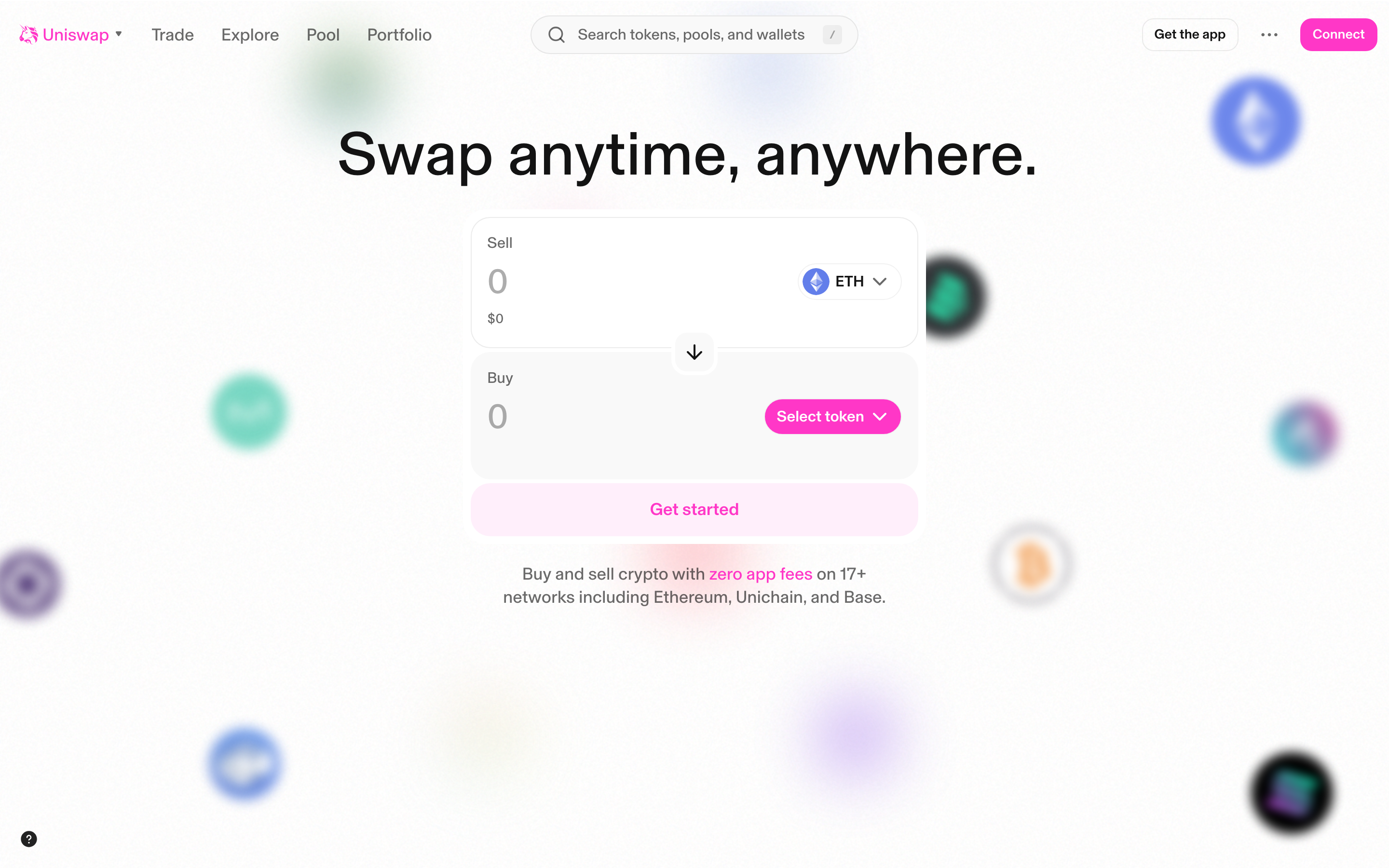
Uniswap
Swap
Aave
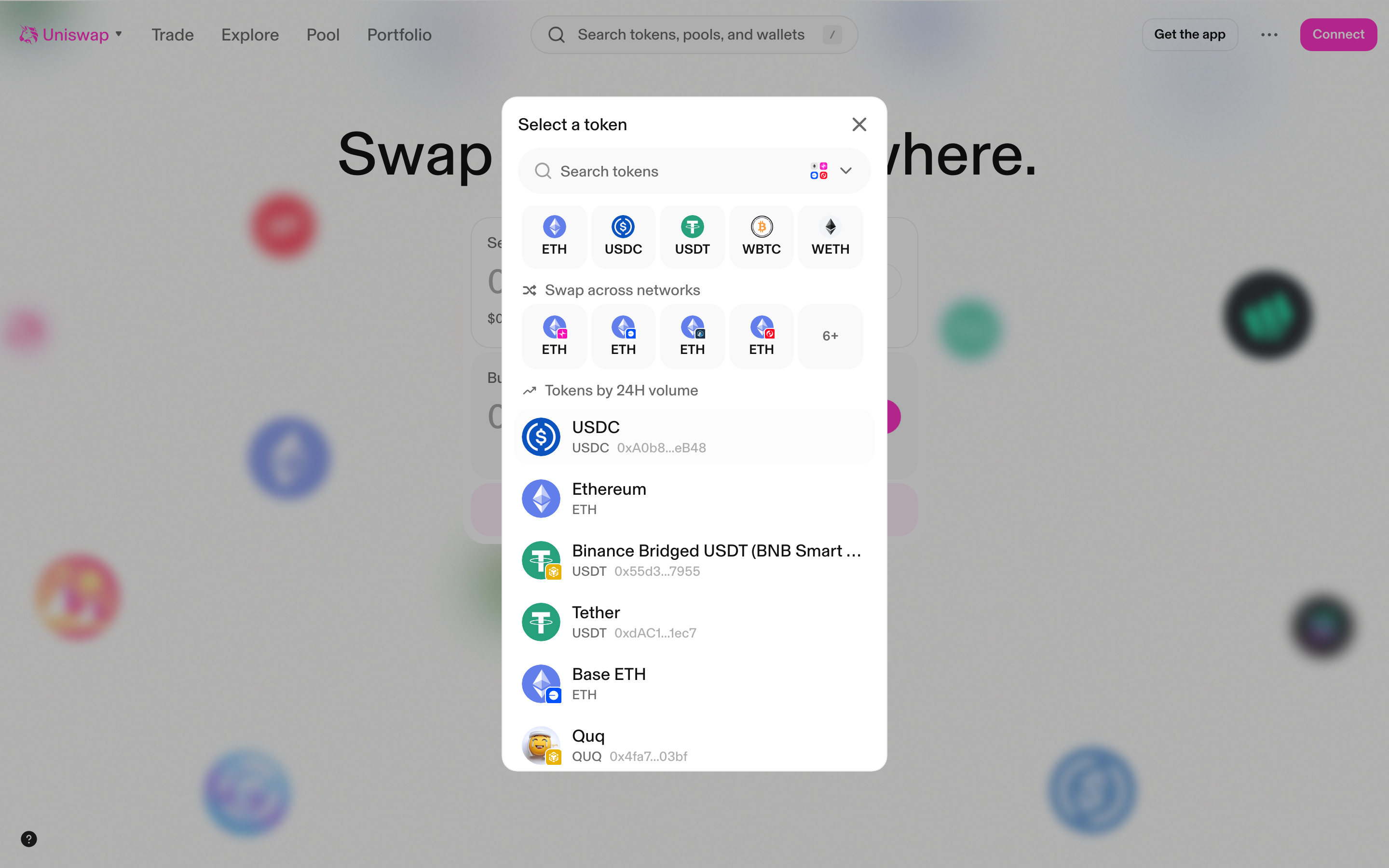
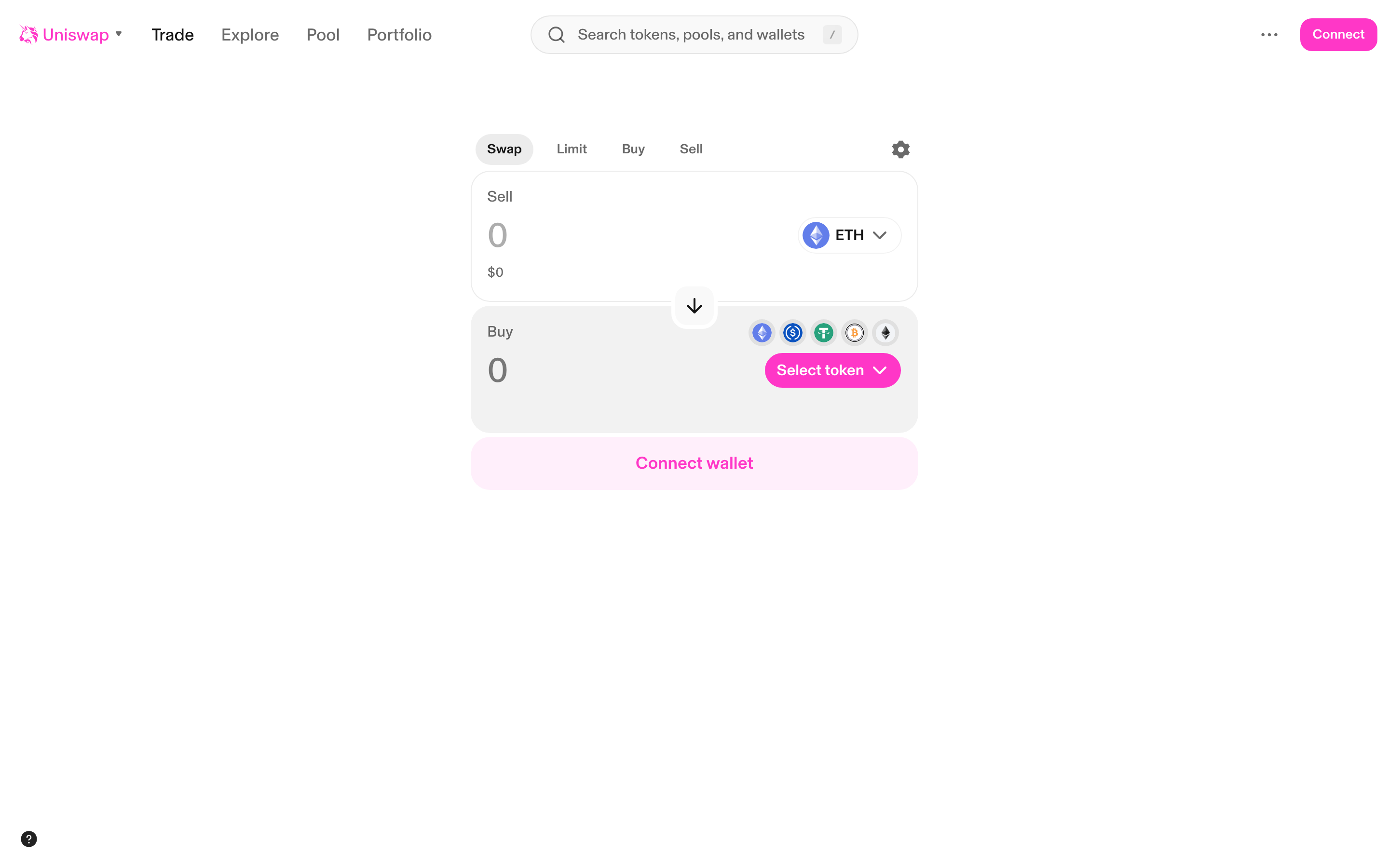
Uniswap
Settings
Aave
Uniswap
Explore each product
Aave
Decentralized lending and borrowing protocol
12 screens3 flows
Uniswap
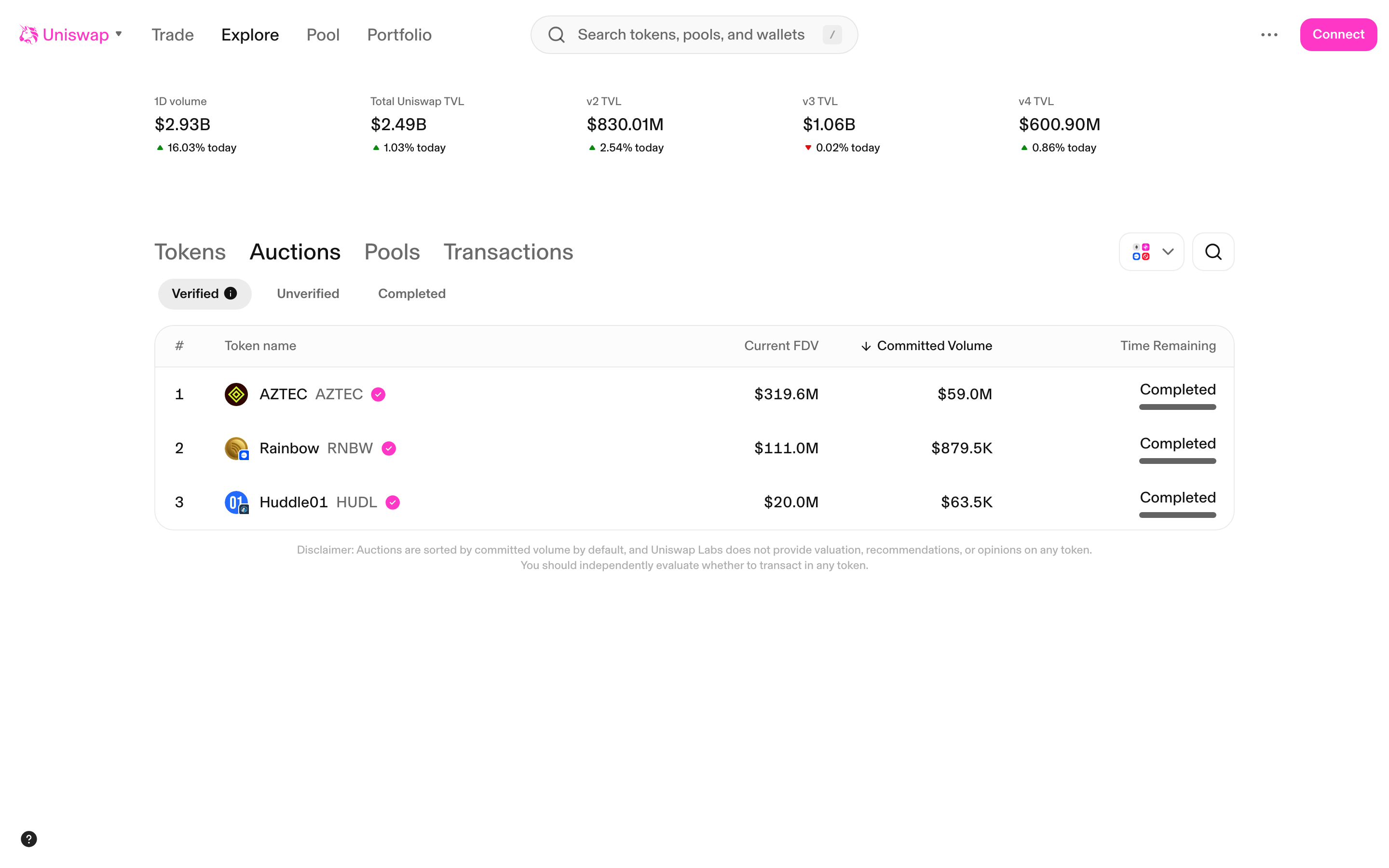
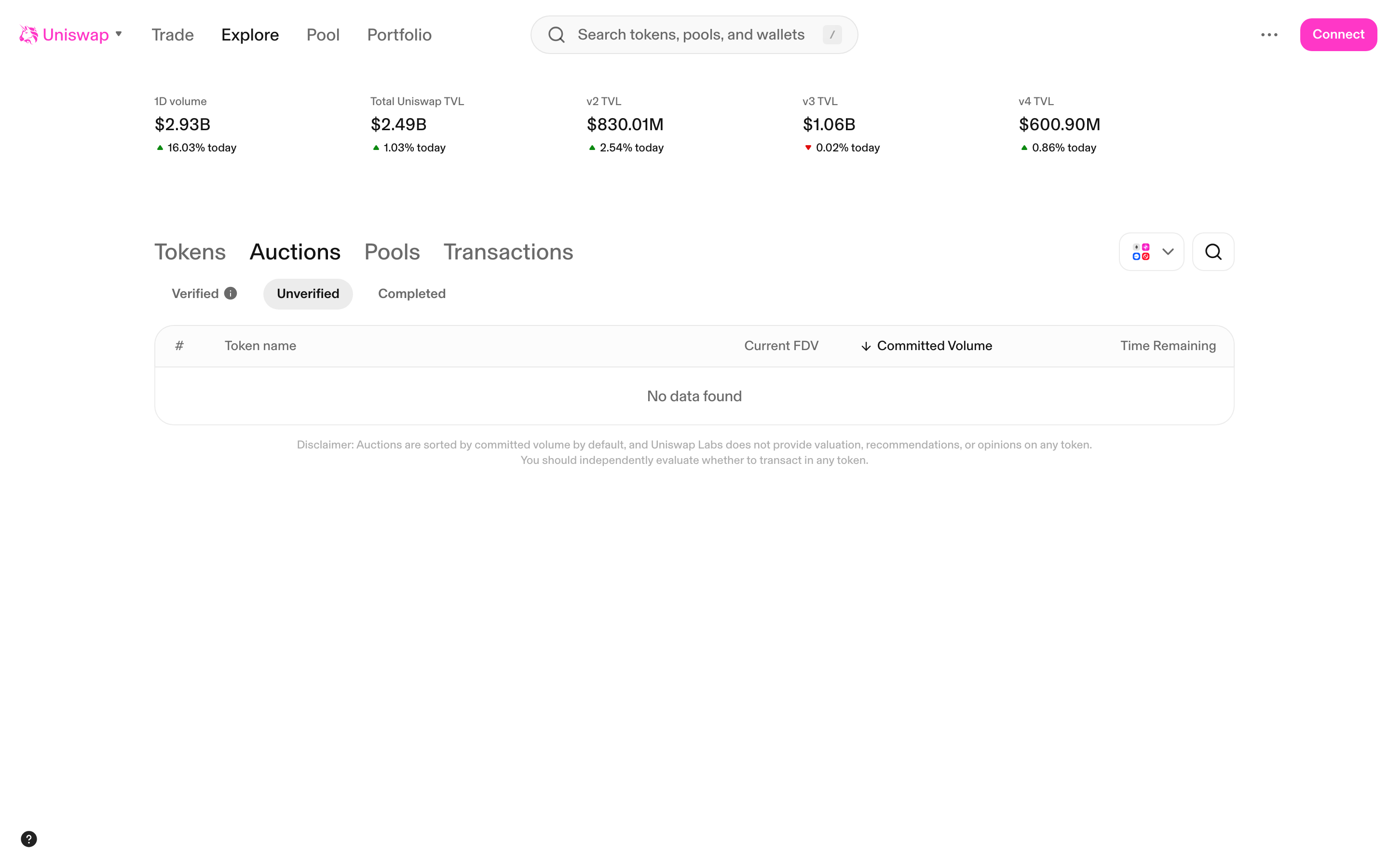
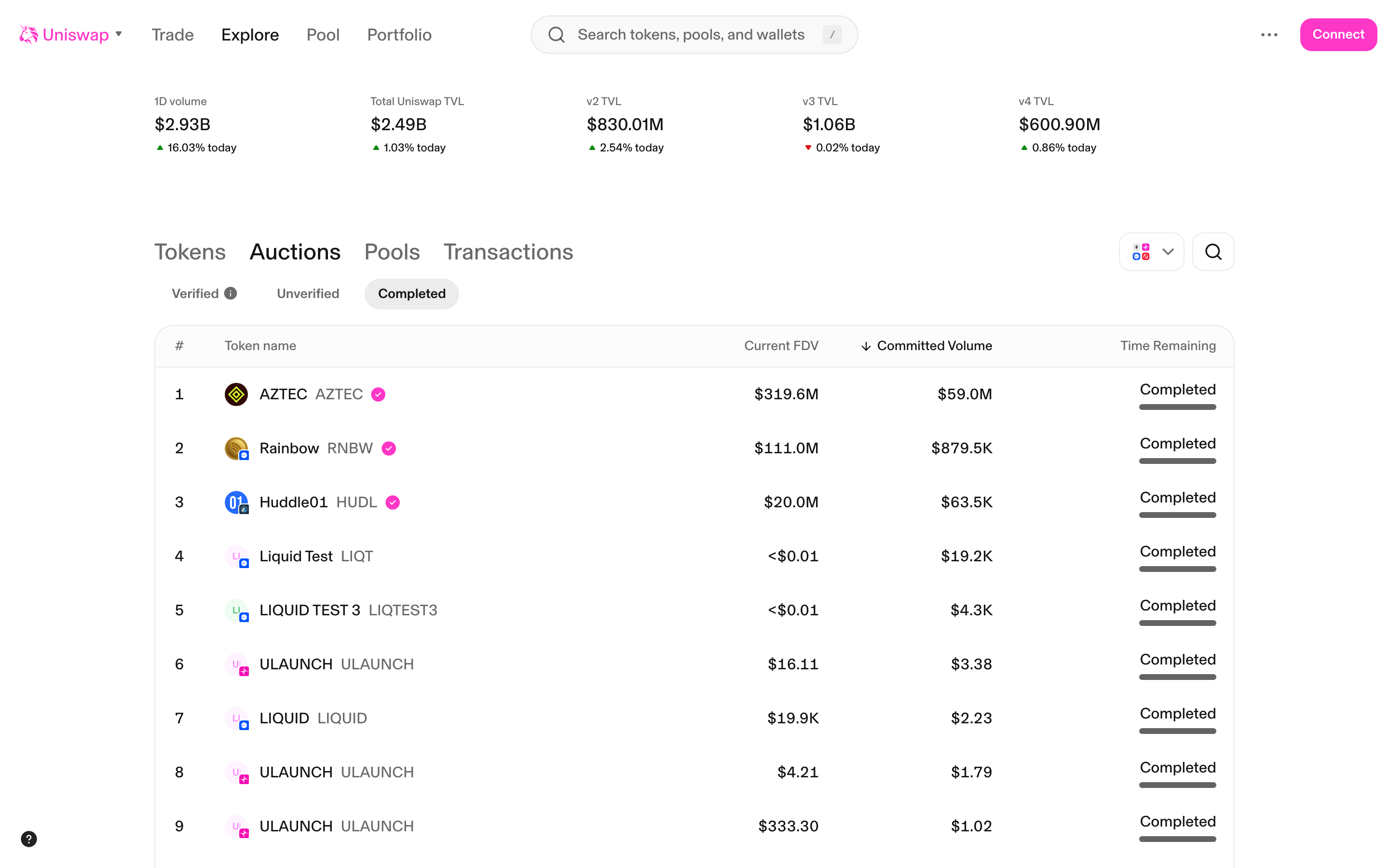
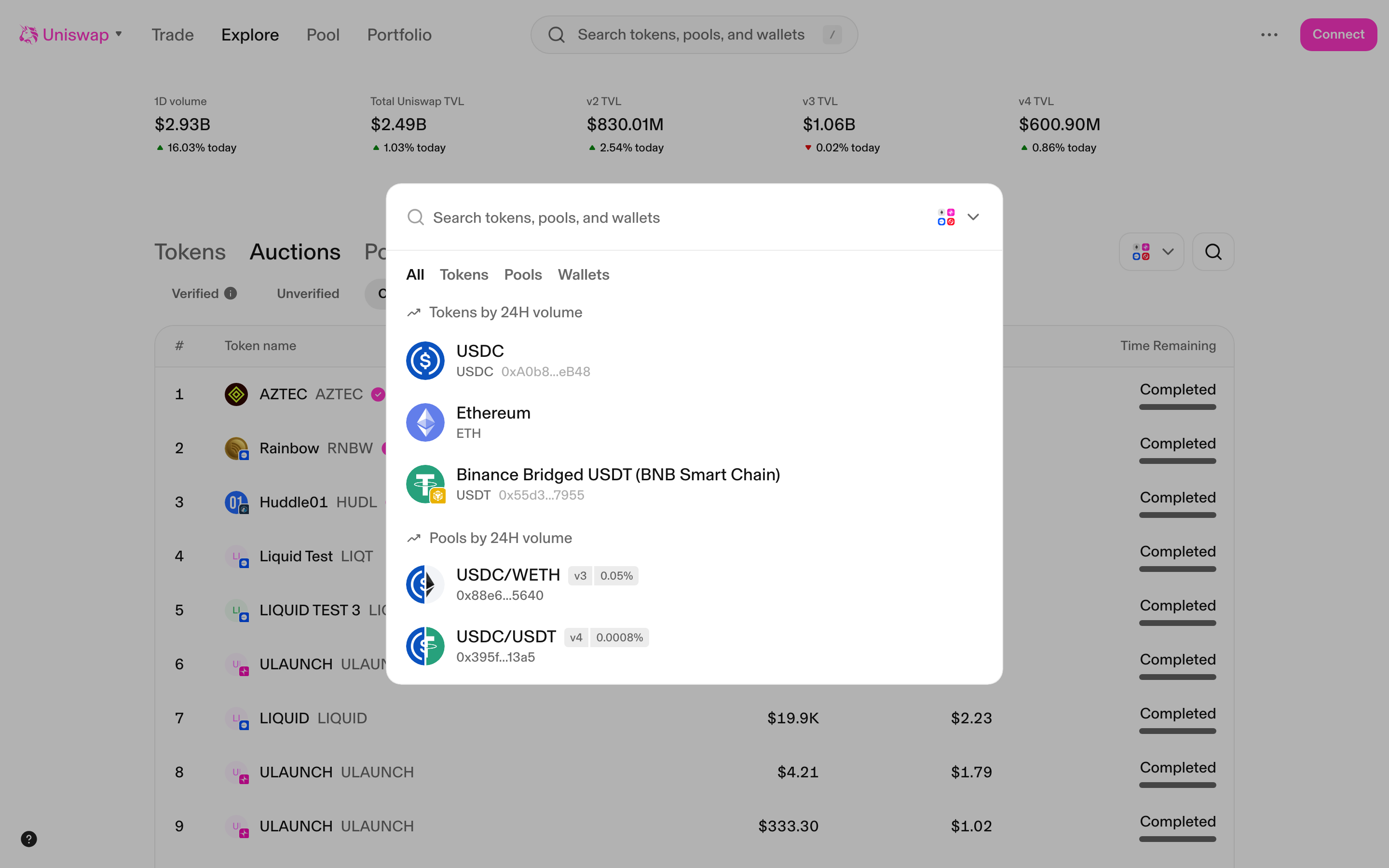
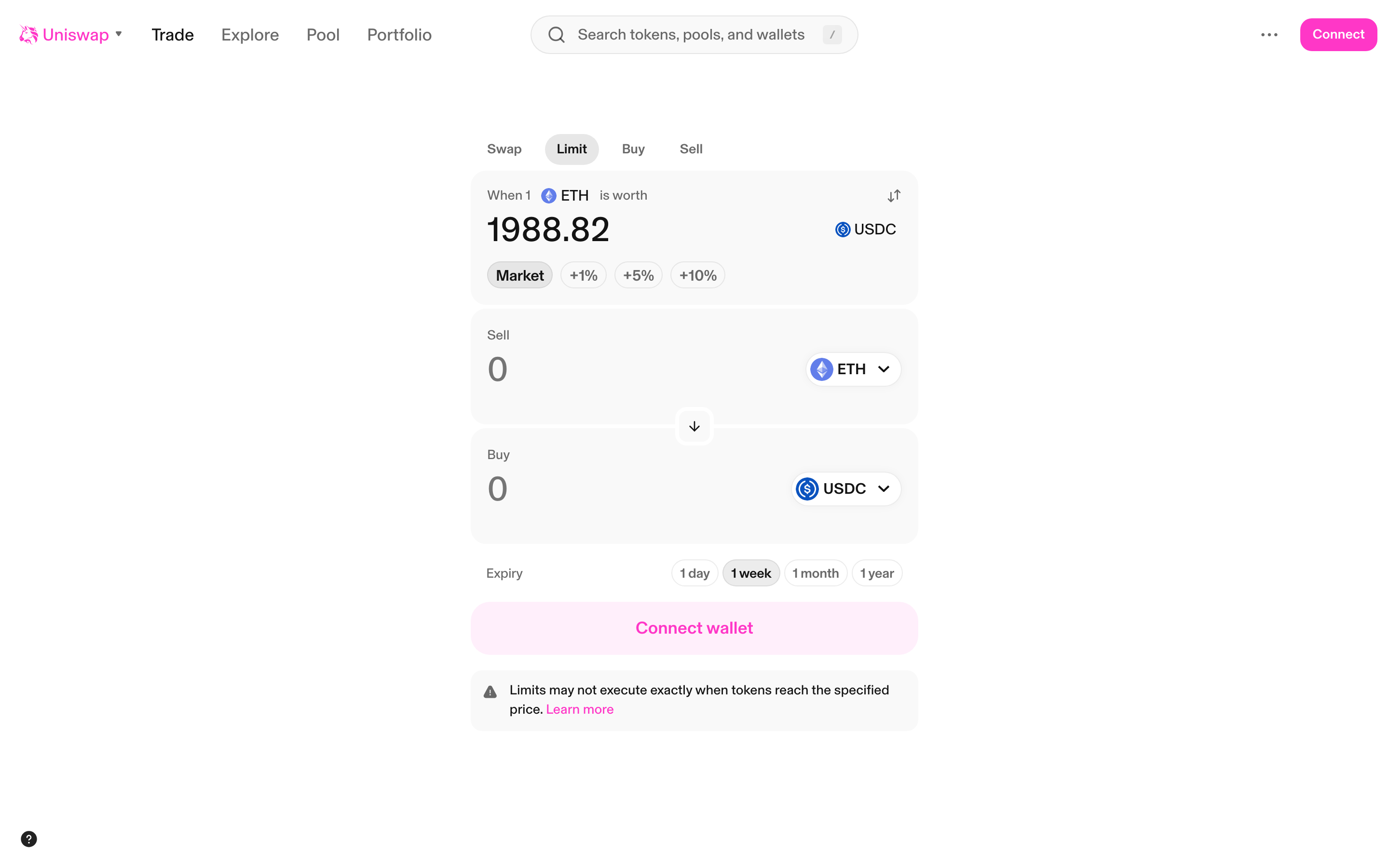
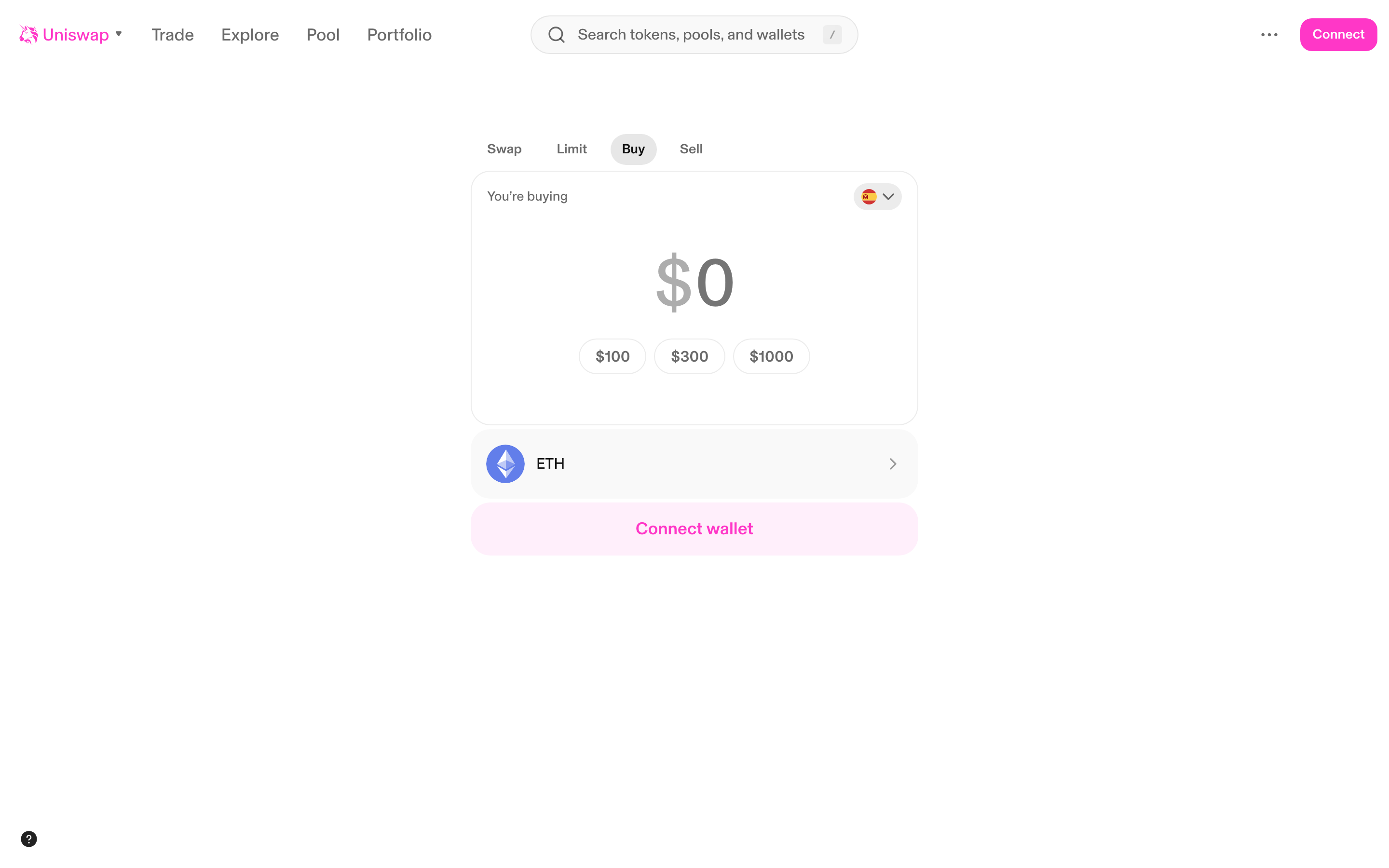
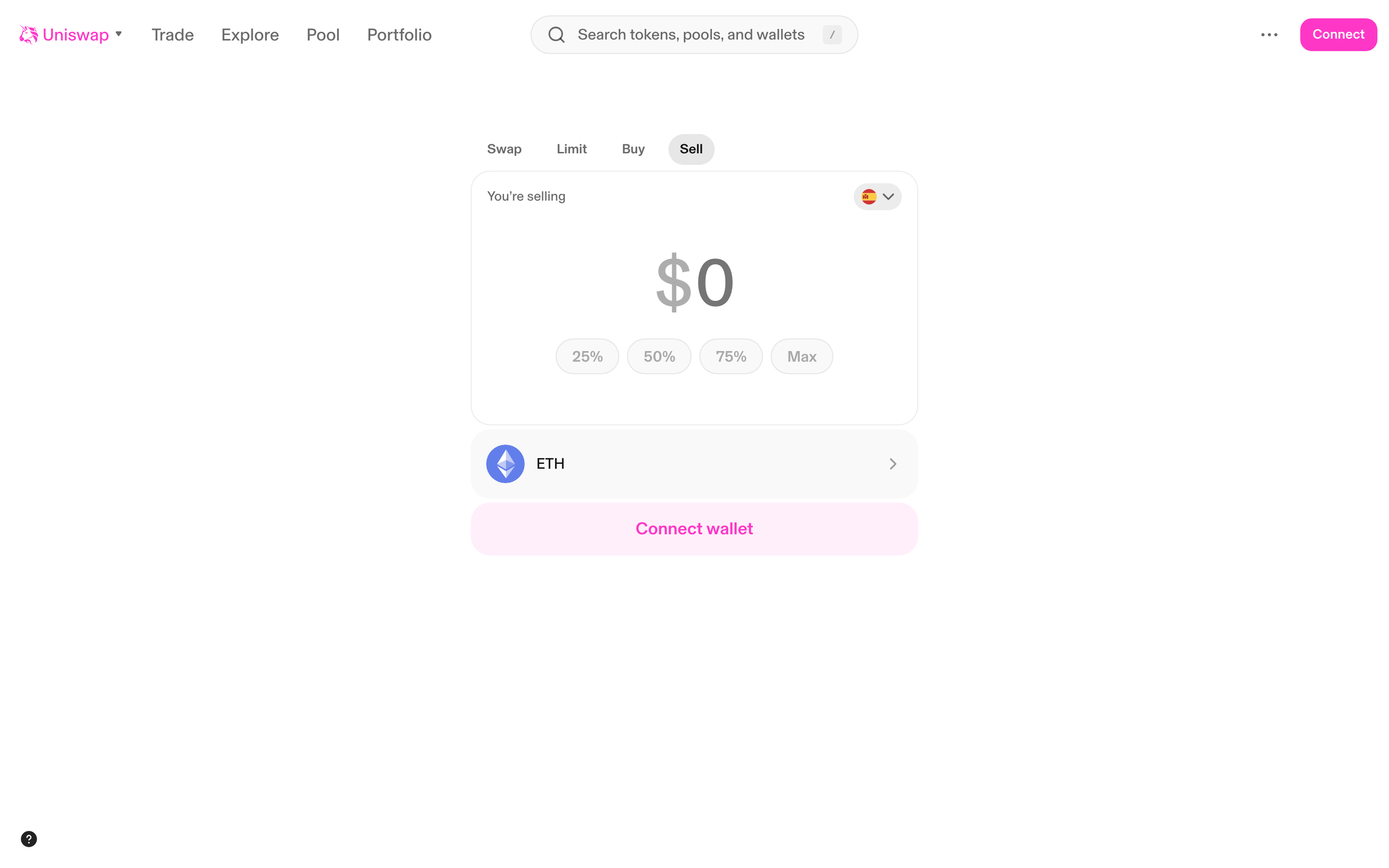
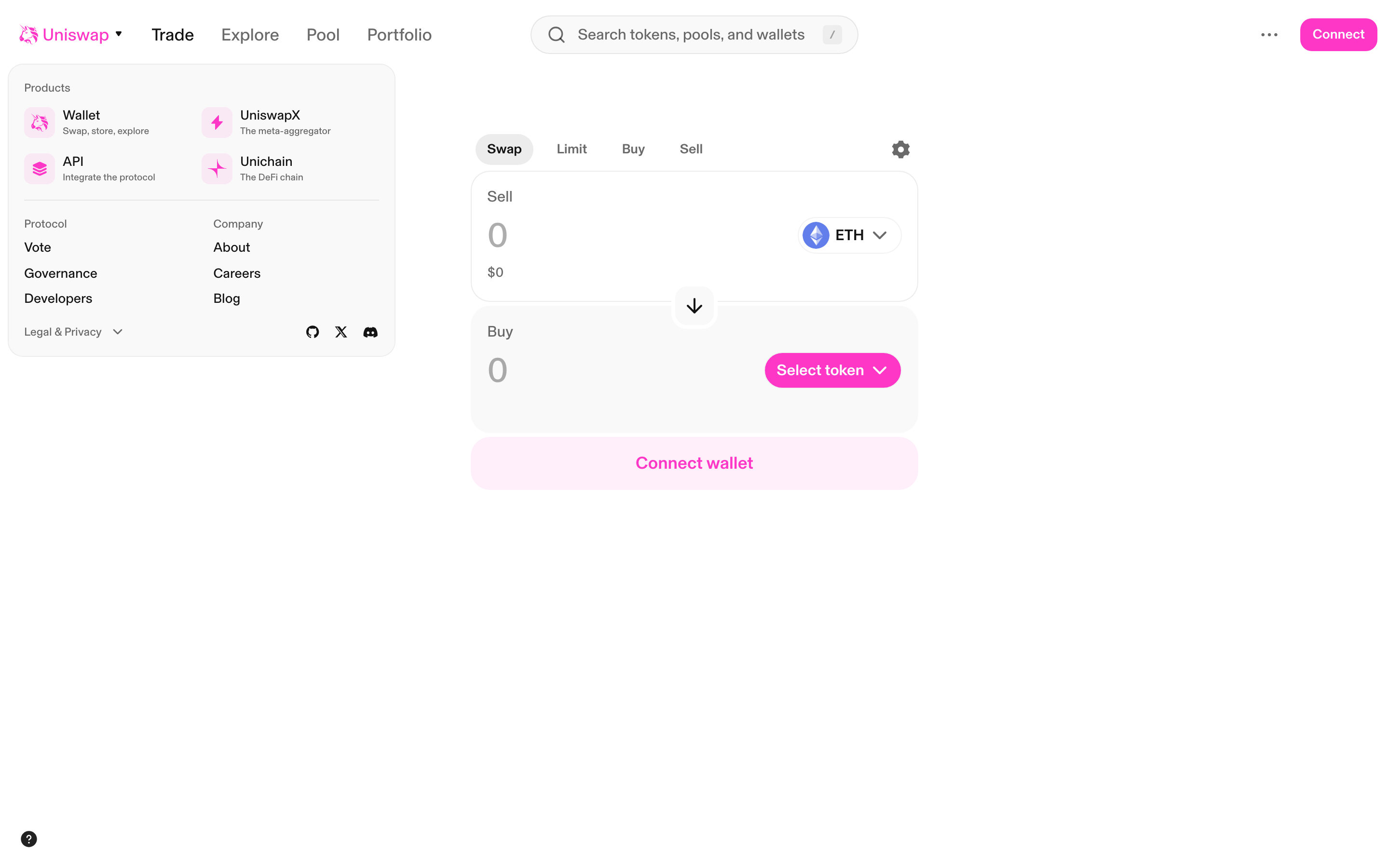
The largest decentralized exchange protocol — browse Uniswap's full swap interface, limit orders, fiat on/off ramps, pool management, explore pages, and wallet onboarding across Ethereum, Polygon, Arbitrum, Optimism, and Base.
36 screens5 flows
More defi comparisons
Track design changes across crypto products
Get alerts when Aave or Uniswap ships UI updates.